🌐 Personal website for Network Engineers

Show the networks you’ve built, secured and kept running

Network hiring managers want to know which gear you have configured, at what scale, and whether you can troubleshoot an outage at 2 am without guesswork. A personal site lays out your environments, the routing and security work you have done, your lab topologies and your CCNA or CCNP, so the technical round starts on solid ground.

Claim your name: digitalcvmaker.com/

● Live in 5 minutes · free to start · no auto-renew

See it live

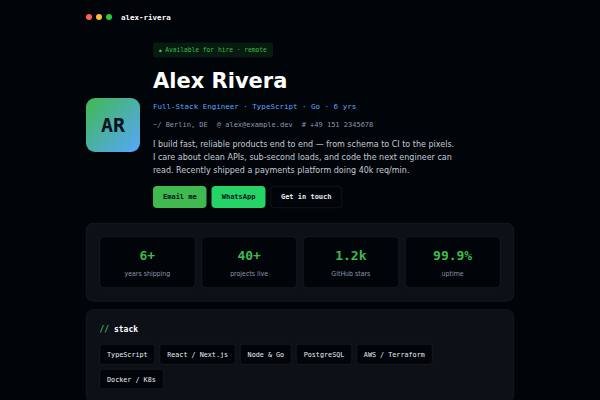
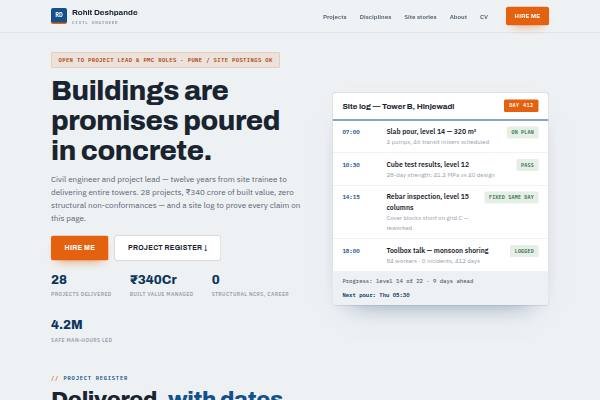
See a live demo of a network engineer website

Real designs filled in for a sample person (not a real profile). Open one, scroll it like a visitor would, then make yours free.

Before and after

Same person, same details — as a PDF and as a website.

Before: the resume Sample network engineer resume, page 1 of the PDF
Page 1 of the PDF
After: the website
The live demo website · Open it →

Does a network engineer need a personal website?

Yes — a network engineer benefits from a personal website, because employers want proof of the networks you design, configure and troubleshoot, not just a certificate list. A site lets you describe a campus or data centre network, a migration you handled and your lab work, which shows real depth to hiring managers.

Why Network Engineers choose a personal site

Everything a network engineer needs, in one link

Environments with scale

Campus, data centre or branch networks described by sites, devices and the role you played.

Routing and security

OSPF, BGP, VLAN design, firewalls and VPNs listed with the vendors you have worked on.

Labs that prove skill

GNS3, EVE-NG or Packet Tracer topologies with configs show hands-on practice beyond the certificate.

Before you publish

What to put on your network engineer website

Tick off each item as you add it — and why each one matters to the people who read your site.

Page outline

How to lay out a network engineer website

  1. Role and scope line State your focus, such as “enterprise LAN, WAN and firewall operations” or “ISP core and BGP engineering”.
  2. Network projects Describe a branch rollout, SD-WAN migration or data centre upgrade: starting state, design, your role, cutover plan and result.
  3. Troubleshooting stories One outage you diagnosed, the tools used, root cause and fix shows calm, methodical thinking.
  4. Platforms and protocols List routing, switching, firewalls, wireless and monitoring platforms by depth, such as configure, design or support.
  5. Certifications and labs Show CCNA, CCNP, JNCIA, Fortinet or cloud networking certificates, and a home lab or simulation work.
  6. Shifts and contact Mention NOC or on-call experience, shift preference, notice period and email.
Templates

Website templates for network engineers

What network engineers in India should know before going online

Network engineering roles in India sit in IT infrastructure services, internet service providers, telecom companies, banks, data centres and global capability centres. Many careers start in NOC or L1 support and move to L2, L3 and design roles, so describe your level and the escalations you handle. Certifications such as CCNA and CCNP are commonly used as filters by recruiters, but interviews probe real troubleshooting. Banks and government projects follow strict change windows and security rules, so experience with change approvals and audits is worth noting. Service providers often require rotational shifts, and saying whether you can work nights helps. Never post real configurations, IP plans, topology diagrams or screenshots from client networks; build a lab example instead.

Common website mistakes network engineers make

  • Posting real configs or topology diagrams from an employer. Use a lab or simulated network for examples.
  • Listing certifications without practical stories. Add at least one troubleshooting or migration example.
  • Saying “handled network issues” without level. State whether you worked at L1, L2 or L3 and what you owned.
  • Ignoring security. Firewall rules, VPNs and access control are expected skills today, so mention your exposure.
  • Letting certificate details go out of date. Show current status and expiry where relevant.
How it works

From nothing to a live site in three steps

1

Pick a template

Start from a design built for professionals like you.

2

Make it yours

Add your details, work and photo — no code, no designer.

3

Go live and share

Publish to your own link and put it everywhere that matters.

Plans from Rs.499 a month · See plans

One place for your job

Everything for network engineers

FAQ

Questions from Network Engineers

The environments you have supported, devices and vendors such as Cisco, Juniper, Fortinet or Palo Alto, the protocols you have configured and your on-call or NOC experience. A diagram of a lab topology you built makes it concrete.

Share configs from your own lab only. Never publish production configs, IP schemes, hostnames or anything that could help someone attack your employer’s network.

Many Indian employers and managed service providers still screen on them. List the certification and whether it is current, and back it up with lab work or troubleshooting examples.

Describe incidents you diagnosed and escalated, with what you checked. Add lab work on routing, VLANs and firewall policies, and any scripting with Python or Ansible for network automation.

Sanitised topology diagrams, home or virtual lab projects, certifications, vendors you work with and short troubleshooting write-ups.

It helps for entry-level roles, especially with hands-on lab practice. Show your lab work and any support experience on your site, and aim for the next certification as you gain experience.

Made for you

Personal websites for every profession

All professions →

Your name, your site, your callback

Join the Network Engineers who let their own site do the talking.

● Live in 5 minutes · free to start · no auto-renew

Chat on WhatsApp