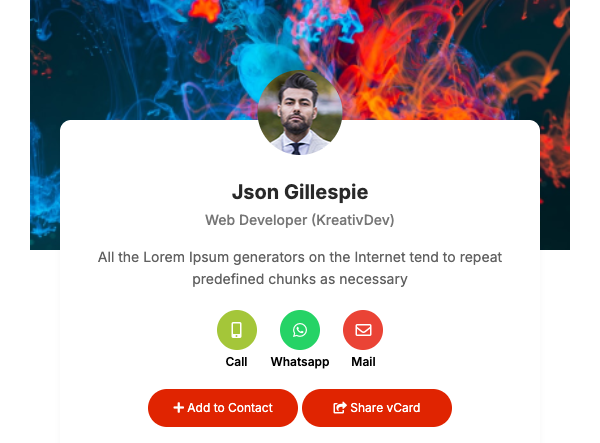
A visiting card people can save in one tap
A digital visiting card (vCard) is a small mobile page with your name, role, phone, email, address and links. People open it from a link or a QR code, and a save-contact button adds you to their phone book without typing. Most designs also include call, email and WhatsApp buttons.
Beyond the basics, you can add an About section, services, projects and testimonials, and choose the card’s colours. Because the card is a web page, you change a number or a job title once and everyone who opens the link sees the update — there is nothing to reprint.
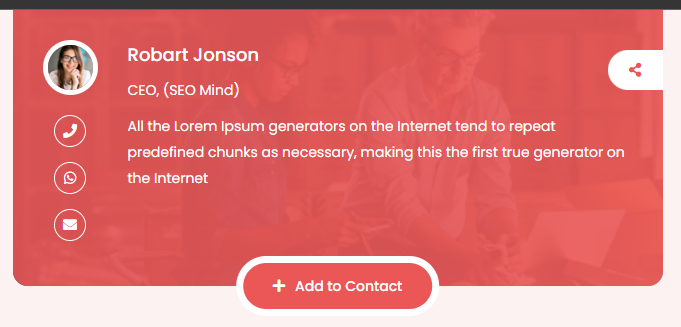
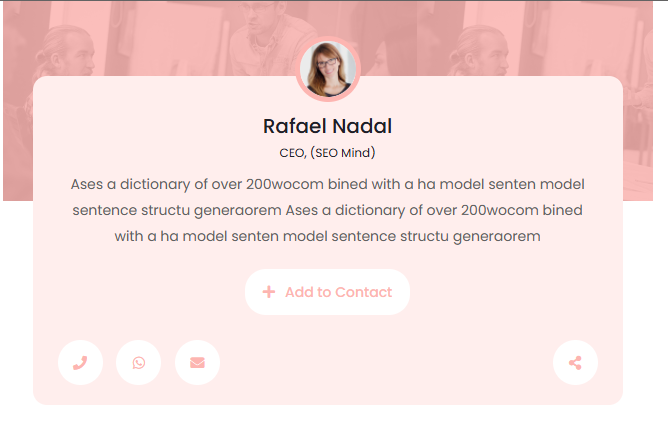
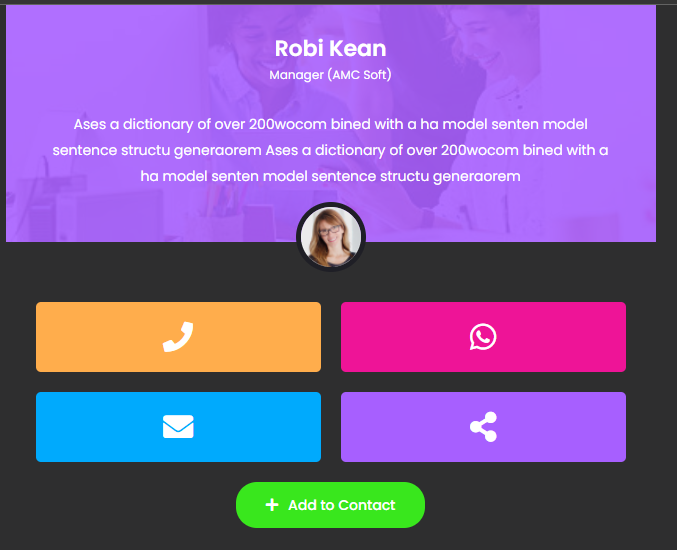
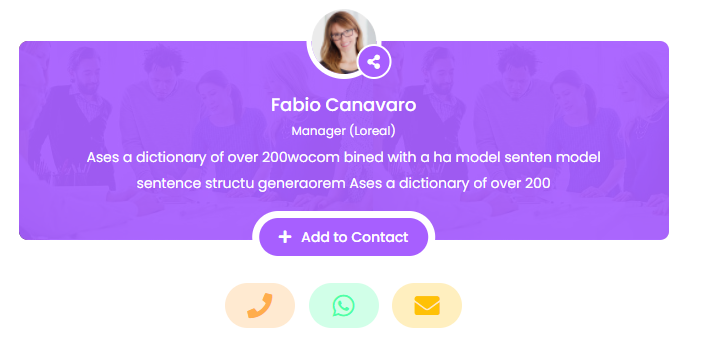
Tap any design below to open a live sample. The names and details on the samples are placeholders to show the layout.
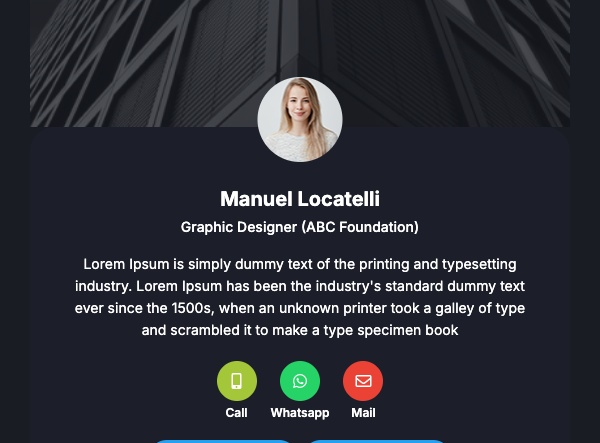
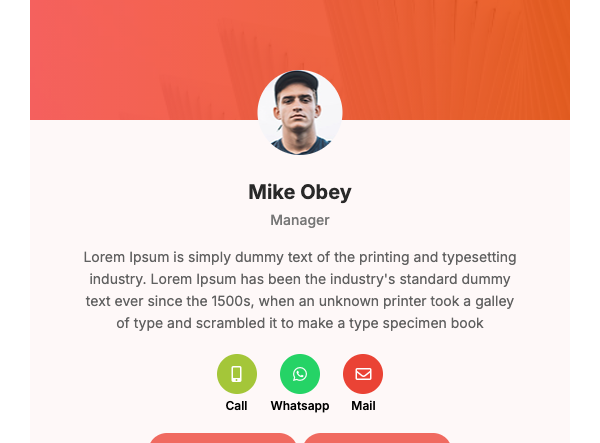
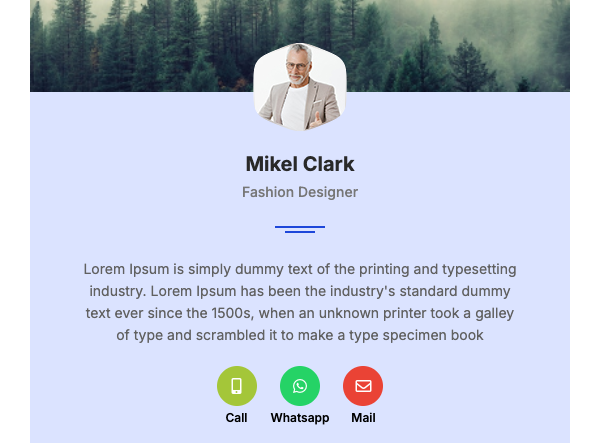
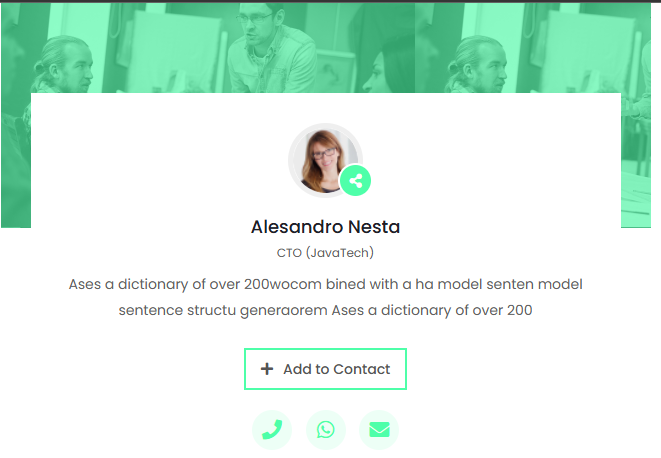
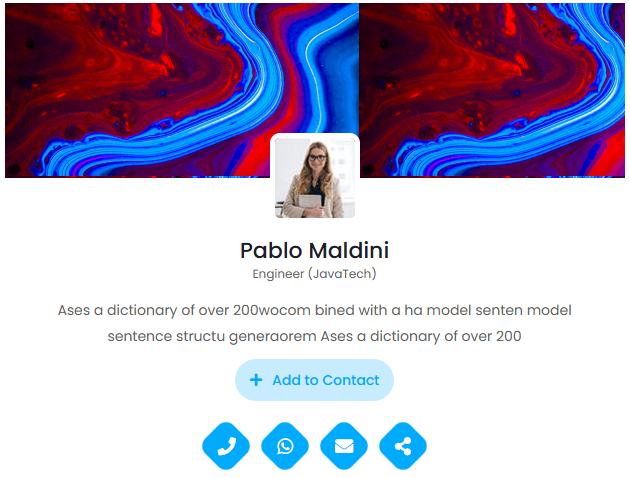
How to choose a card design
- Decide what people should do first. If most people will call or message you, pick a design with large call and WhatsApp buttons near the top. If they should see your work, pick one that shows services or projects early.
- Match the tone of your work. A doctor, lawyer or banker is usually better served by a calm, plain design; a designer, photographer or makeup artist can use a bolder layout and a featured image.
- Check how much text you have. Some designs suit a short card with contact buttons only; others have room for an About section, services and testimonials. Choose by the amount you really want to show.
- Test the QR code where you will use it. Download the QR from your dashboard, print it at the size you plan to use and scan it with a couple of phones before you put it on a counter, badge or slide.
- Plan for updates. Pick a design you will be happy to keep for a while. You can edit details at any time, and the link and QR code stay the same.
Frequently asked questions
What is the difference between a vCard and a printed visiting card?
A printed card holds a few fixed lines. A vCard is a web page with tap-to-call, WhatsApp and save-contact buttons, links to your website and social profiles, and details you can change without reprinting. Many people put the vCard’s QR code on their printed card to get both.
How do people save my details?
They open your card from the link or QR code and tap the save-contact button, which downloads your details in the standard contact format their phone understands. They do not need an app.
How many digital cards can I create?
It depends on your plan. Some people keep one card for work and one for a side business; check the current limits on the pricing page before you start.