An online CV you share as a link and print when asked
These are the CV designs available in your dashboard. Each one is a web page at its own address, so you can send a single link to a recruiter, put it in your email signature or print a QR code that opens it. When someone asks for a file, open your CV and use the Export PDF button to save a copy.
You fill in your details once — contact, summary, experience, education, skills and any extra sections you add — and the design takes care of the layout. Change a job title or add a certificate later and the same link shows the new version, so nobody is left with an old attachment.
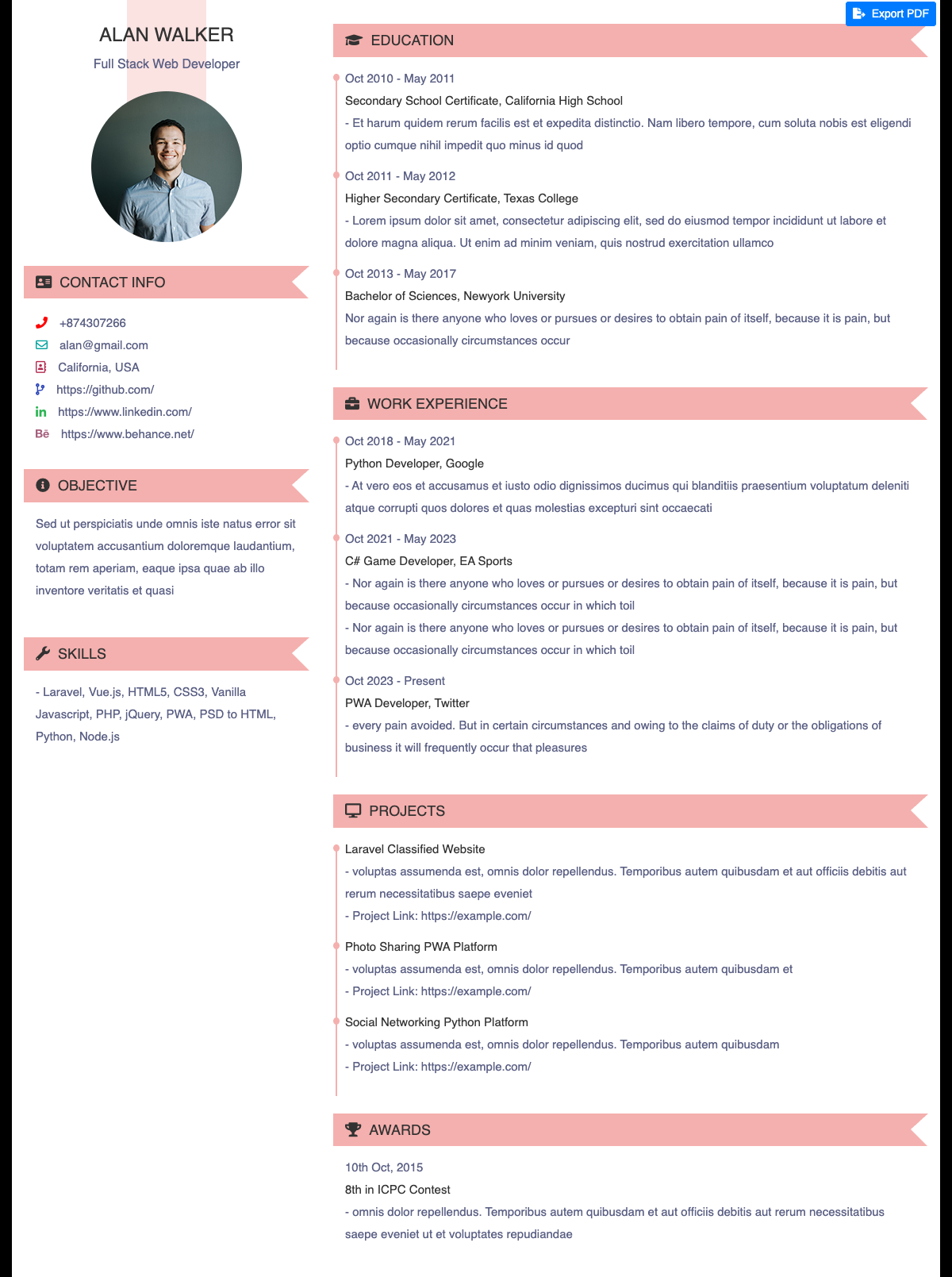
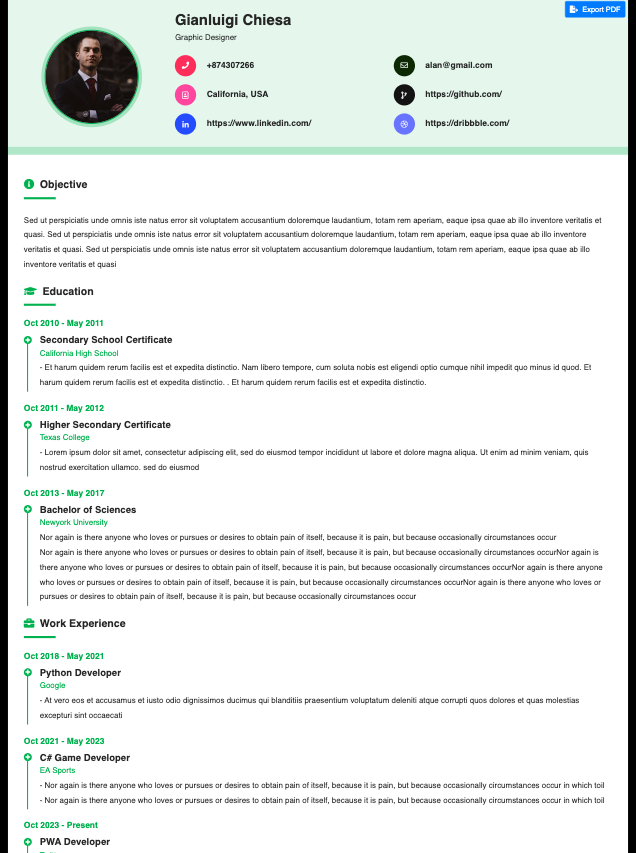
Tap any design below to open a live sample. The names and details in the samples are placeholders to show the layout.
How to choose a CV design
- Start with who will read it. Recruiters at large companies and government employers expect a plain, single-column layout they can scan quickly. Creative and client-facing roles leave more room for colour and a photo. Pick the plainest design that still looks like you.
- Check it on a phone. Many people will open your link on a phone first. Open the sample on yours and make sure headings, dates and contact details are easy to read without zooming.
- Count your sections. If you have long experience, choose a design that gives the experience section room. If you are a student or fresher, a design that puts education, projects and skills first works better.
- Print a test copy. Use Export PDF on the sample and look at the printout. If it spills onto an extra page or the margins look cramped, try another design before you fill in everything.
- Keep the same design across your CV, website and card. Using similar colours and the same photo on your CV, personal website and digital visiting card makes you easier to recognise when someone moves between them.
Frequently asked questions
Is an online CV the same as a resume PDF?
No. An online CV is a web page at its own link that you can update at any time, while a PDF is a fixed copy. You get both: share the link, and use Export PDF when a portal or employer asks for a file.
Can I change the design after filling in my details?
Yes. Your details are stored separately from the design, so you can pick a different template from your dashboard and check how your CV looks in it before sharing the link again.
Do I need a separate website if I have an online CV?
Not always. An online CV is enough for many job applications. A personal website adds room for projects, a gallery, testimonials and an enquiry form, which helps if you freelance, consult or want to show work beyond a list of jobs.