🎨 Personal website for Designers

Your work deserves better than a PDF attachment

Design hiring is visual and fast. A personal site lets your case studies breathe full-width, loads instantly on any device, and makes you look as considered as your work.

Claim your name: digitalcvmaker.com/

● Live in 5 minutes · free to start · no auto-renew

See it live

See a live demo of a designer website

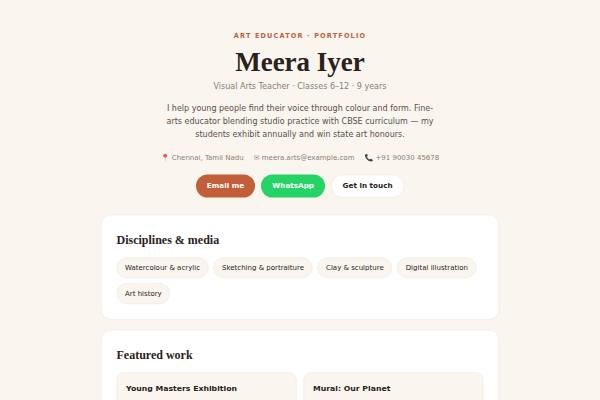
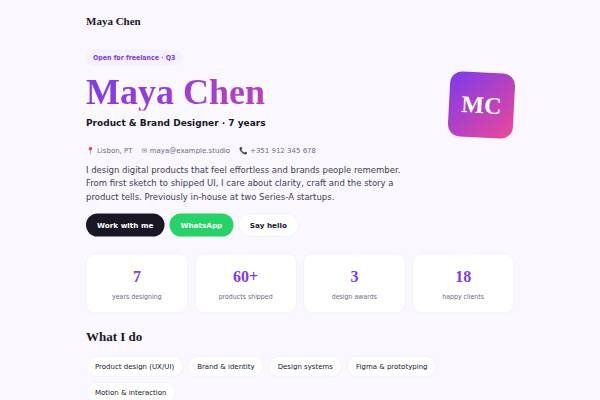
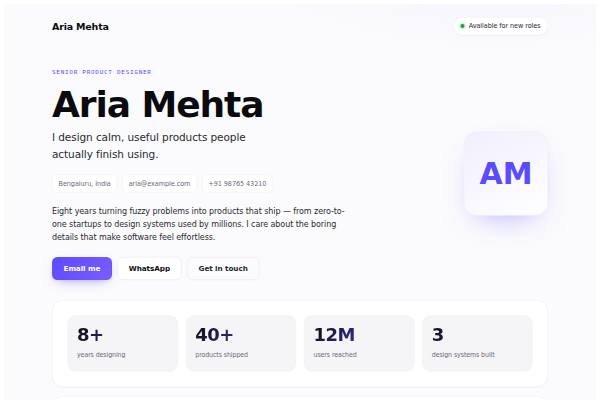
Real designs filled in for a sample person (not a real profile). Open one, scroll it like a visitor would, then make yours free.

Before and after

Same person, same details — as a PDF and as a website.

Before: the resume Sample designer resume, page 1 of the PDF
Page 1 of the PDF
After: the website
The live demo website · Open it →

Does a designer need a personal website?

Yes — a designer needs a personal website, because design hiring and client work are judged on how you think, not just how the final screens look. Your own site lets you show process, constraints and decisions in the order you choose, which community galleries and PDF portfolios rarely allow.

Why Designers choose a personal site

Everything a designer needs, in one link

Full-bleed visuals

Big imagery and case studies that actually show your craft — not thumbnails squeezed into a document.

Tell the story

Walk through problem, process and outcome the way you would in a portfolio review.

Share one link

Drop a single URL in a job application or DM instead of a heavy file that may never get opened.

Before you publish

What to put on your designer website

Tick off each item as you add it — and why each one matters to the people who read your site.

Page outline

How to lay out a designer website

  1. Positioning line Name your discipline and domain, such as “product designer for fintech and B2B dashboards” or “brand identity for food and retail”, so reviewers match you to the brief instantly.
  2. Two or three flagship case studies Open each with the brief and constraint, then research, rejected directions, the final solution and what shipped. Reviewers skim, so use clear subheadings and captions.
  3. Smaller work and explorations A tight grid of posters, icons, motion pieces or concepts shows range without diluting the main case studies. Label personal or unsolicited work honestly.
  4. How I work Explain your usual process, tools, how you collaborate with developers or print vendors, and how you handle feedback rounds. Clients and managers want to picture working with you.
  5. About and background Your training, whether a design school, self-taught path or a switch from another field, plus the industries you have worked in and languages you design for.
  6. Contact and engagement Say whether you seek full-time roles, freelance projects or both, your city or remote preference, and the best way to reach you.
Templates

Website templates for designers

What designers in India should know before going online

Design has no licensing body in India, so hiring rests on portfolio reviews and references. Product companies usually ask for a portfolio link along with the application on LinkedIn or Naukri, then run a portfolio presentation round; agencies and brand studios often hire through referrals and Instagram. Many Indian clients expect work in more than one script, so showing Devanagari, Tamil or other regional-script layouts can set you apart. If you have worked with agencies, check your contract before publishing client work, since many agreements restrict sharing until launch or longer. For freelance work, state whether your quotes include GST once you are registered, because business clients will ask. Design work also travels well online, so many designers in smaller cities serve metro and overseas clients.

Common website mistakes designers make

  • Showing only polished final screens. Add the messy middle, such as sketches, rejected options and the reason each was dropped, because reviewers hire for judgement.
  • Putting twenty projects in an equal-sized grid. Lead with two or three case studies relevant to the roles you want and move the rest into a smaller archive.
  • Uploading huge uncompressed images that crawl on mobile data. Export at web sizes, check the page on a mid-range phone, and keep text in captions rather than inside images.
  • Publishing client work under NDA or before launch. Ask permission, blur sensitive data, or describe the project in general terms and offer a private walk-through in interviews.
  • Writing the same generic “I love clean, user-centred design” intro as everyone else. Replace it with the specific kinds of problems and clients you work best with.
Real sites

Websites built by Designers

Real sites published by members — open one for ideas.

How it works

From nothing to a live site in three steps

1

Pick a template

Start from a design built for professionals like you.

2

Make it yours

Add your details, work and photo — no code, no designer.

3

Go live and share

Publish to your own link and put it everywhere that matters.

Plans from Rs.499 a month · See plans

One place for your job

Everything for designers

FAQ

Questions from Designers

Three to five strong, well-explained case studies usually beat a long gallery. Pick work that matches the roles you want next and explain your process, constraints and the result for each one.

Only share what your client or employer allows. You can describe the problem and your process in general terms, blur sensitive screens, or offer to walk through details privately during an interview.

Sites are built to work well on mobile, but it still helps to export images at sensible sizes. Compress screenshots before uploading so reviewers on phone data see your work quickly.

They work well together. Community platforms help discovery, while your own site lets you control the story, the order of projects and the contact form, without competing thumbnails around your work.

A small set of strong projects, each with the brief, your process, the final work and where it was used. Add a short about section, the services you offer and a simple way to contact you.

Yes, especially early in your career. Label them honestly as self-initiated or college work, and treat them with the same care as client work: brief, process and outcome.

Made for you

Personal websites for every profession

All professions →

Your name, your site, your callback

Join the Designers who let their own site do the talking.

● Live in 5 minutes · free to start · no auto-renew

Chat on WhatsApp