When splitting a PDF helps
Scanned document bundles are often one long PDF, but job portals and HR onboarding forms ask for each document separately — the Class 10 mark sheet in one box, the degree certificate in another, the relieving letter somewhere else. Splitting lets you upload exactly what each field asks for, and keeps file sizes small.
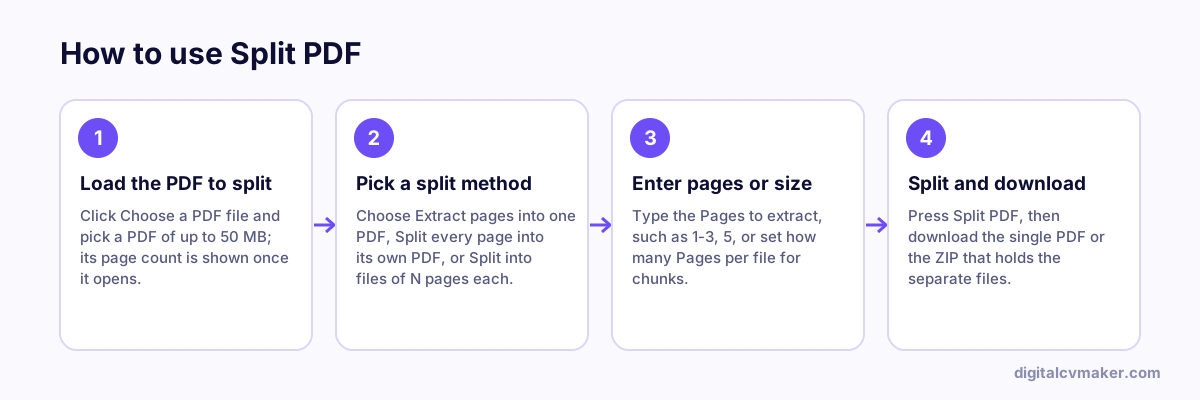
Three ways to split
- Extract pages: type ranges like 1-2, 6 to pull just those pages into one new PDF — handy for sending only the first page of an offer letter or the pages of a Form 16 an employer asks for.
- Every page: each page becomes its own PDF, packed in a ZIP. Useful when a scanner has combined several certificates into one file.
- Chunks of N pages: for two-sided documents such as an ID card (2 pages each) or long reports you want in smaller parts.
Check the page count shown after you pick the file, and open the result before you upload it anywhere.
Related tools
- Put pages from different files back together with Merge PDF.
- Got a ZIP of pages? Open it with Unzip Files.
- Browse all free tools.