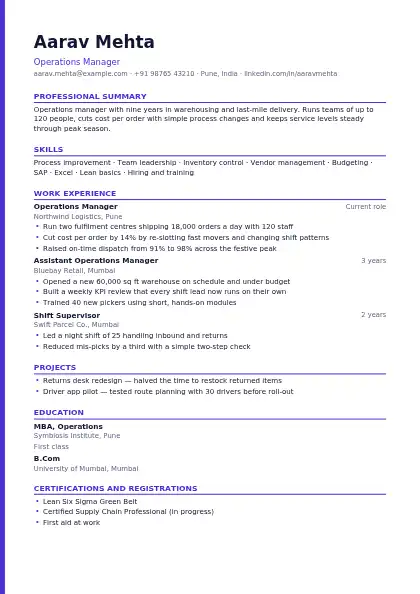
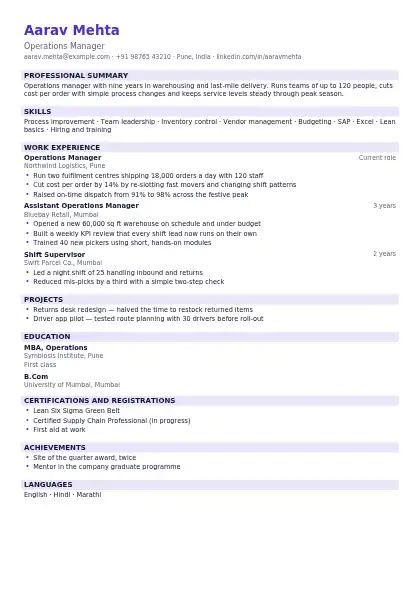
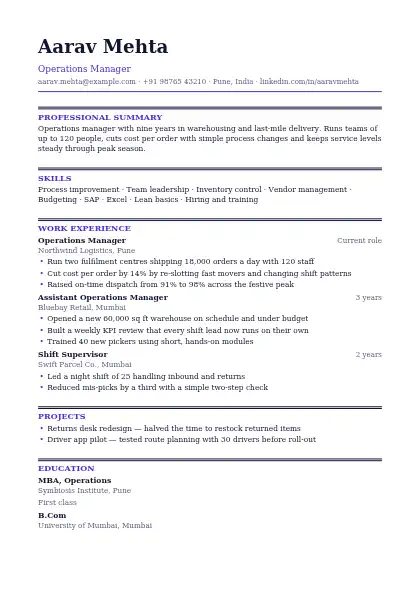
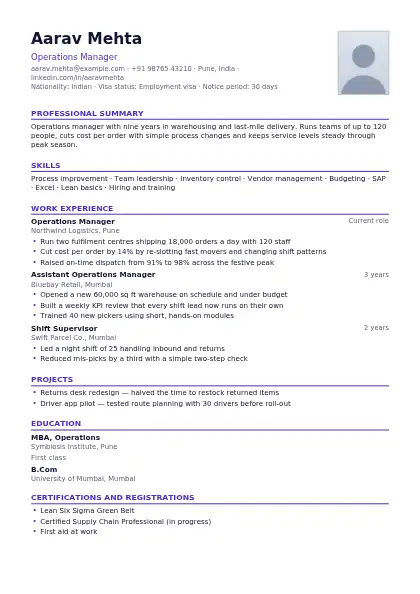
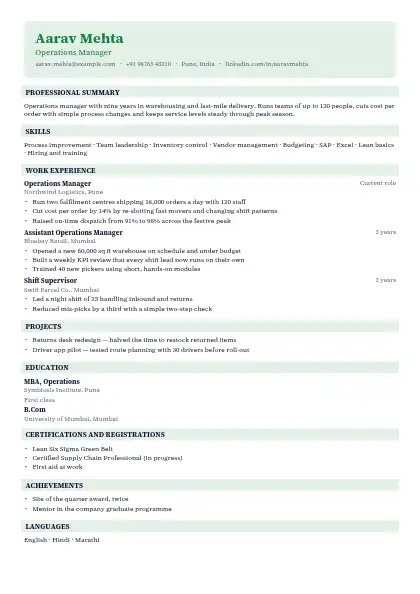
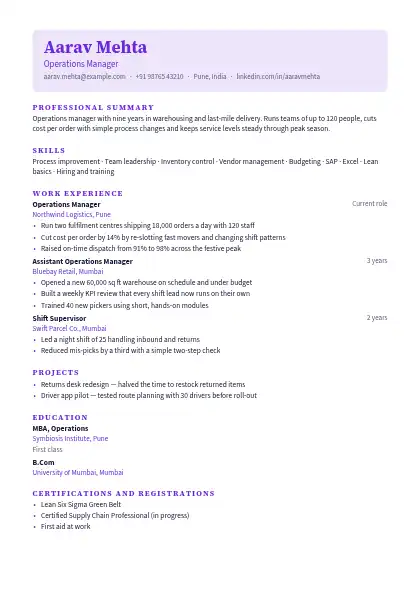
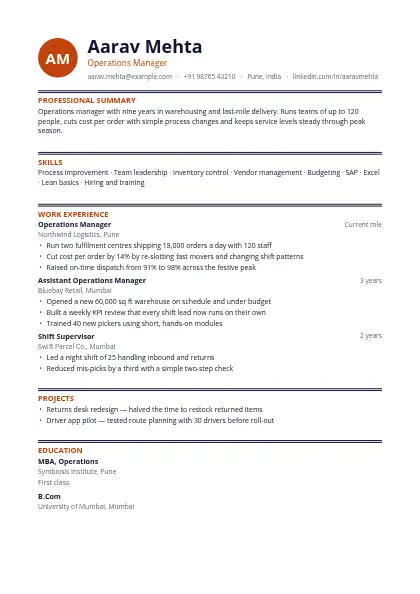
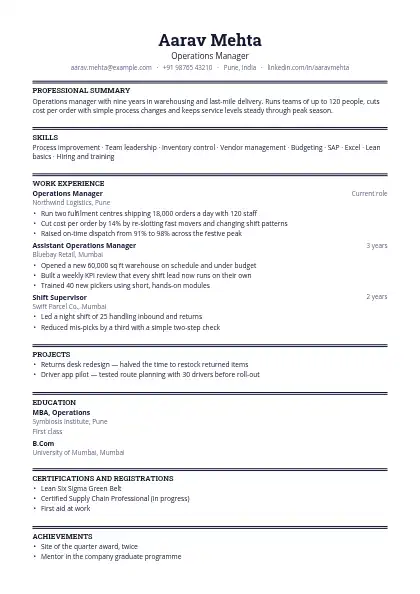
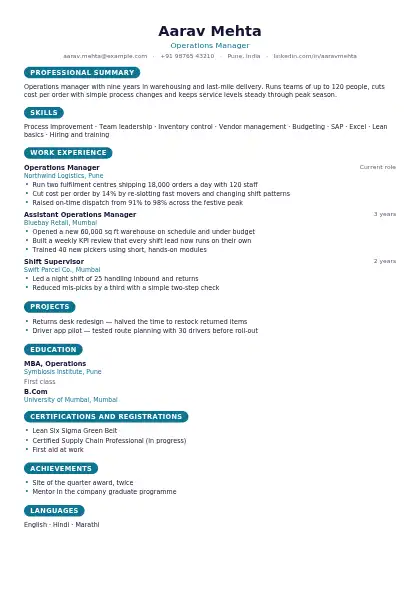
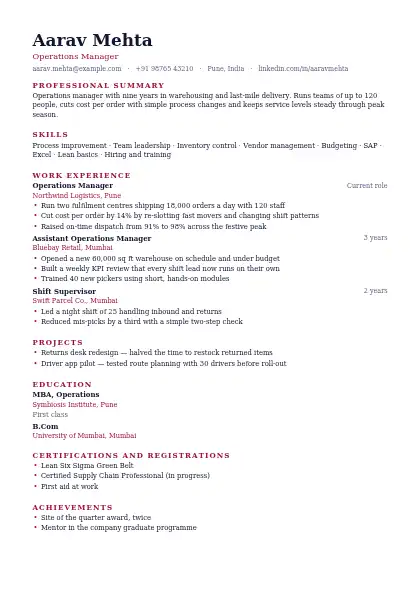
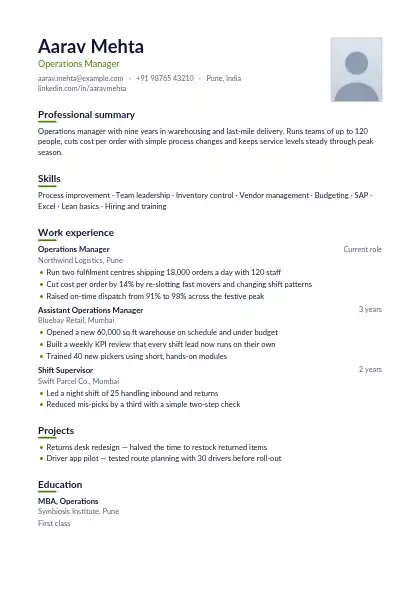
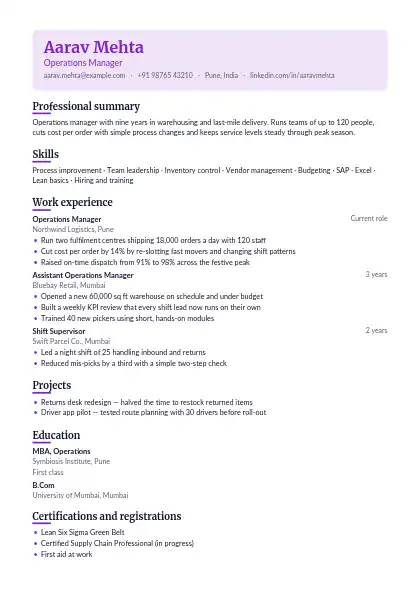
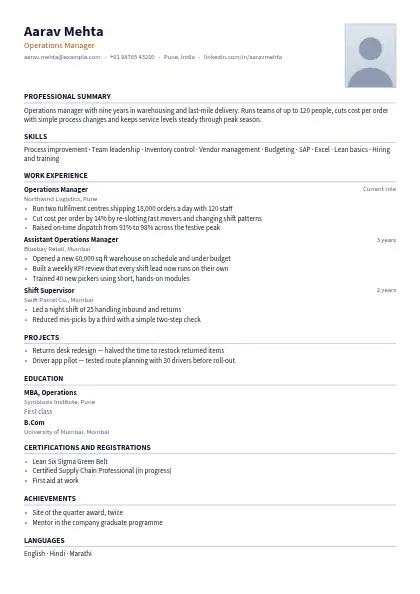
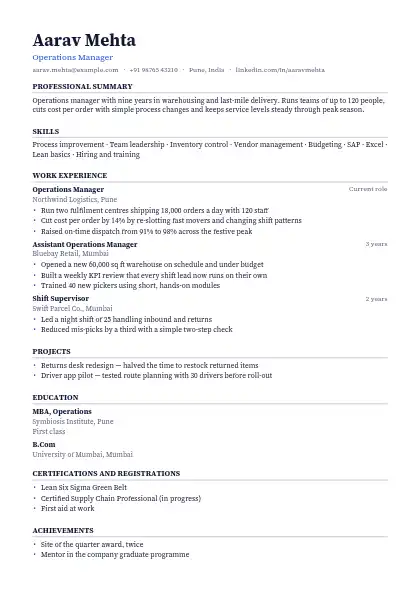
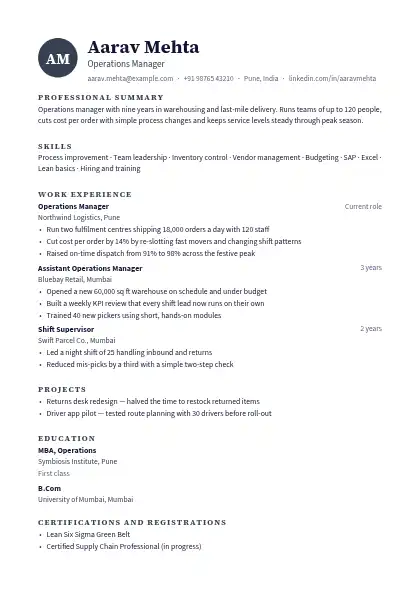
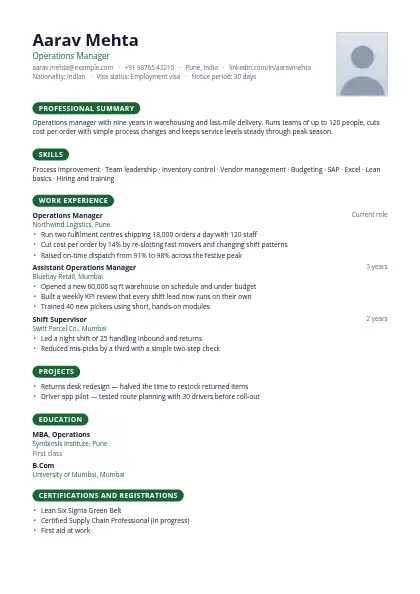
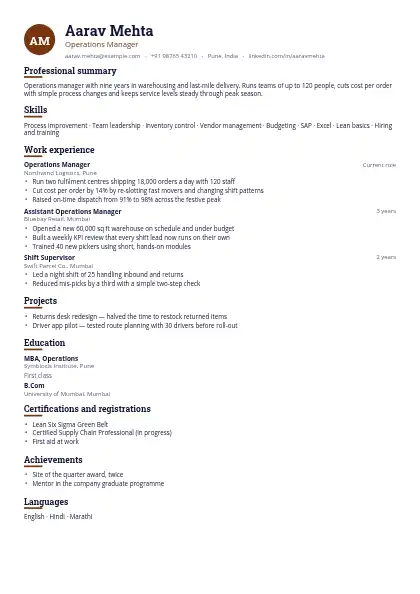
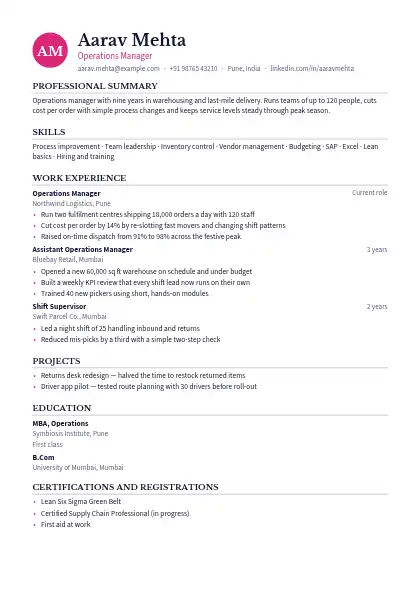
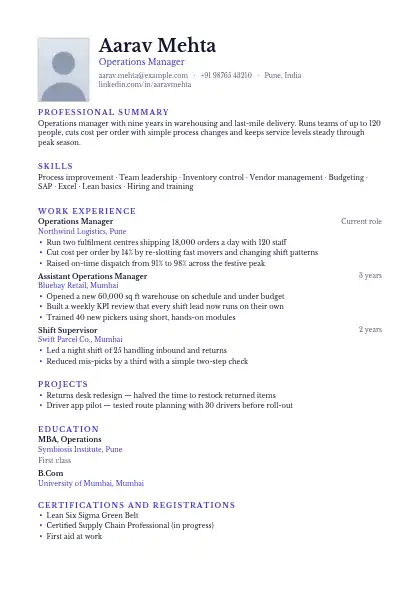
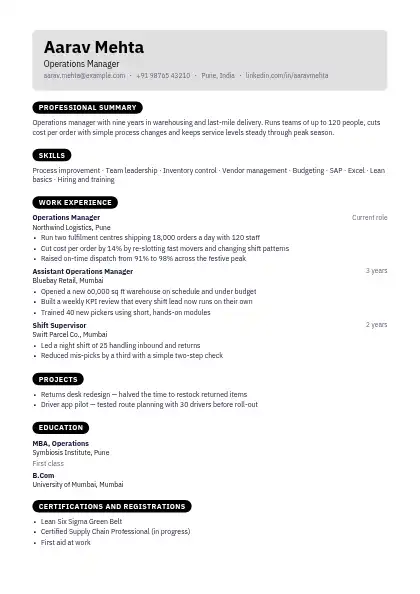
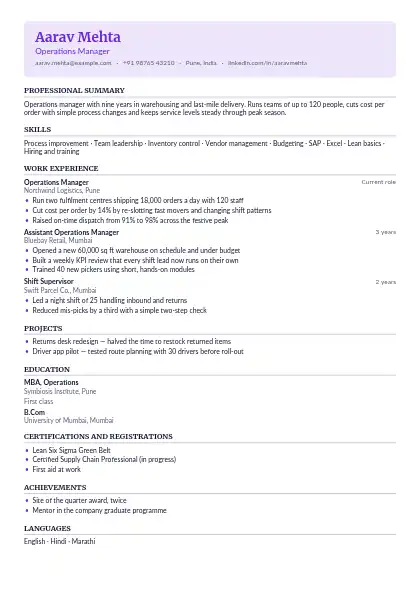
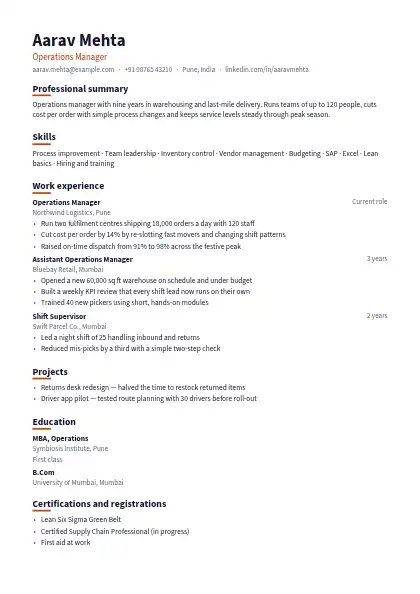
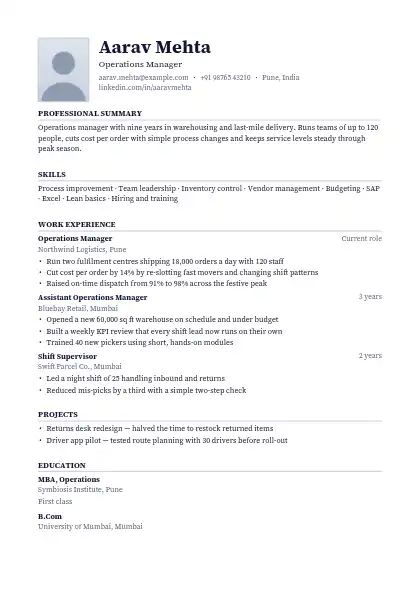
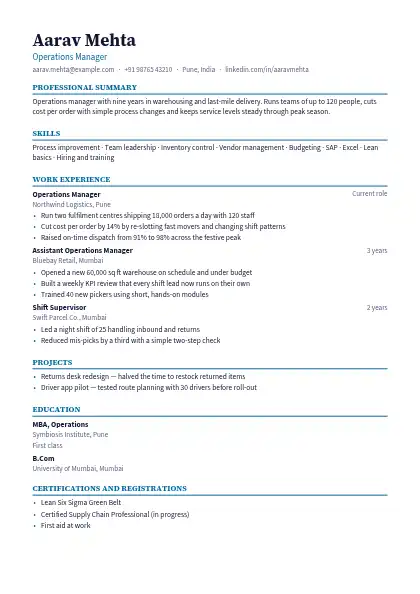
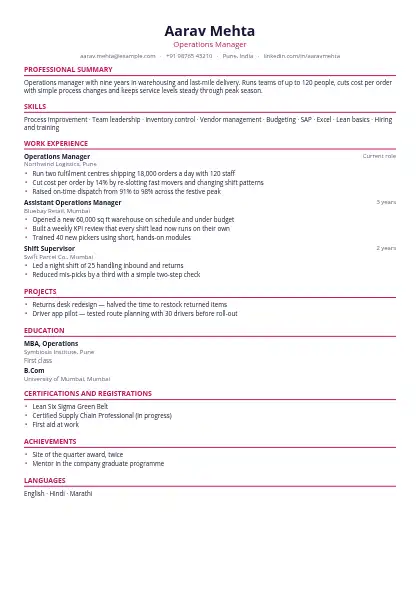
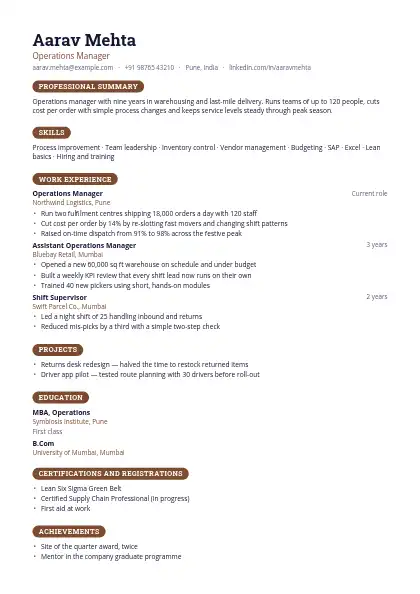
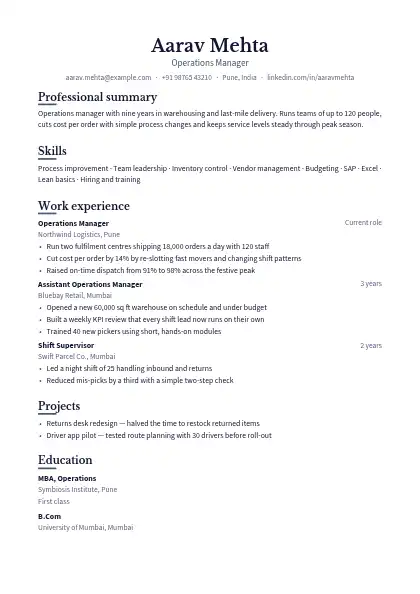
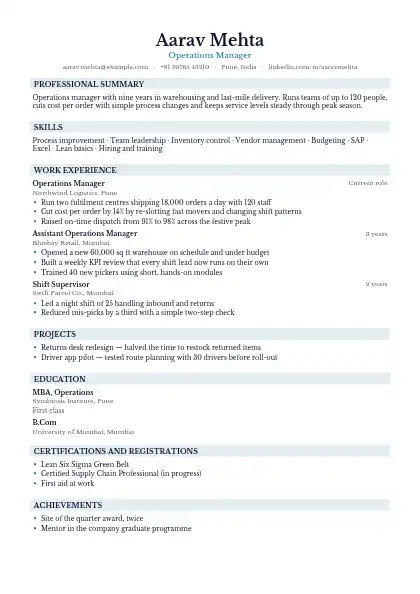
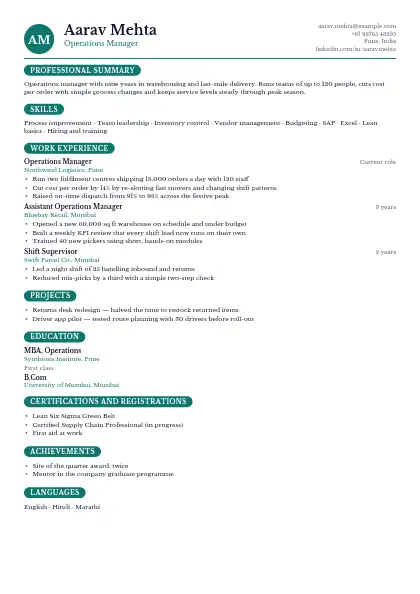
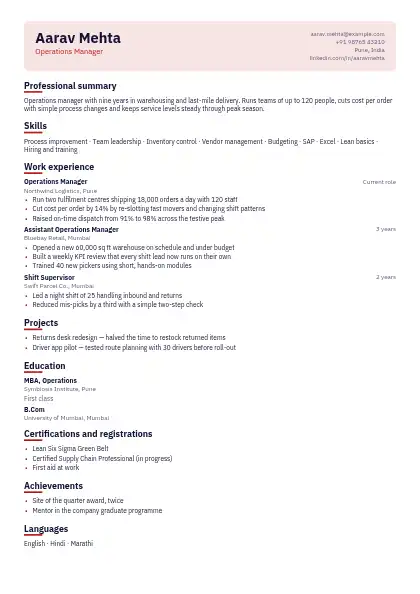
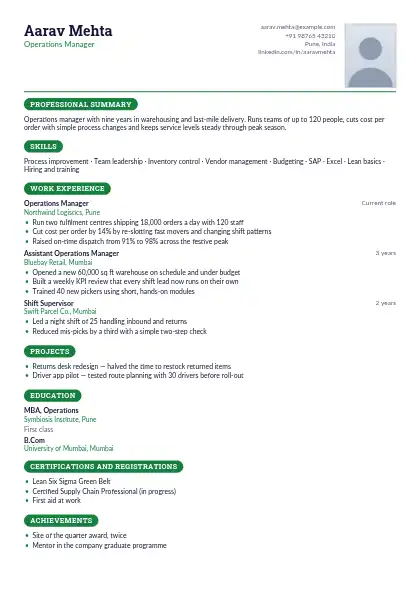
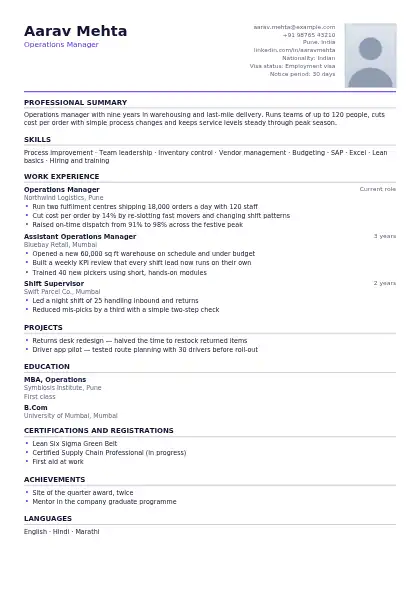
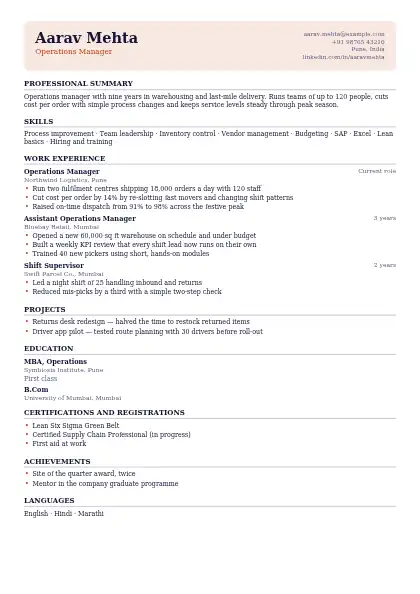
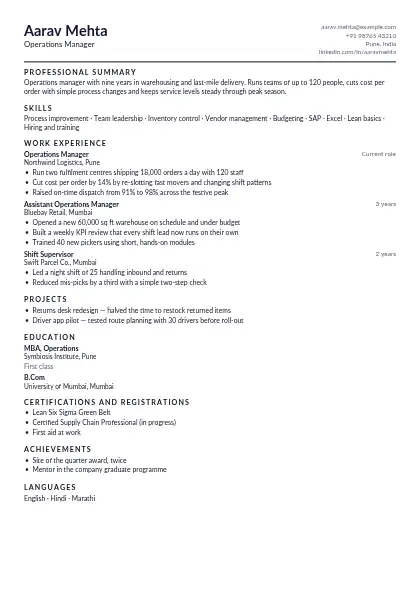
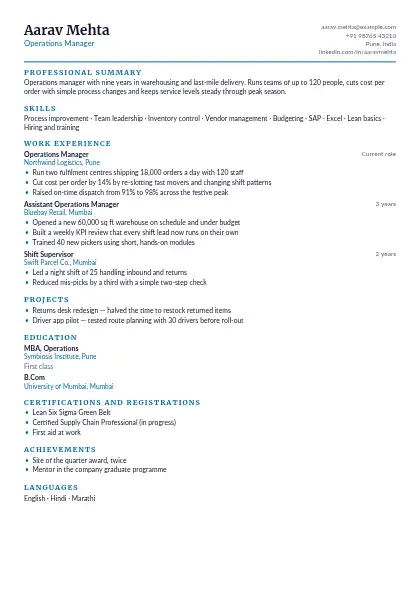
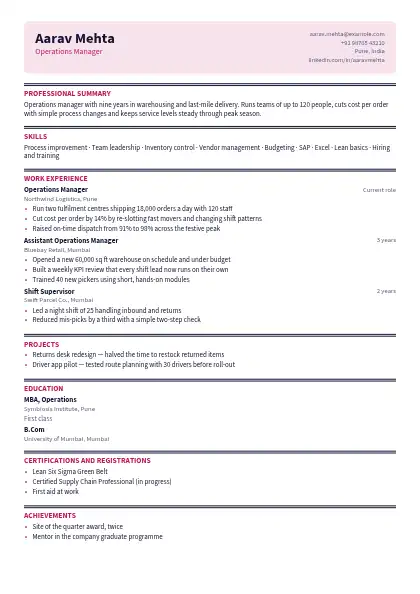
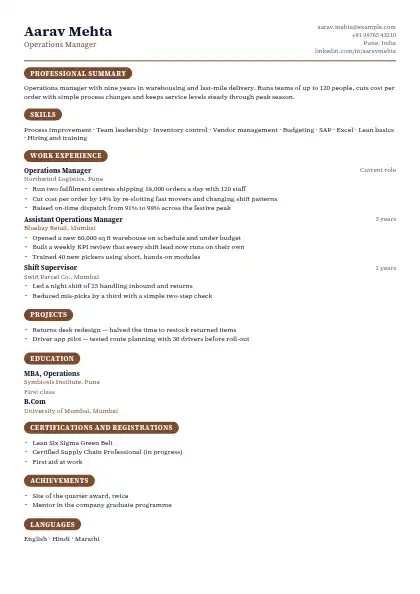
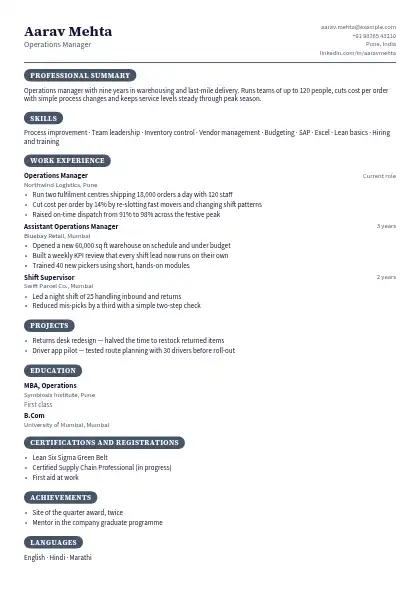
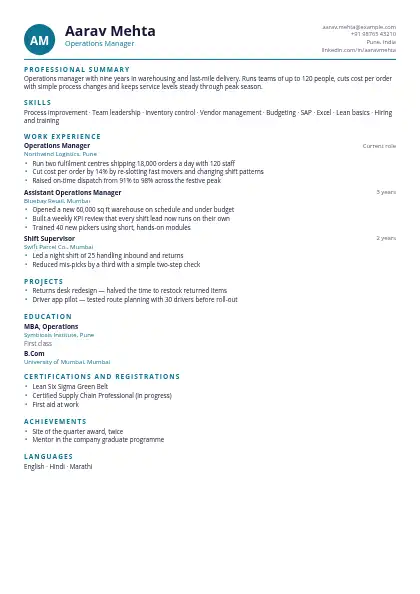
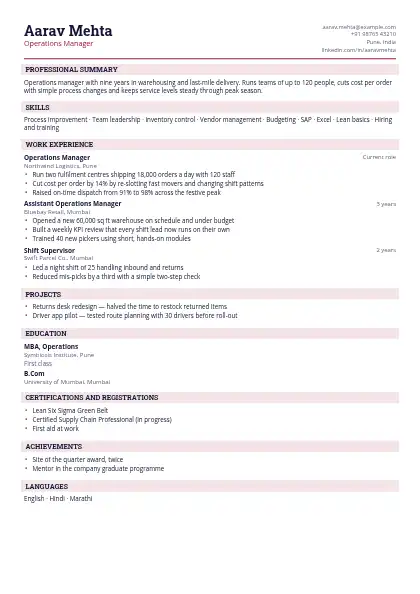
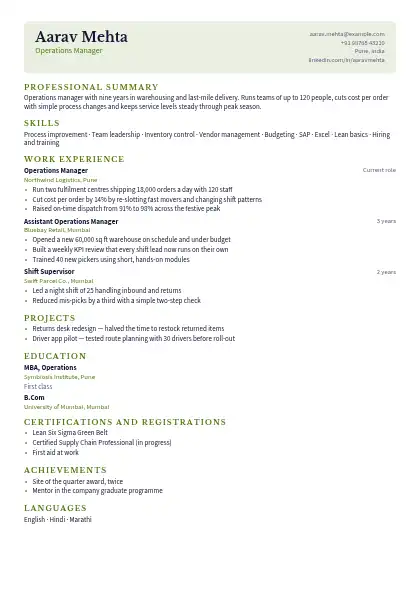
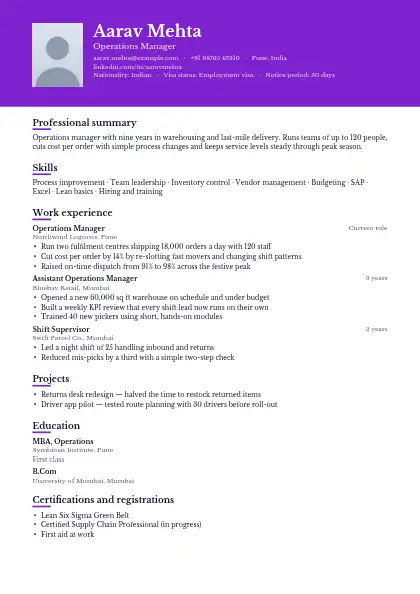
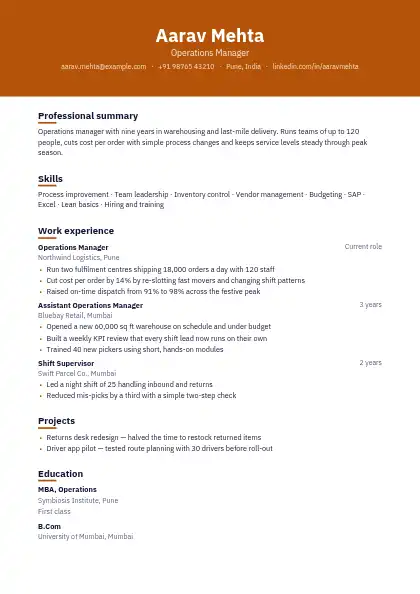
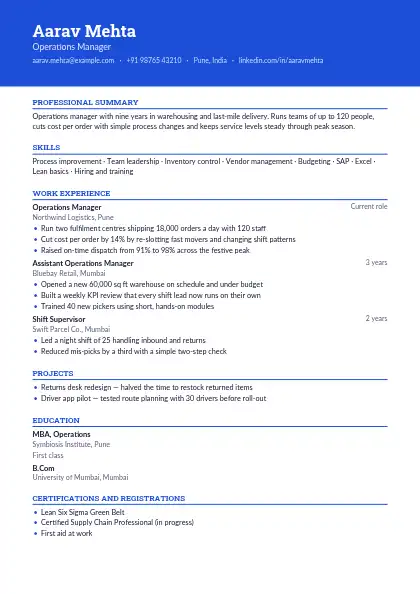
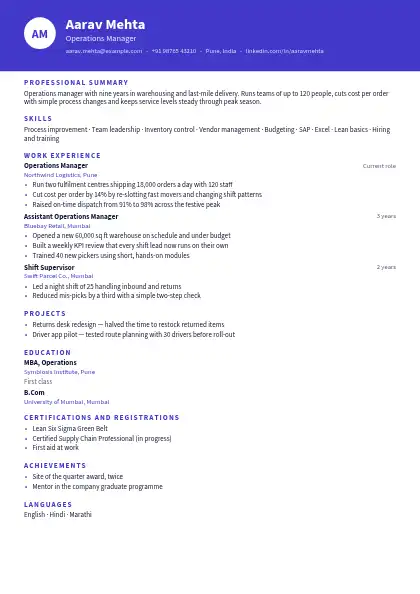
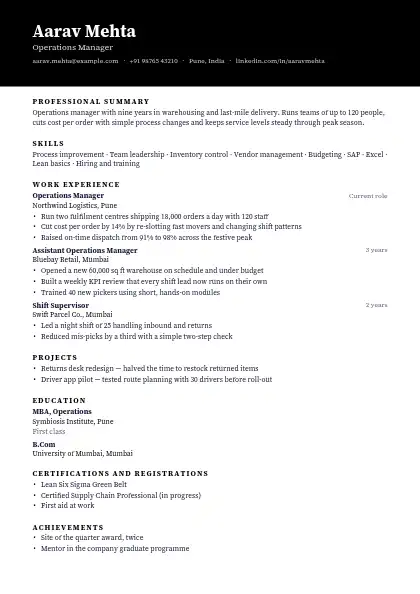
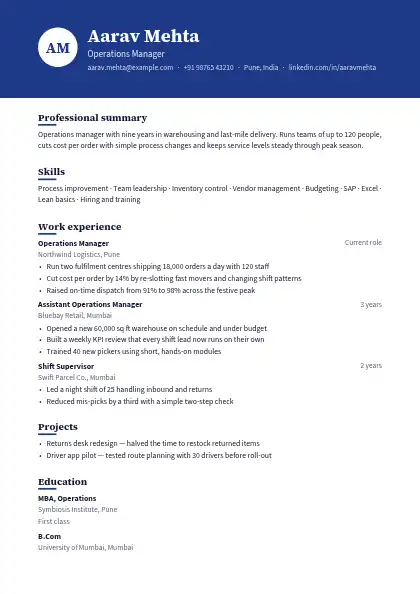
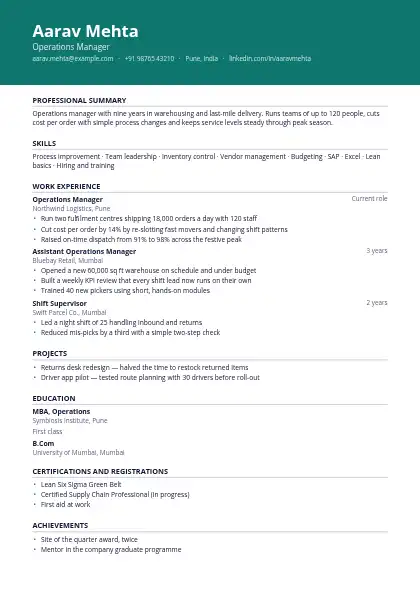
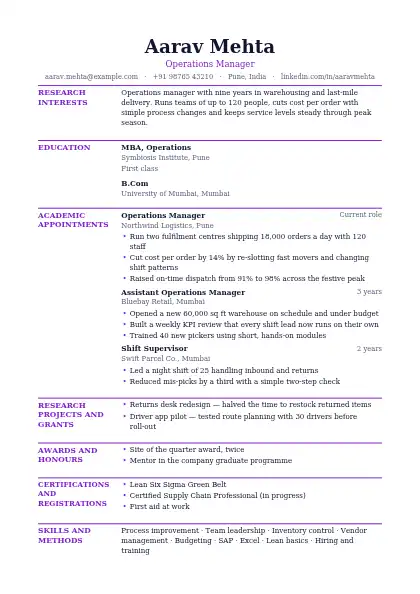
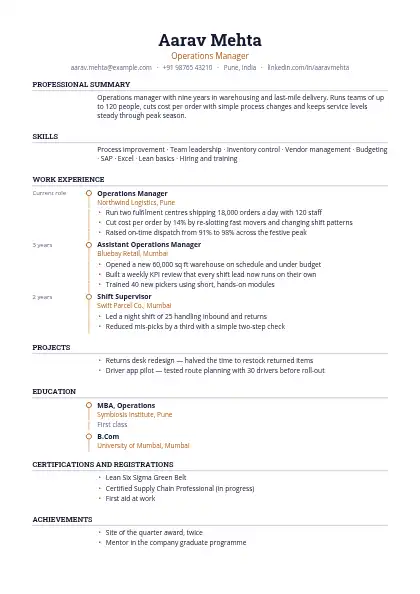
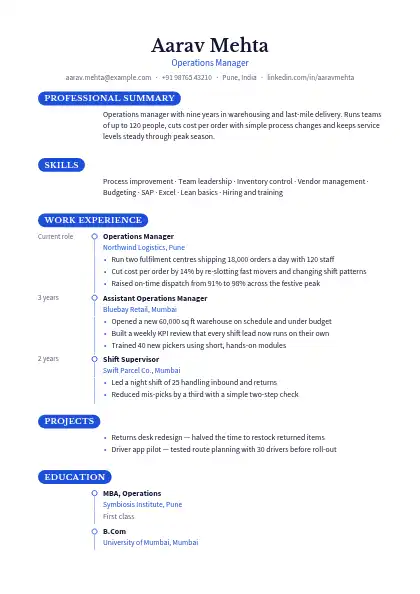
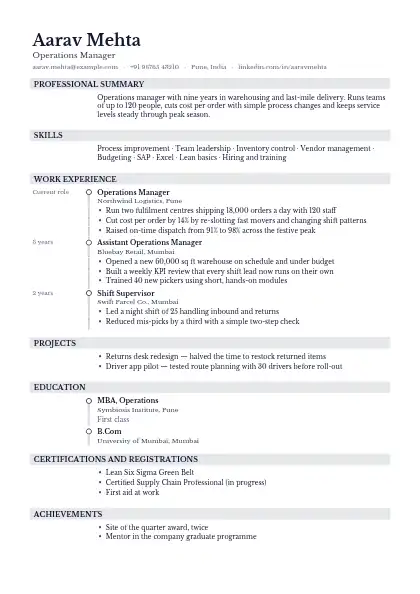
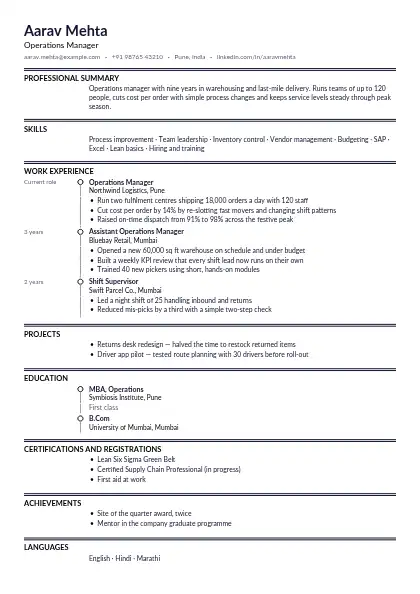
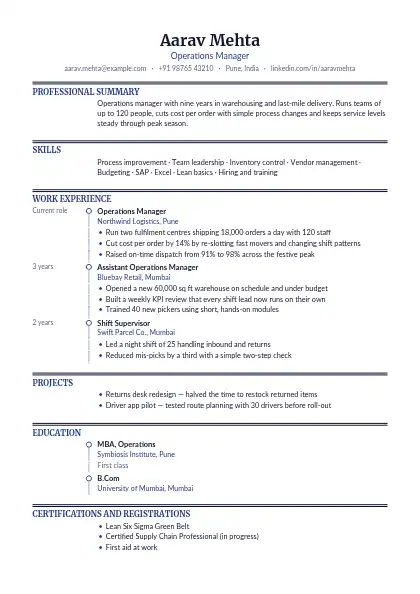
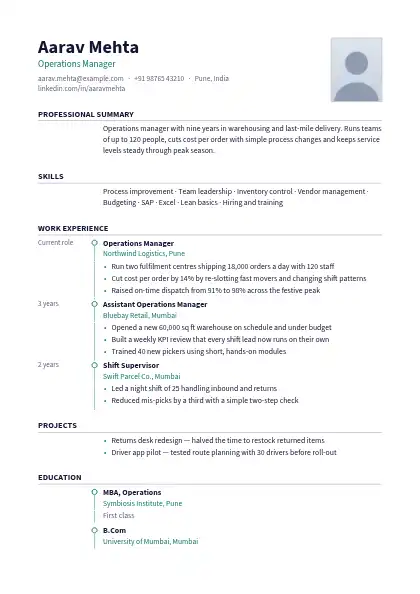
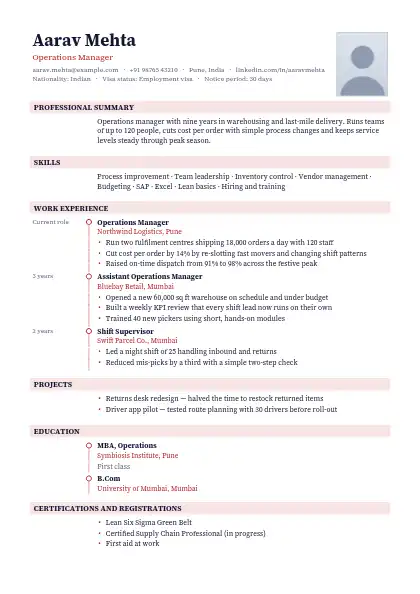
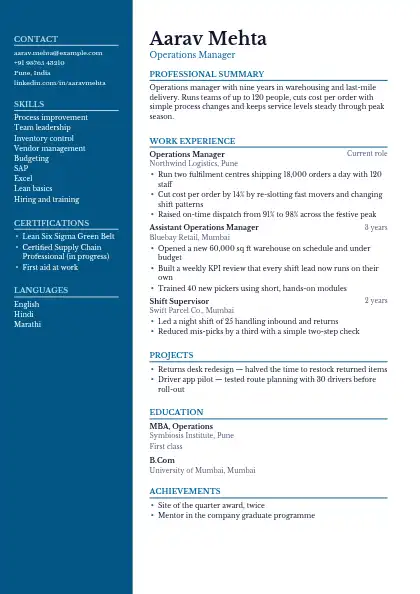
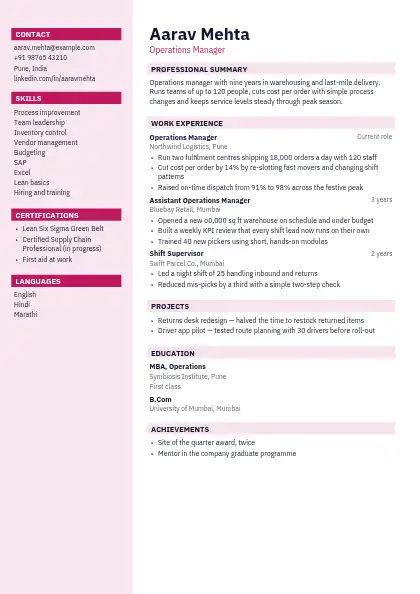
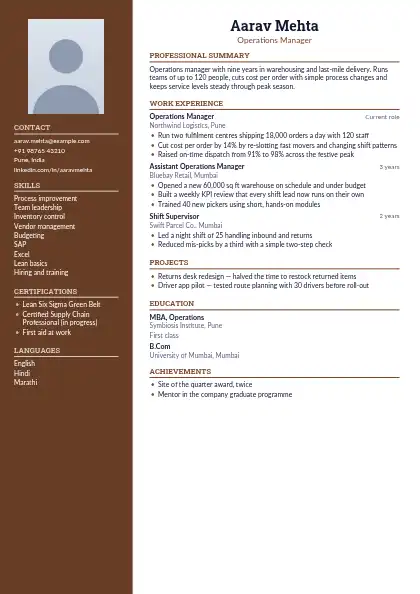
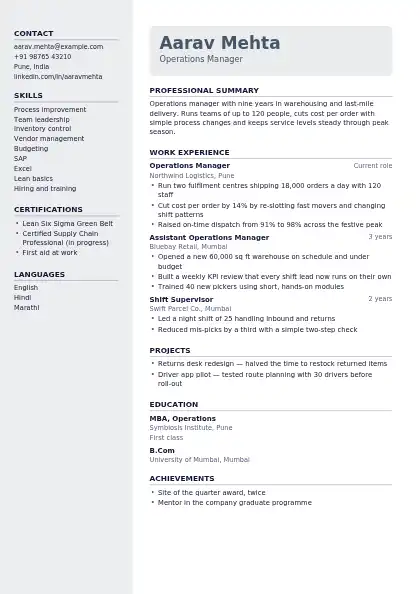
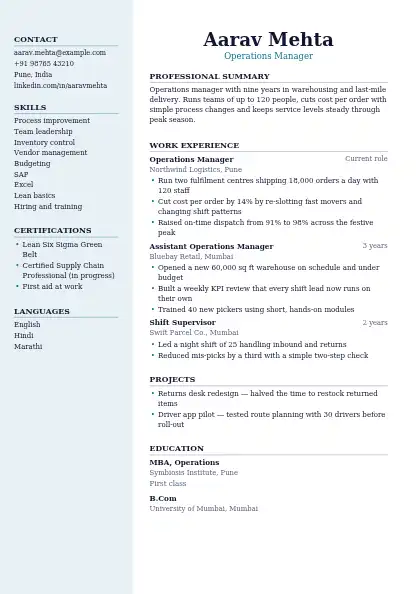
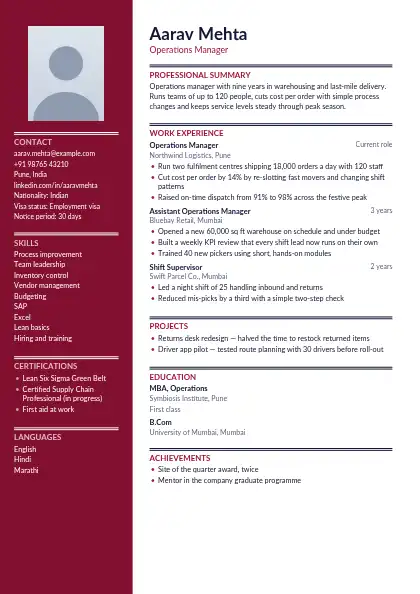
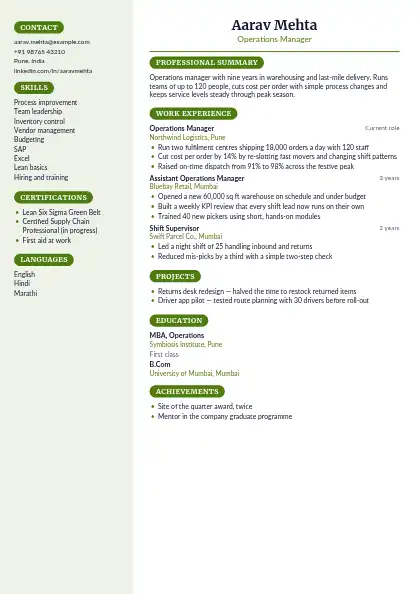
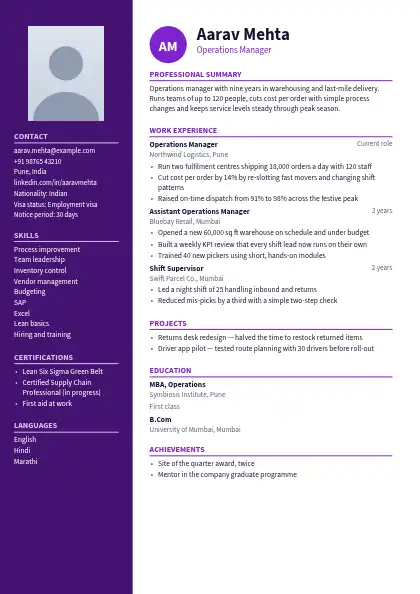
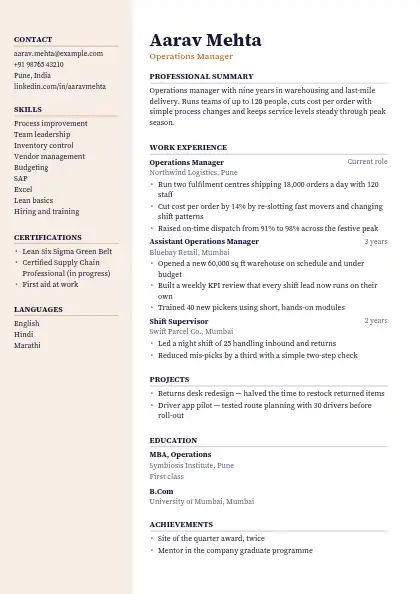
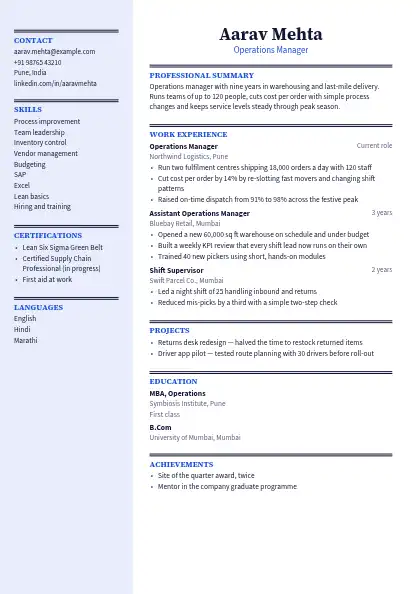
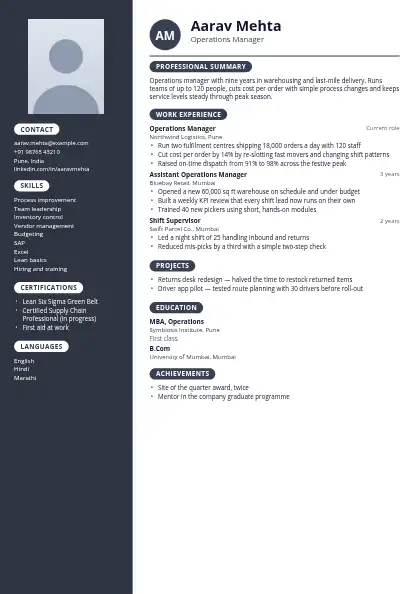
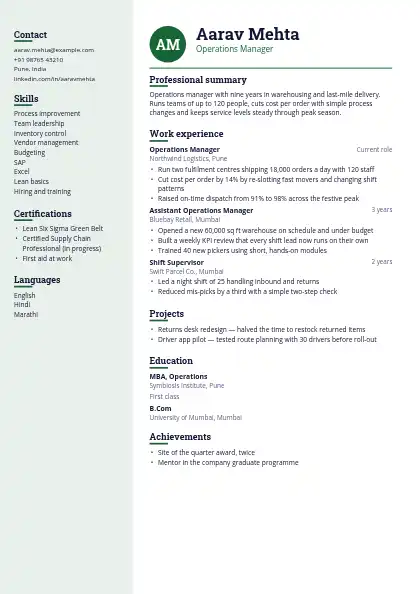
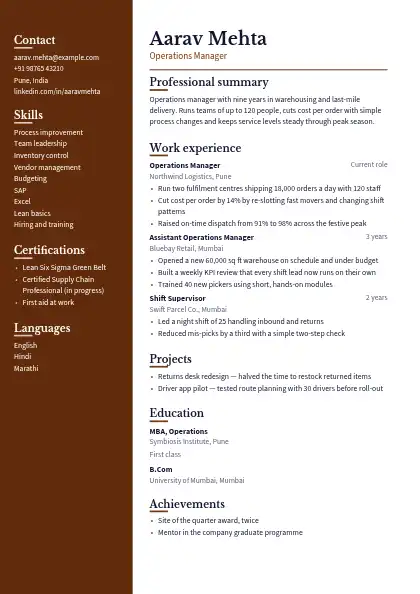
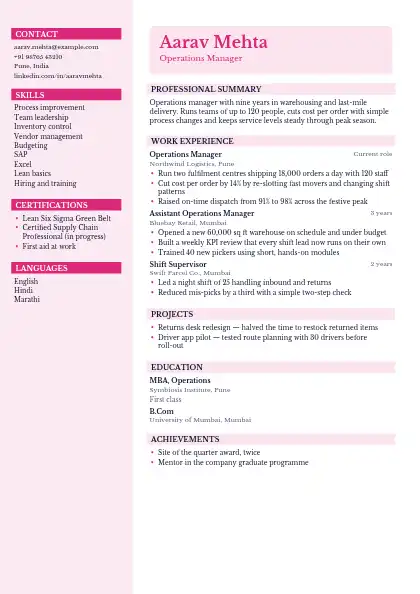
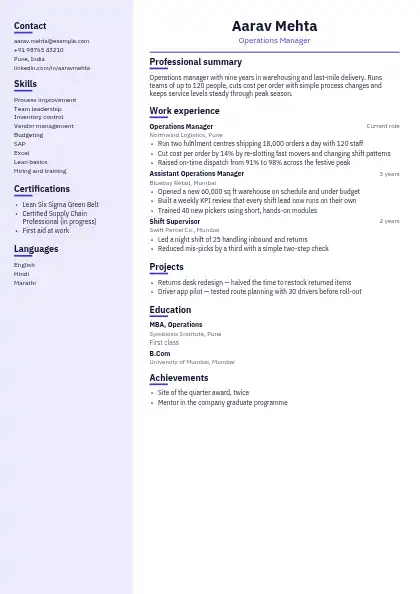
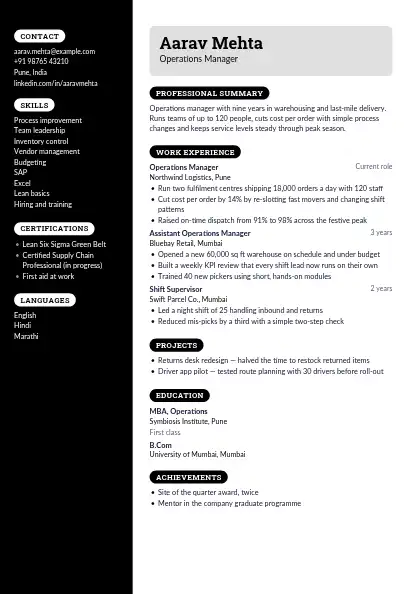
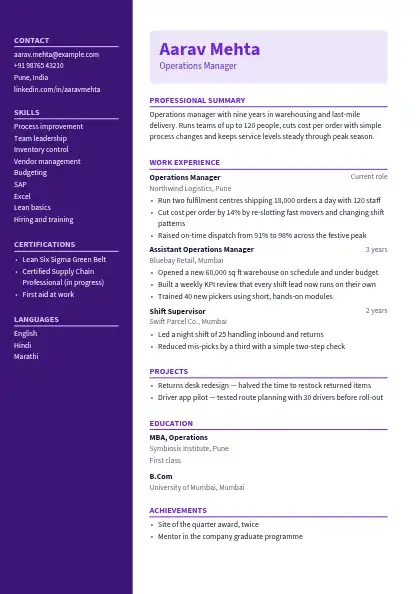
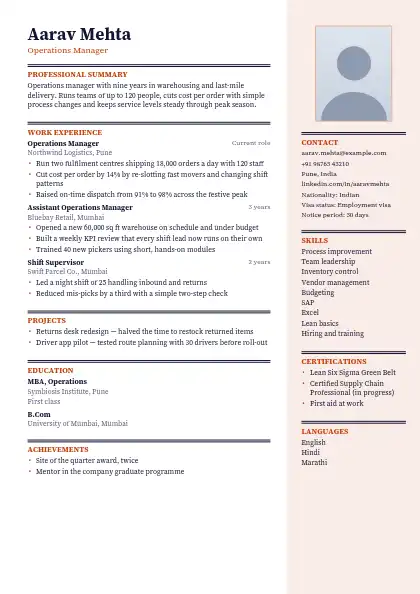
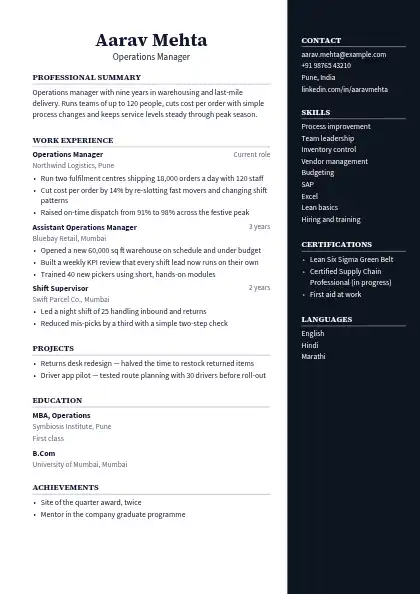
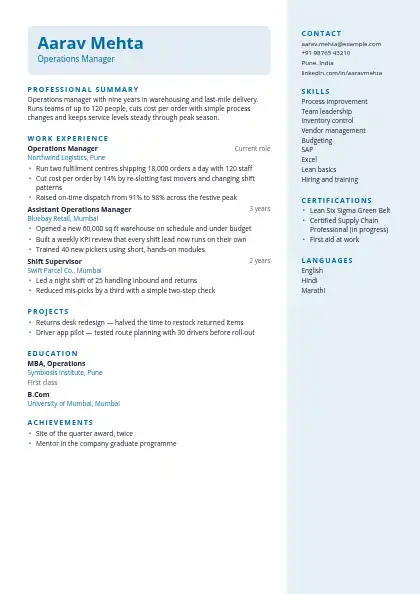
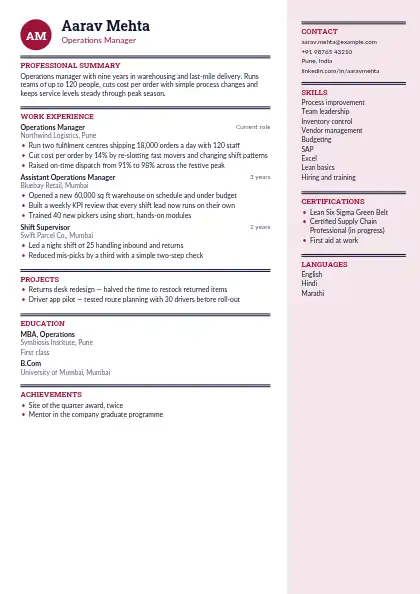
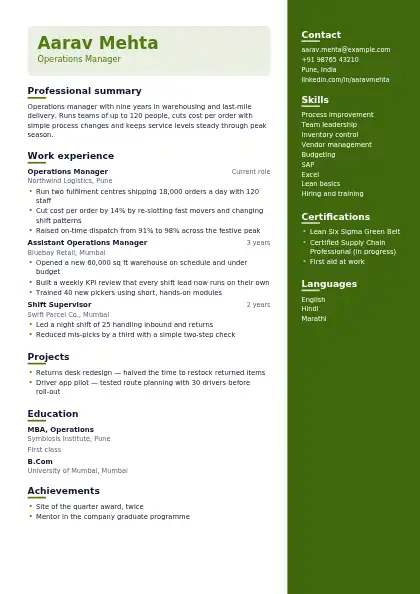
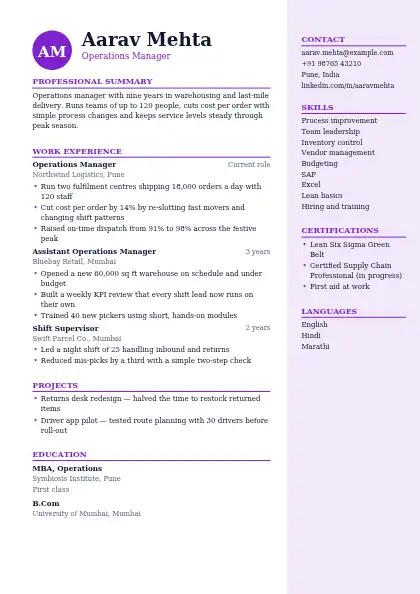
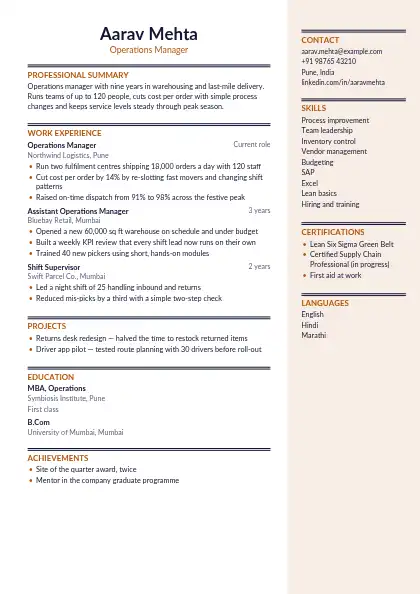
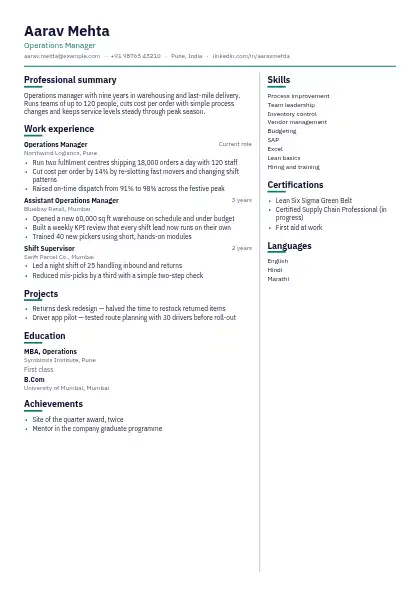
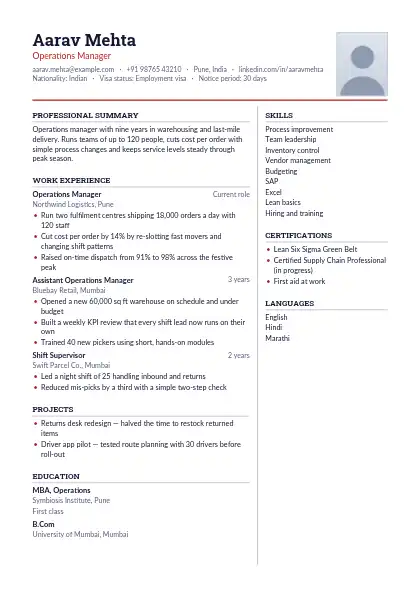
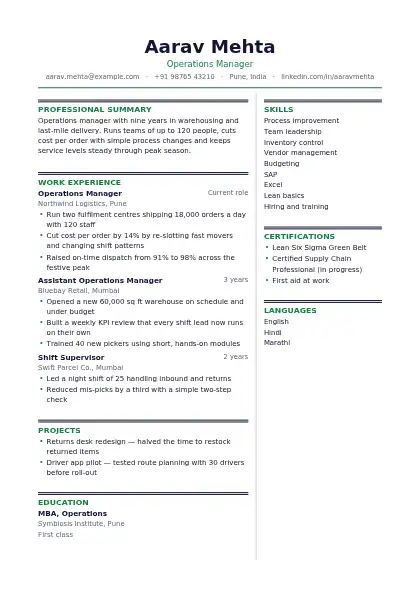
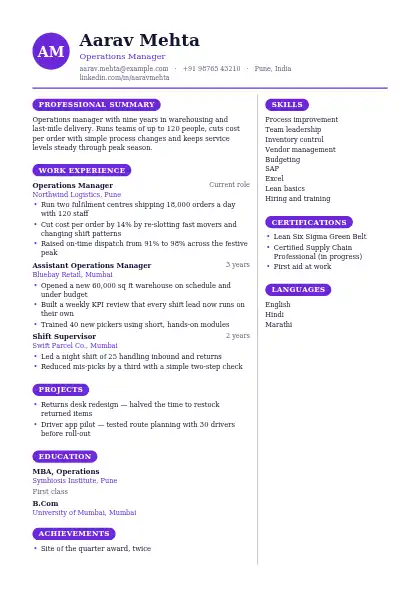
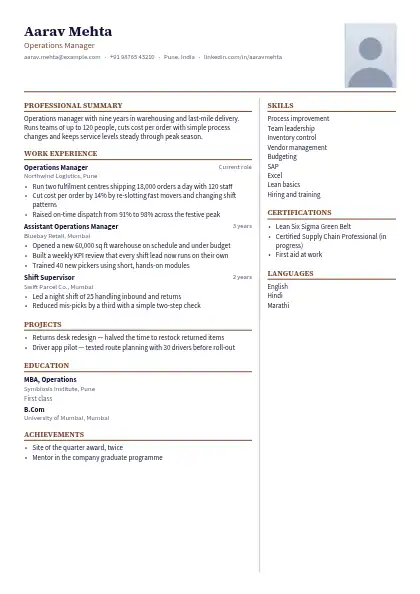
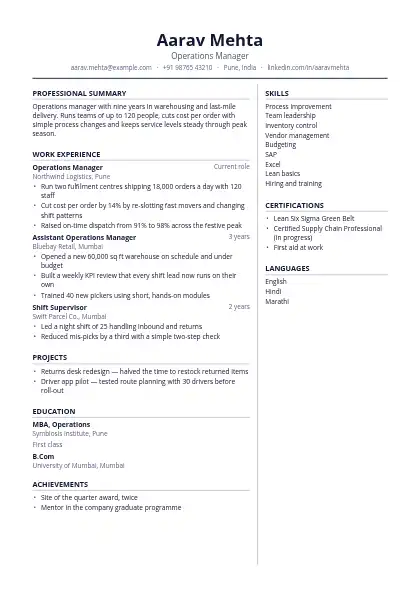
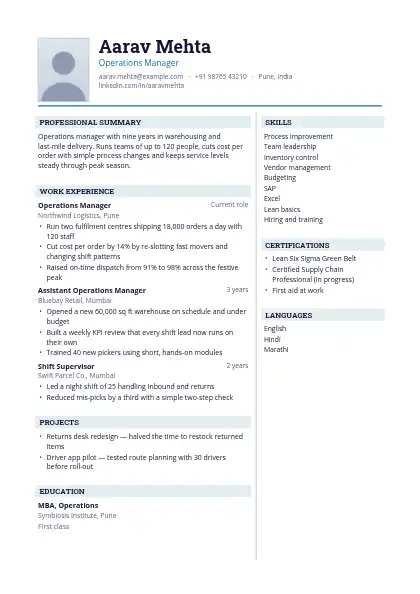
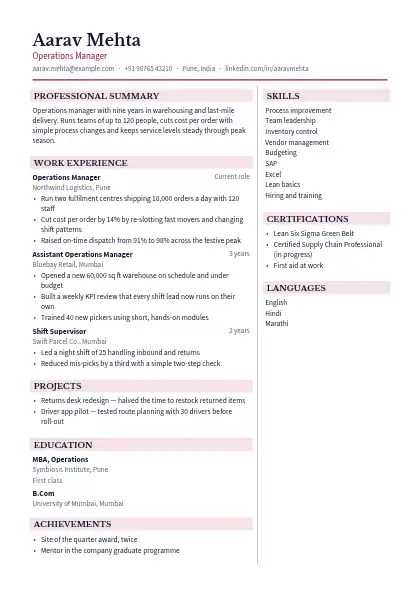
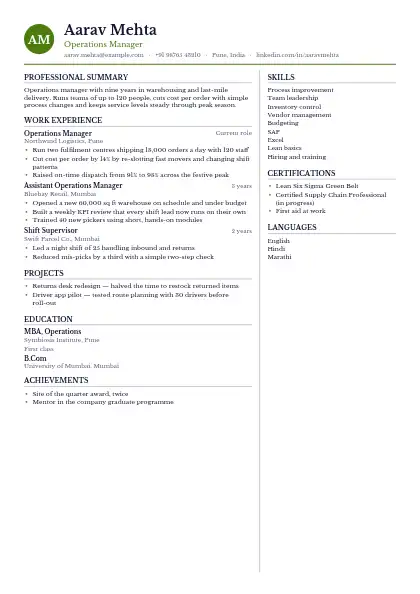
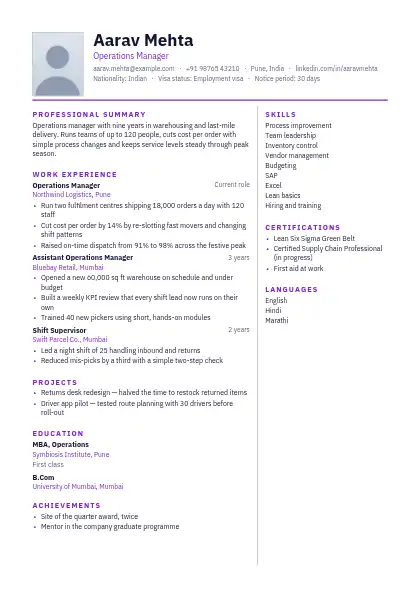
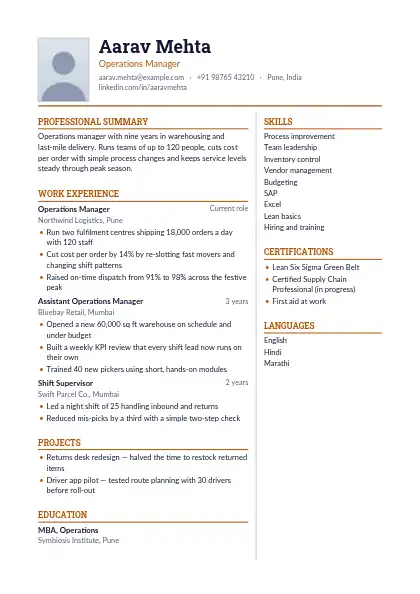
160 designs · free PDF and Word

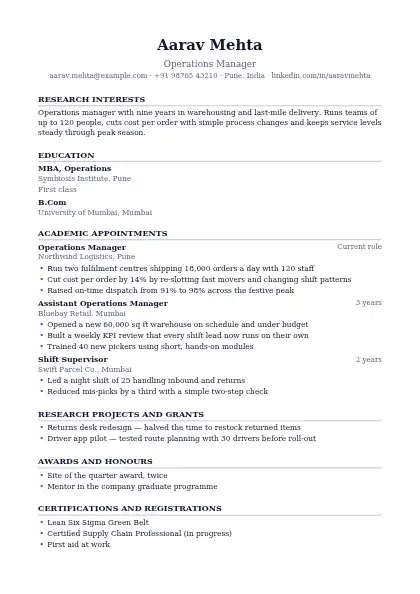
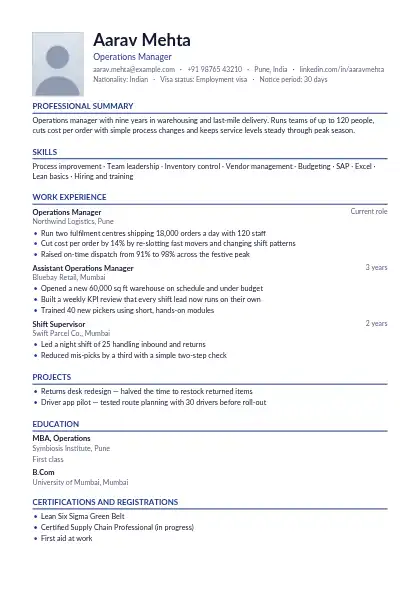
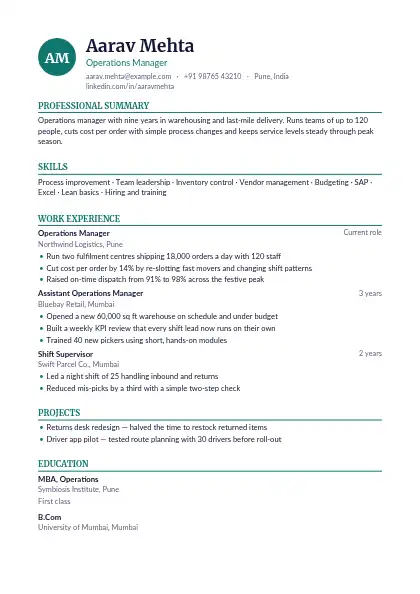
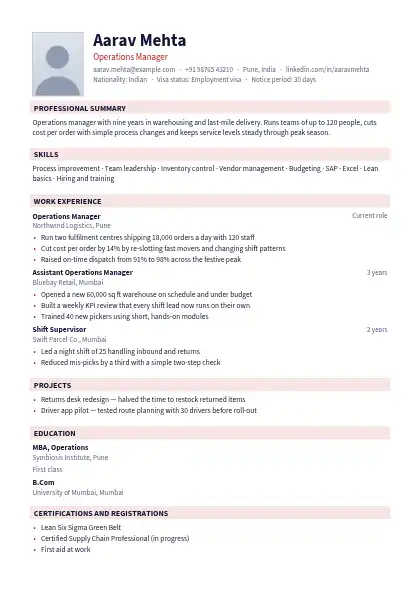
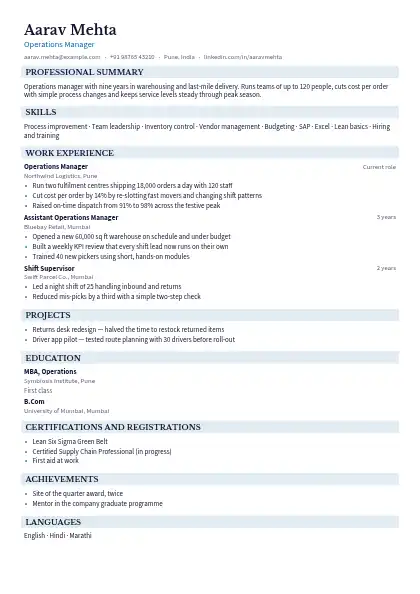
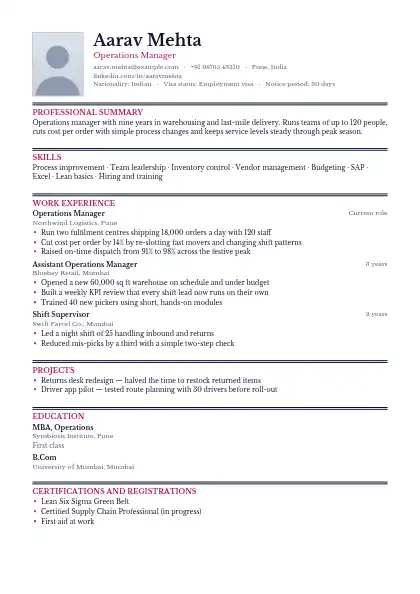
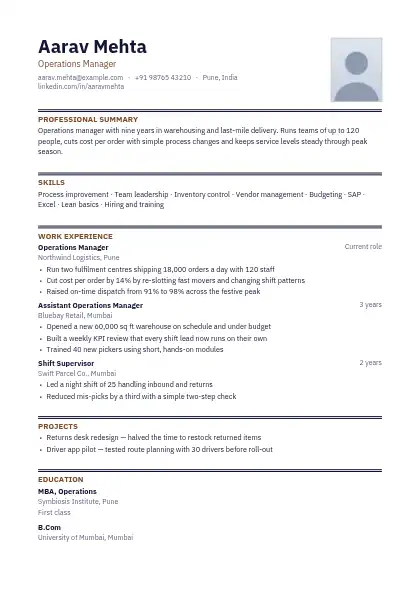
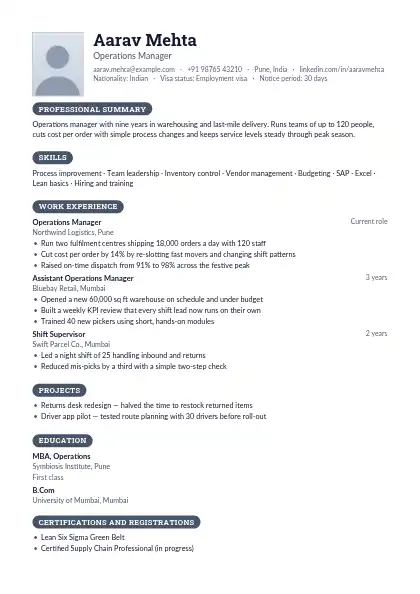
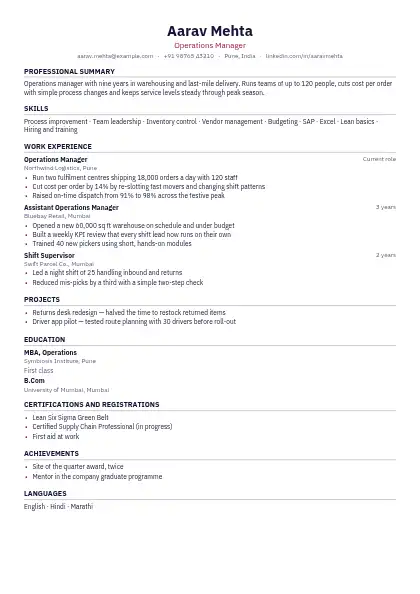
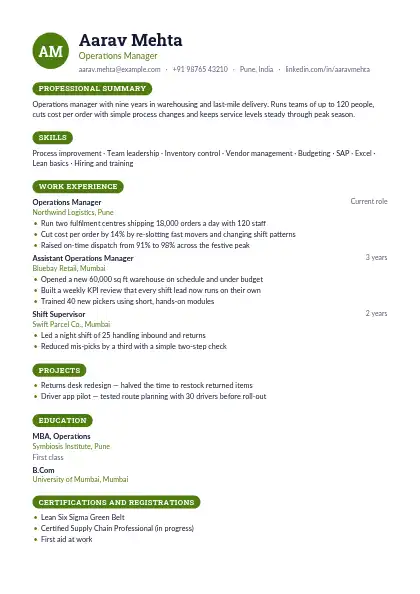
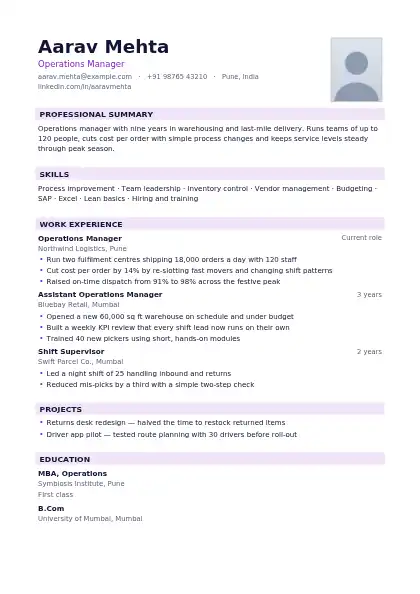
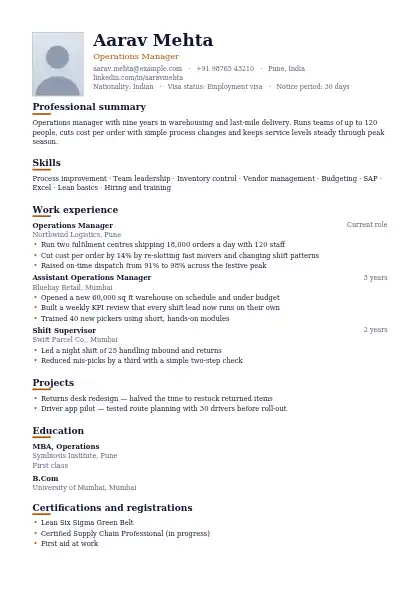
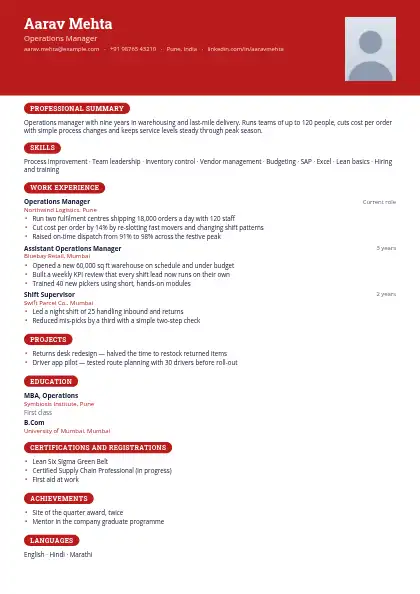
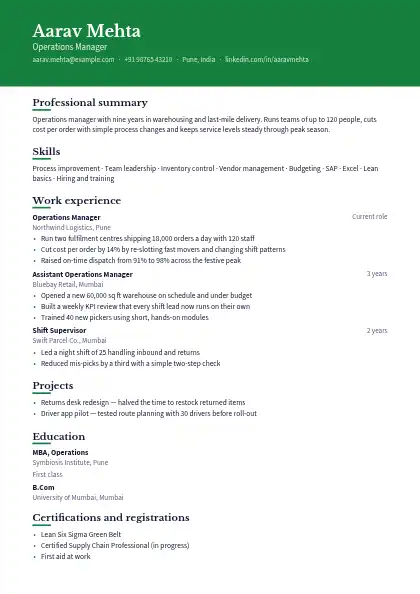
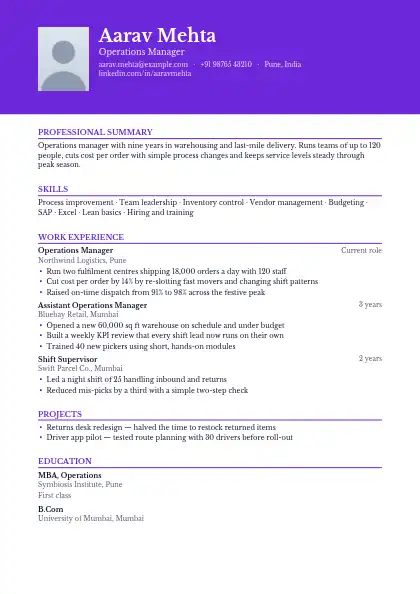
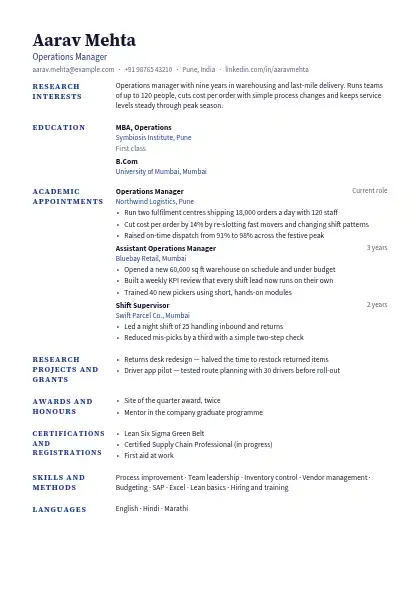
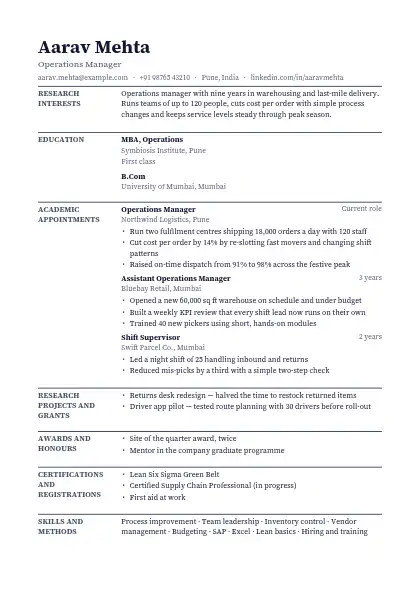
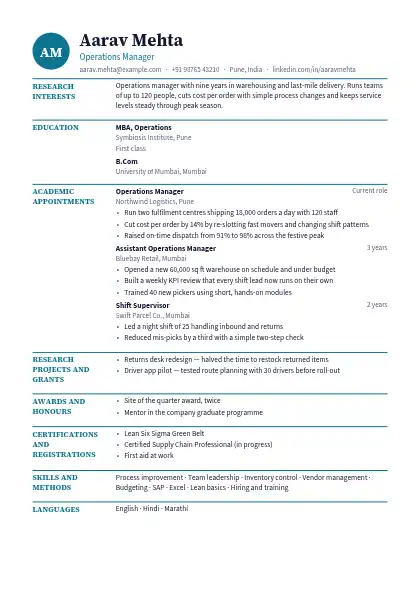
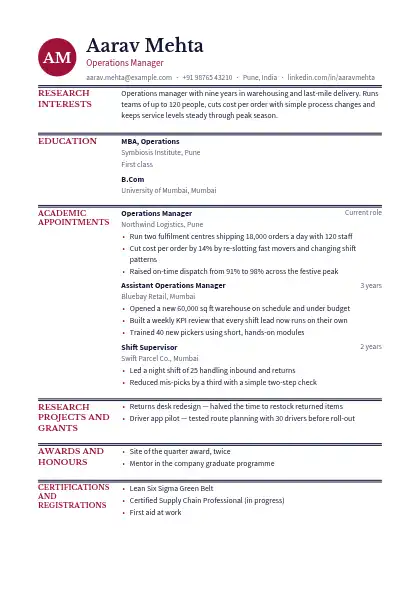
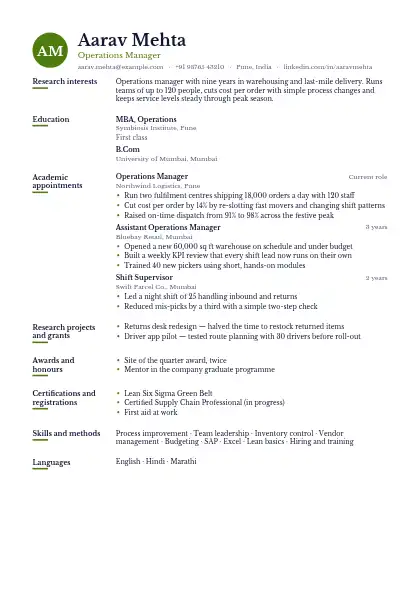
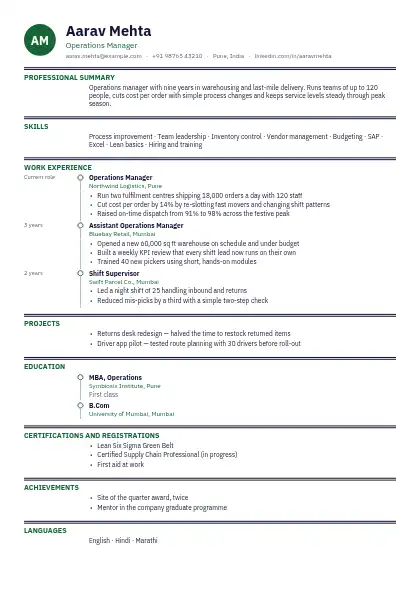
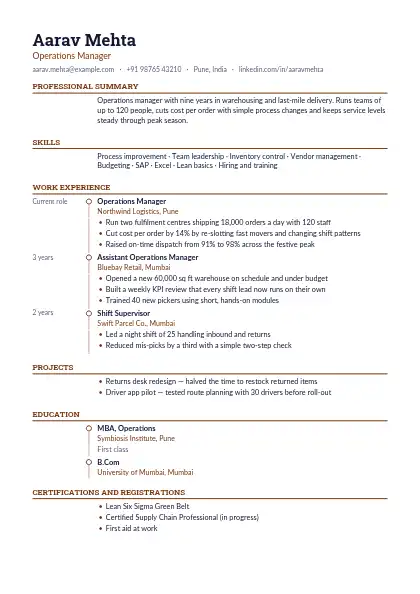
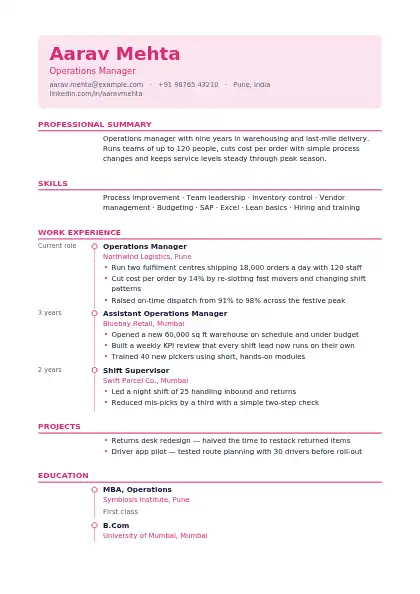
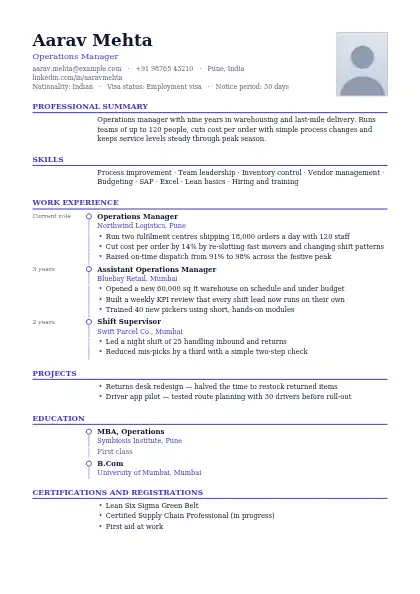
Resume templates in Word format

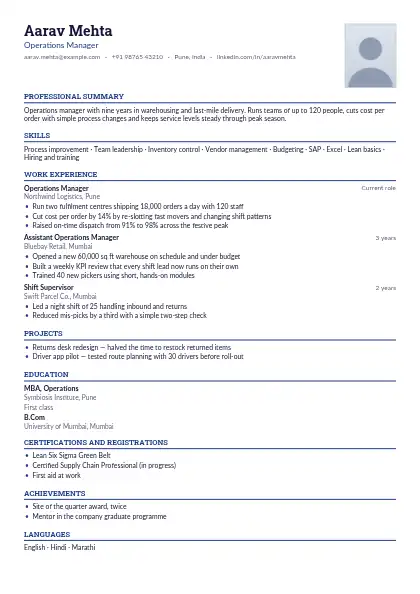
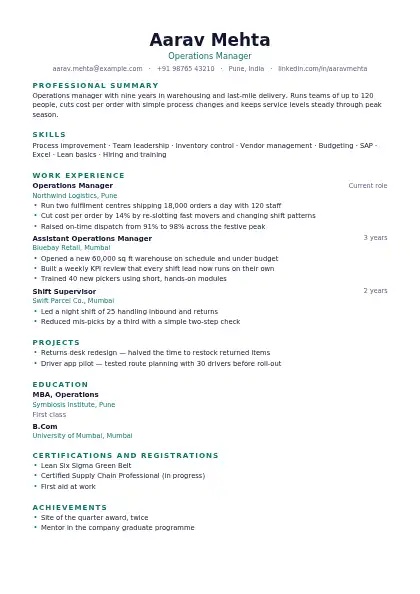
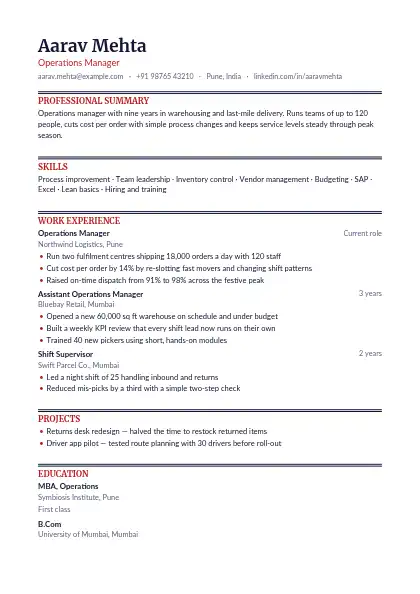
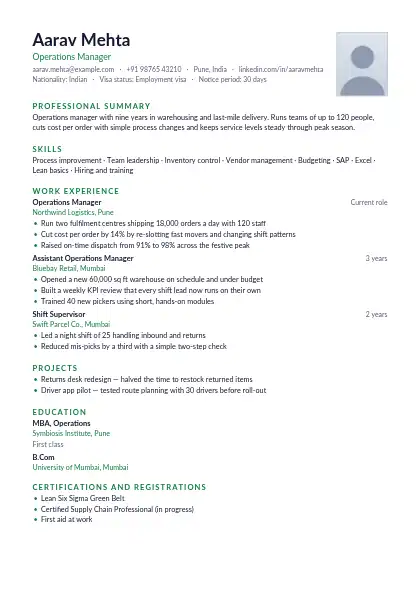
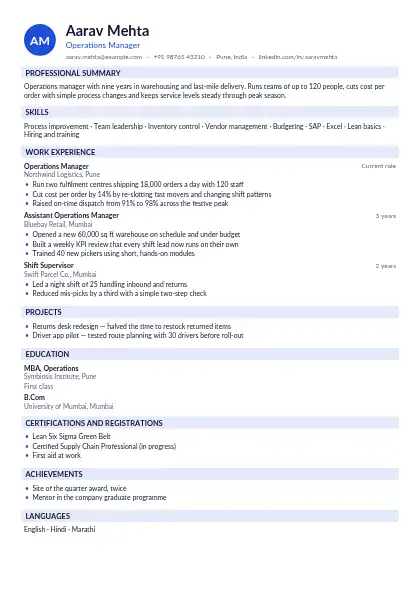
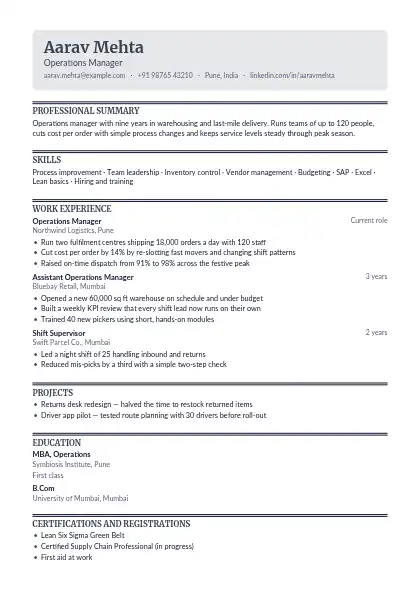
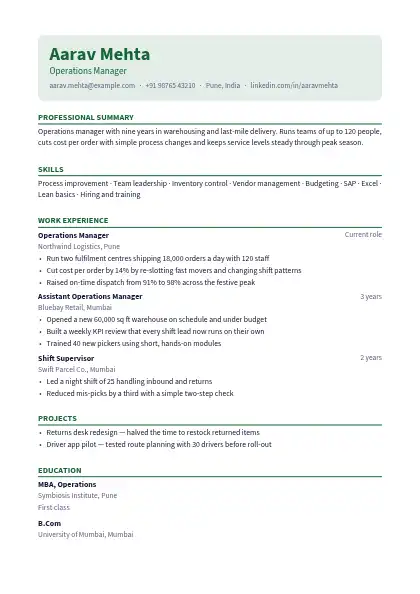
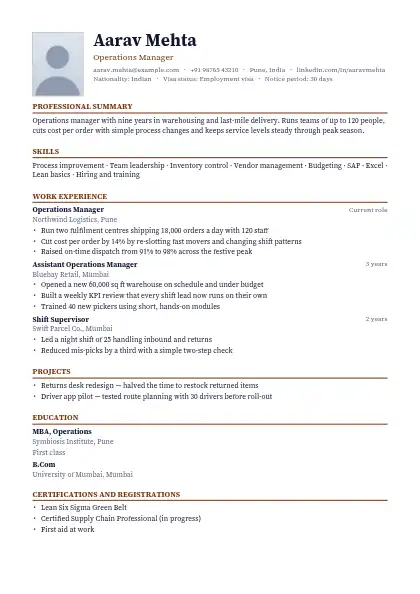
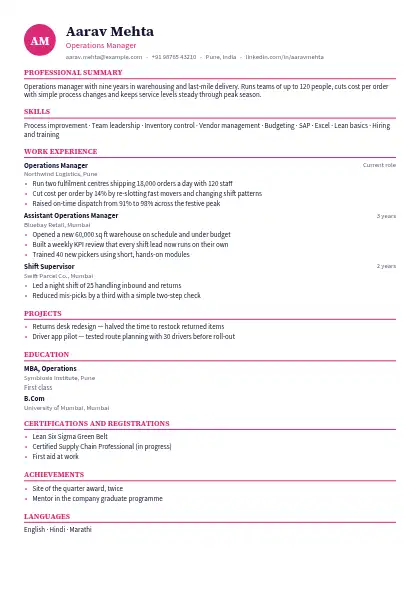
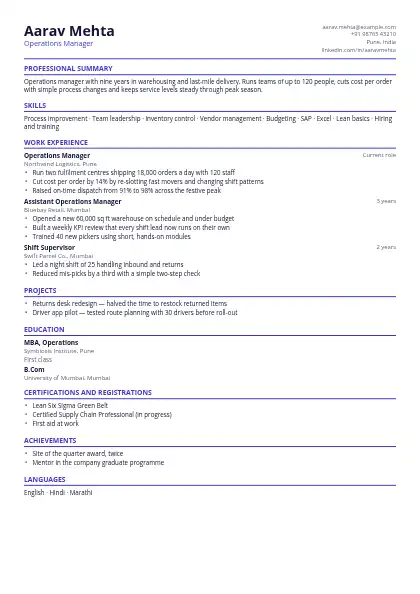
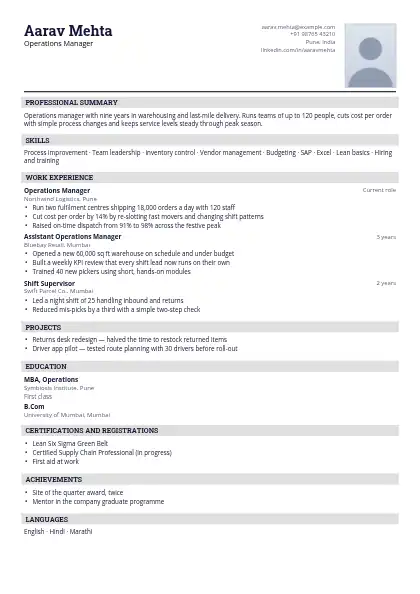
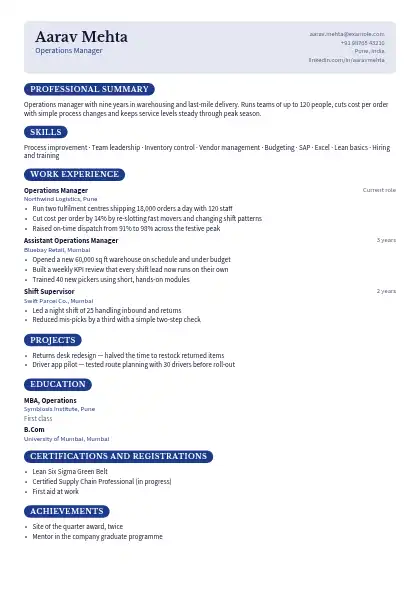
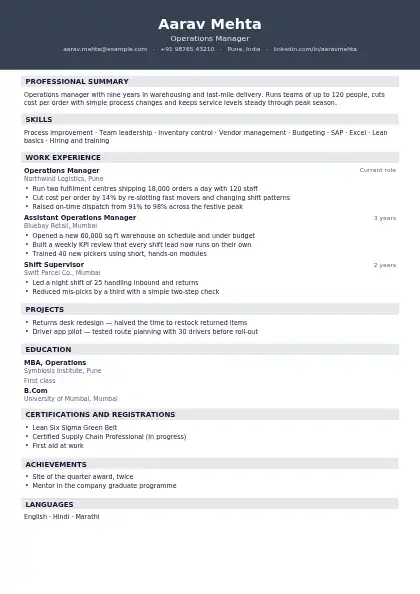
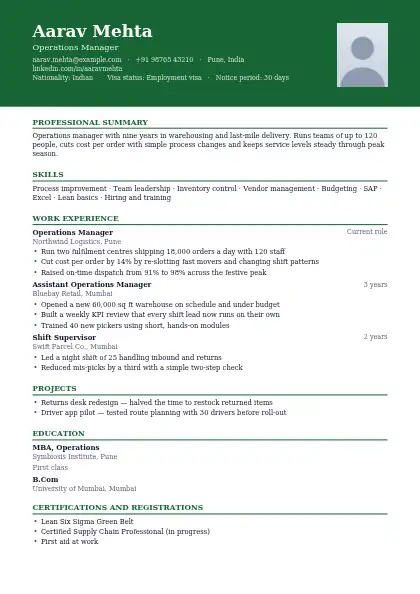
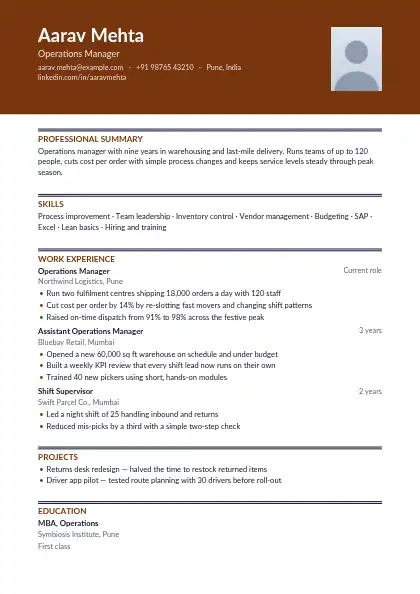
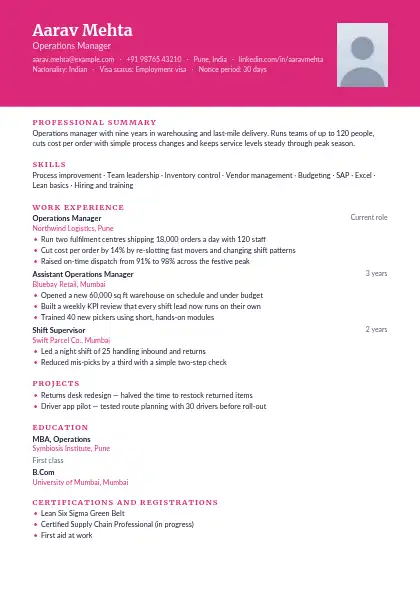
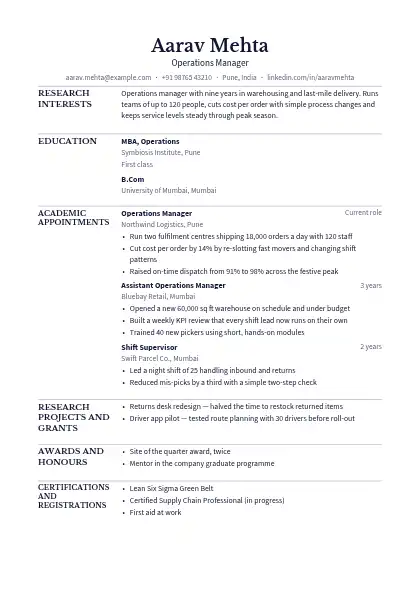
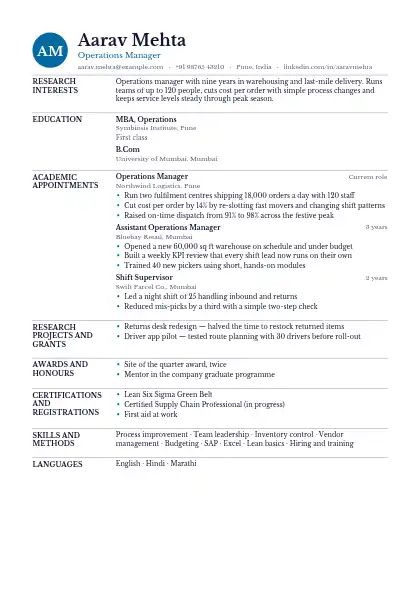
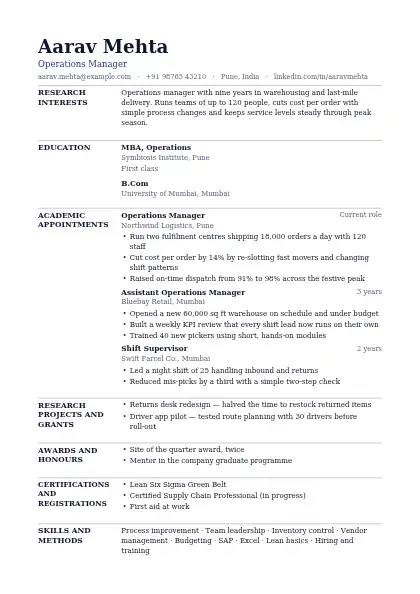
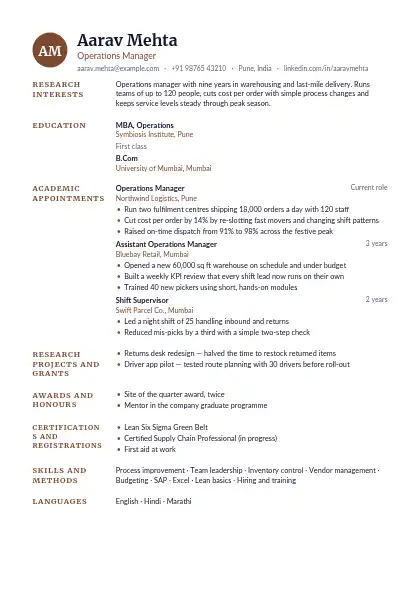
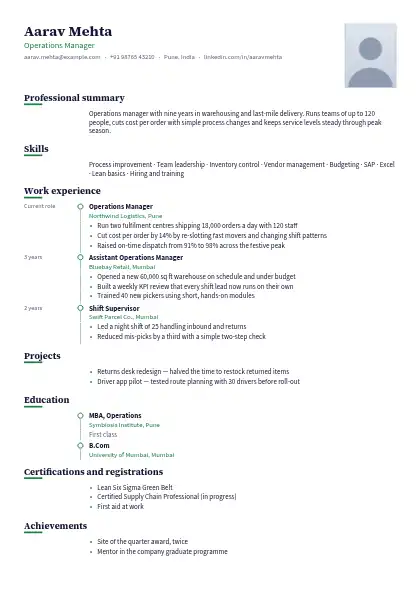
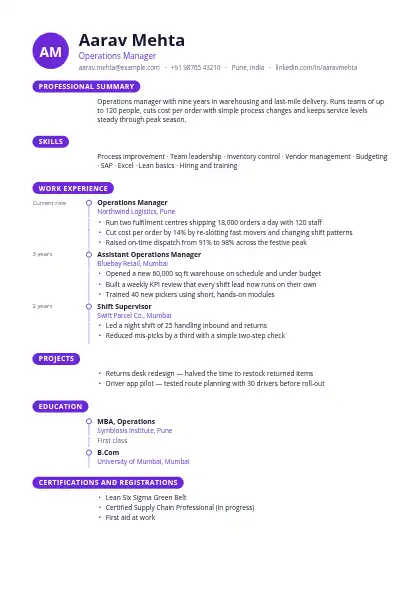
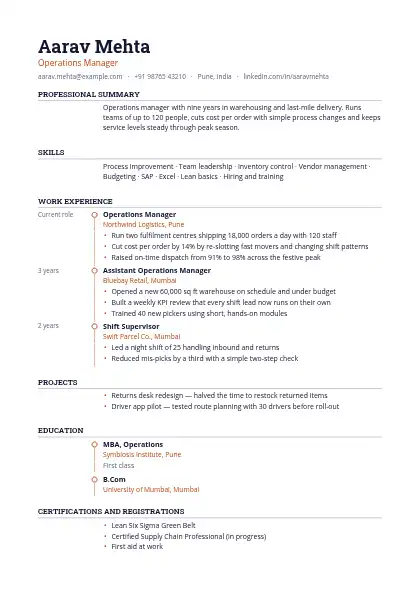
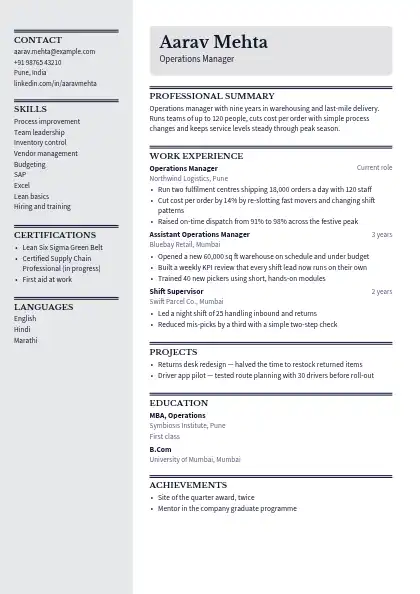
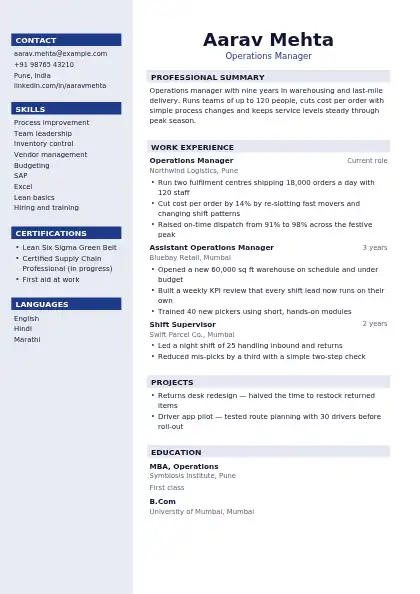
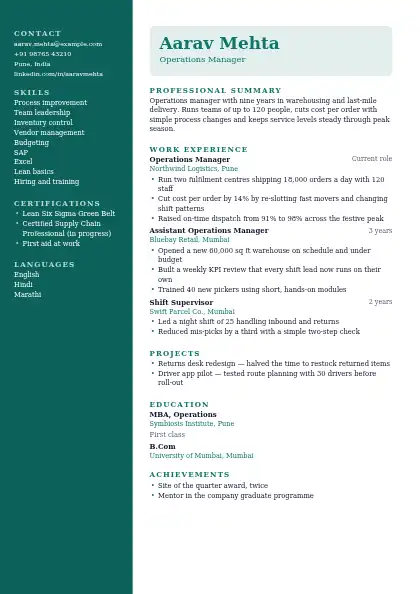
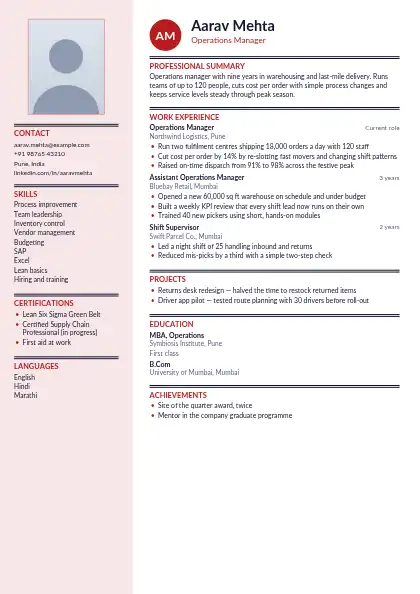
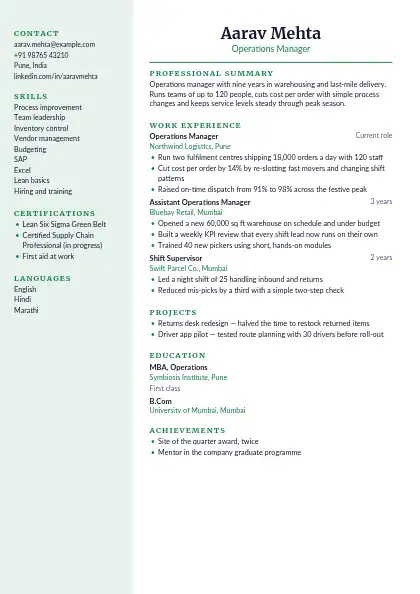
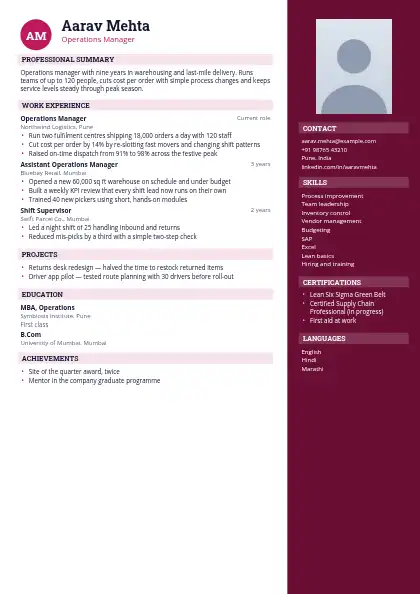
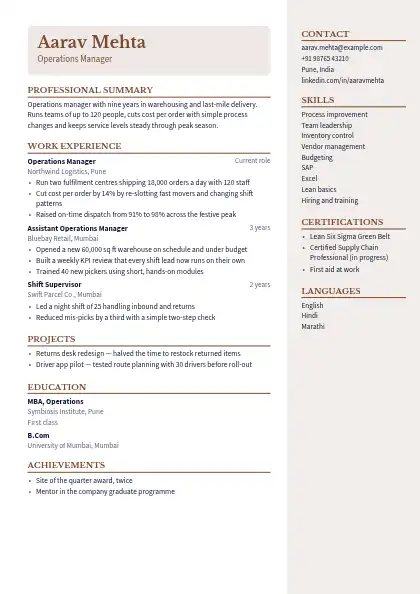
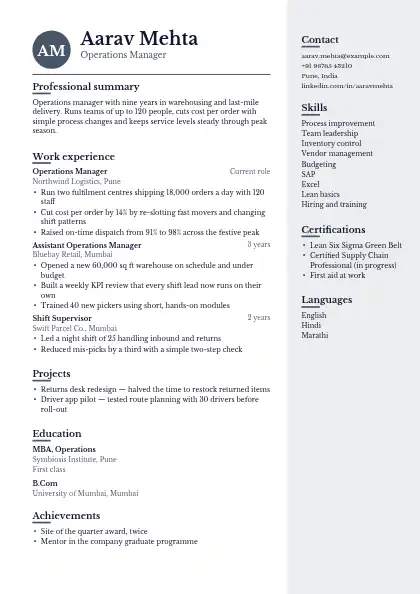
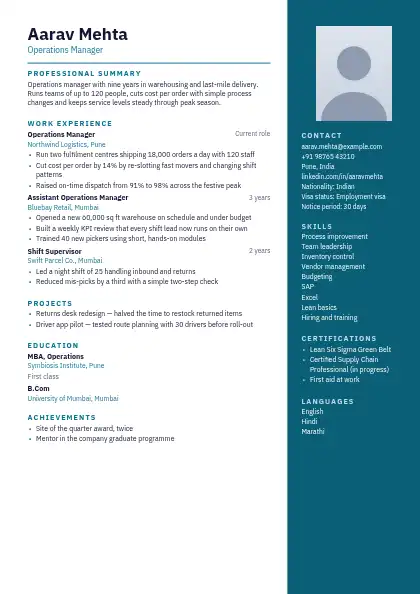
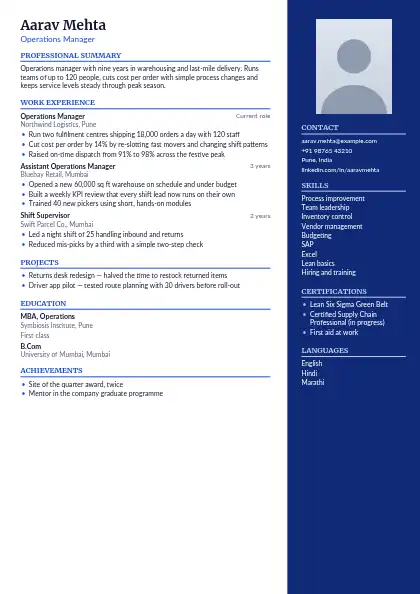
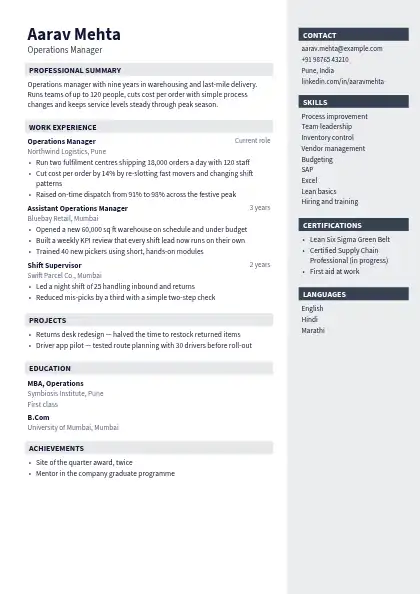
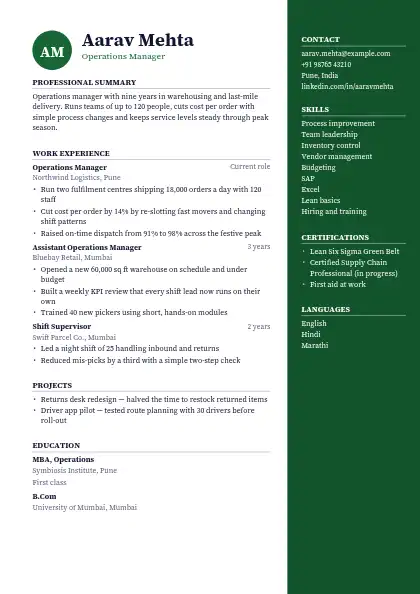
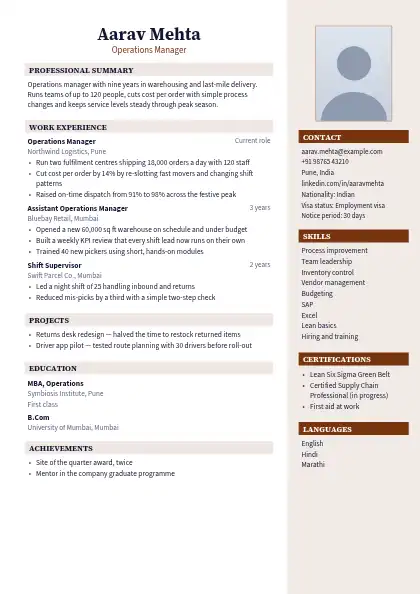
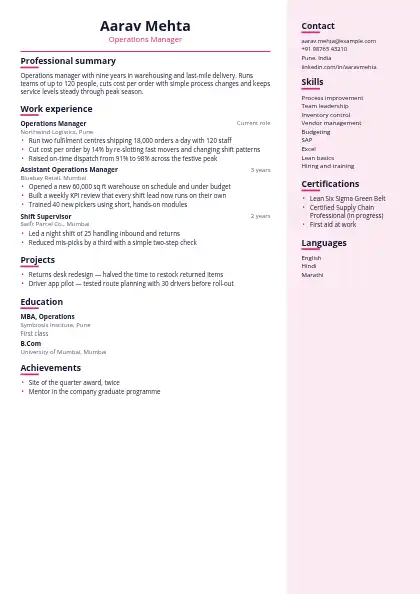
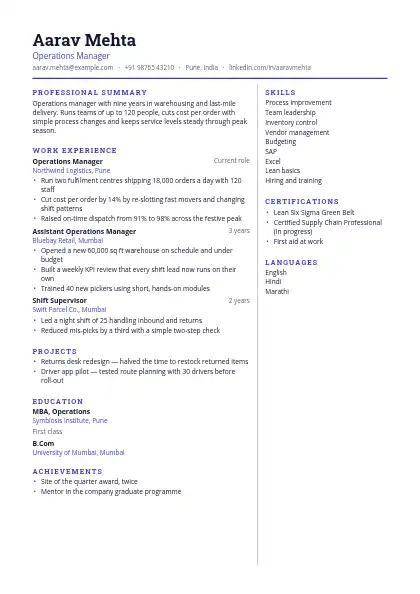
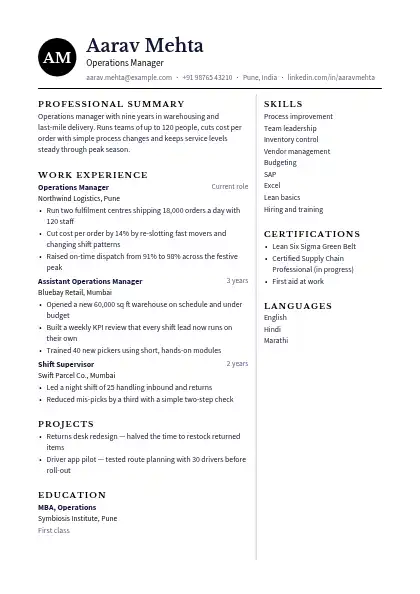
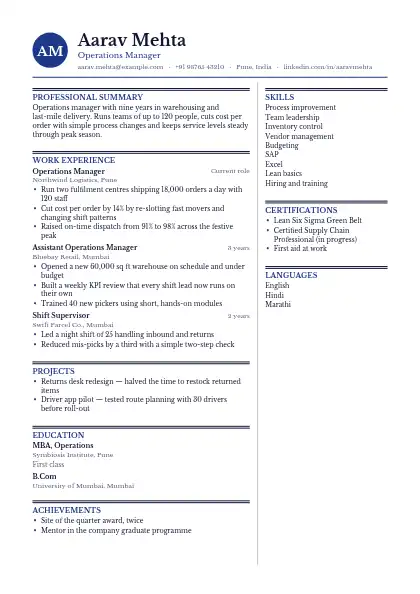
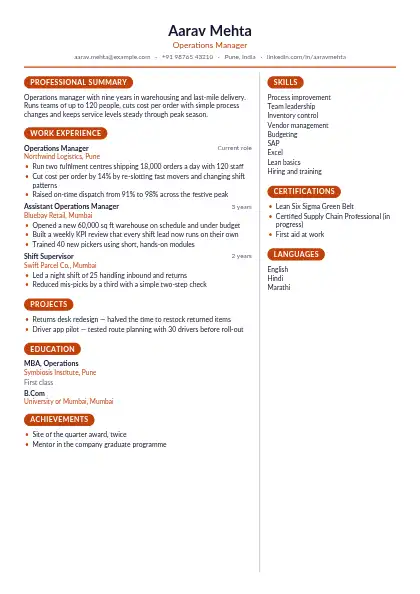
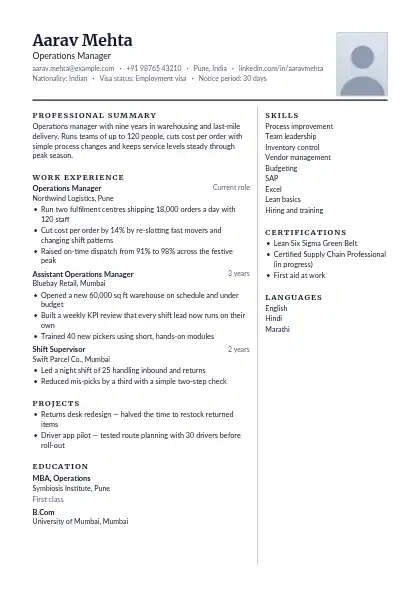
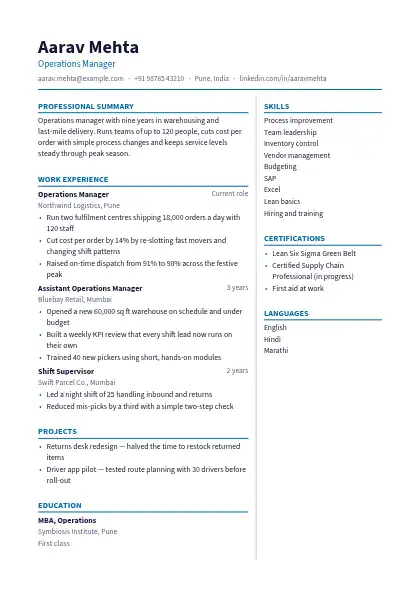
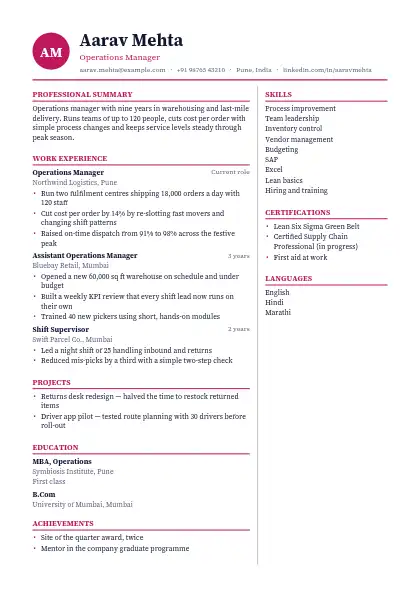
Every design here downloads as a Word .docx file as well as a PDF, so you can make last edits in Microsoft Word, LibreOffice or Google Docs. Fill the template in online first: the builder lays out the sections, fonts and colours for you, and the Word file keeps real headings and text rather than a picture of a page.

Browse all 160 resume templates →

When is a Word resume the better choice?

Word is useful when a recruiter asks for an editable copy, when a portal only accepts .doc or .docx, or when you want to tailor the resume for each job offline. Single-column designs stay the most stable once you edit in Word; two-column ones can shift slightly as text changes.

FAQ

Questions and answers

Yes. Upload the Word file to Google Drive and open it with Google Docs. Fonts that Google Docs does not have are replaced with a close match.

Yes. Both the Word and PDF downloads are free, with no watermark and no signup.

Send the PDF unless an employer or portal asks for Word. The PDF keeps the layout exactly as you designed it on every device.

Turn your resume into a website

One link with your resume, work samples and contact details — live in about five minutes.

● Live in 5 minutes · free to start · no auto-renew

Make your own website

Pick a design, add your details and go live in minutes. 7-day free trial, no card needed.

Start free
Chat on WhatsApp