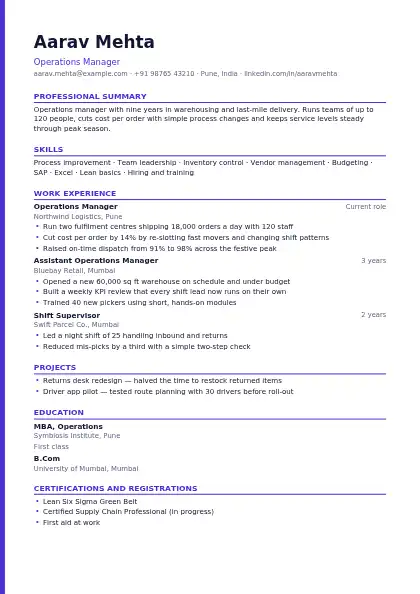
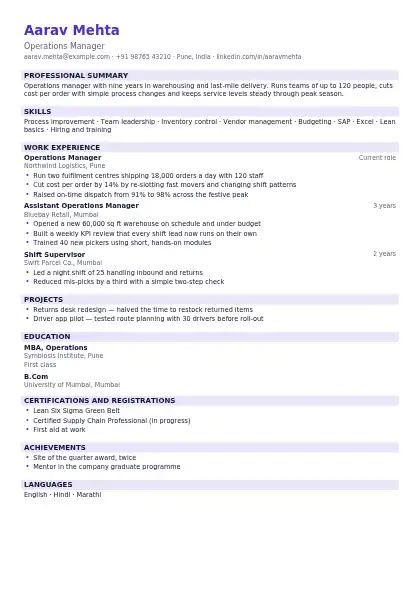
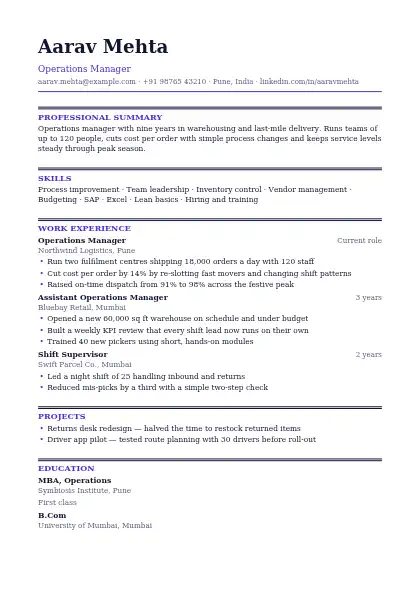
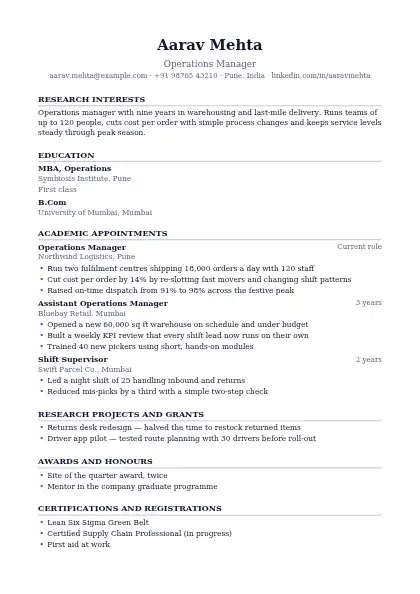
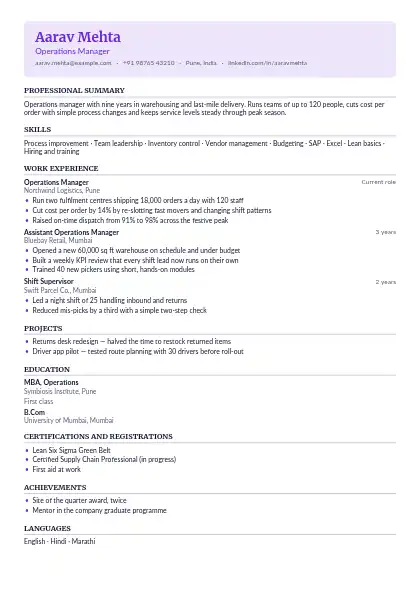
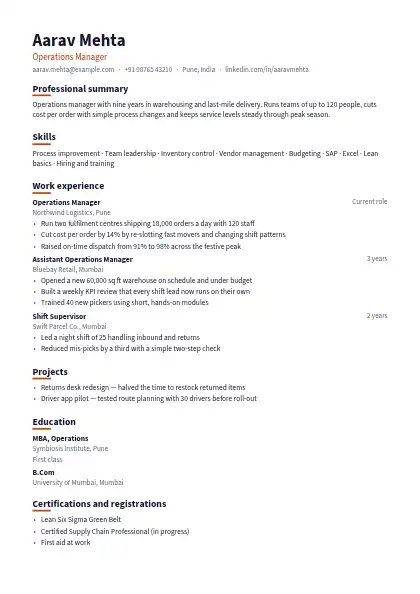
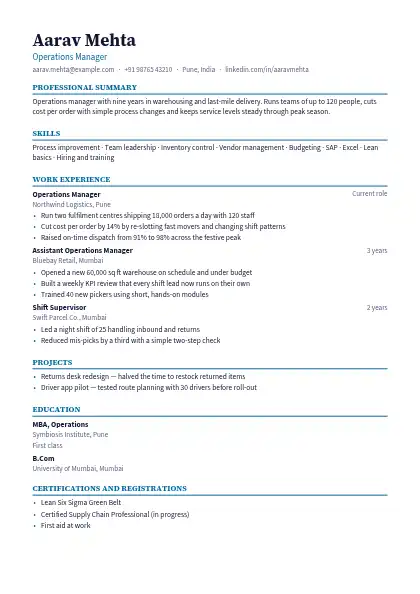
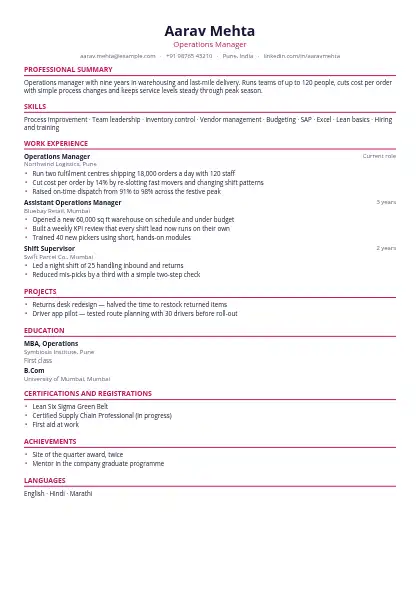
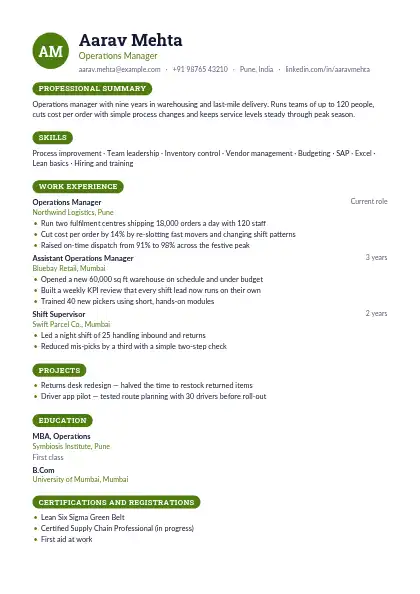
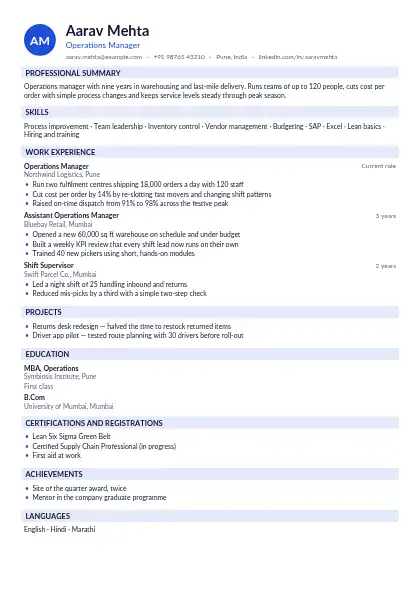
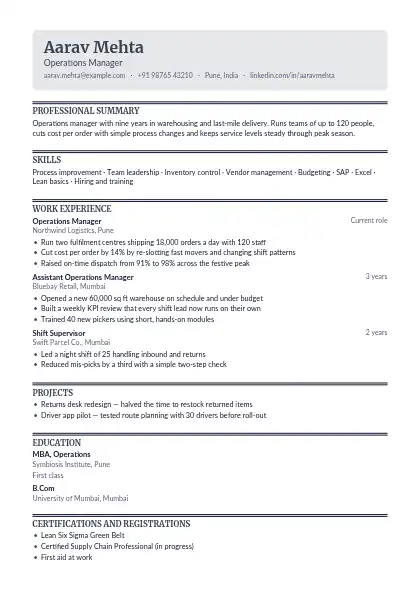
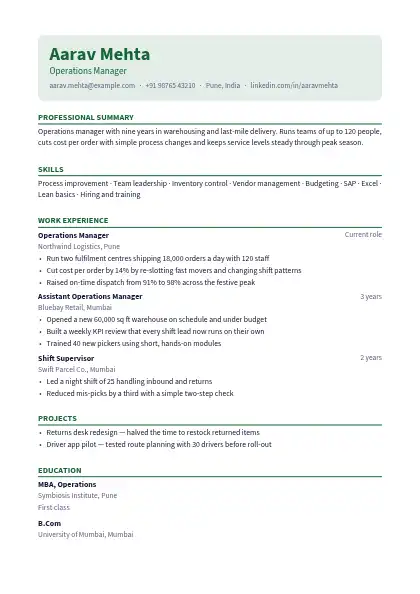
65 designs · free PDF and Word

ATS-friendly resume templates

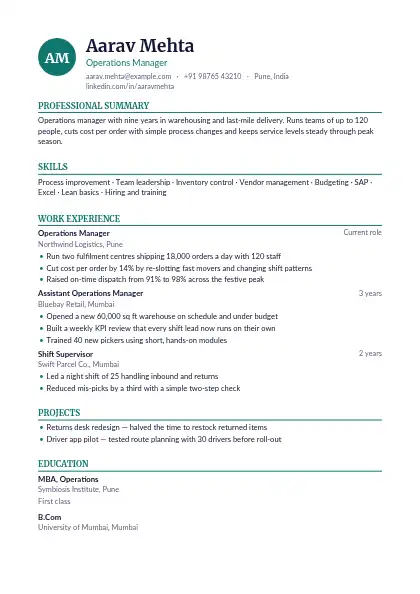
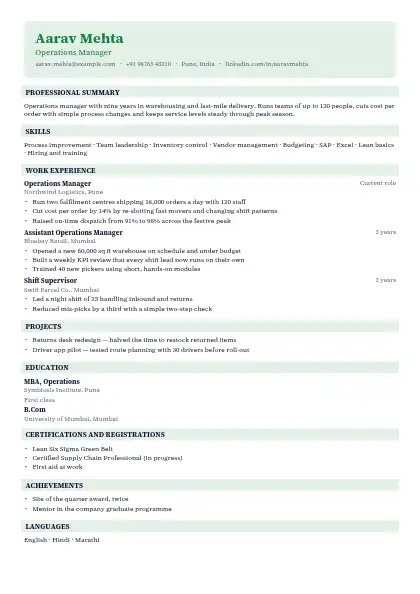
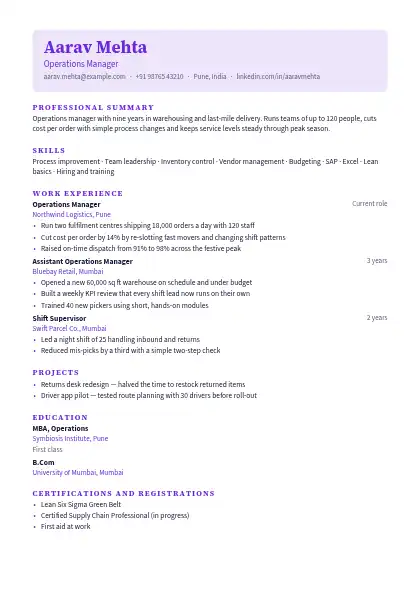
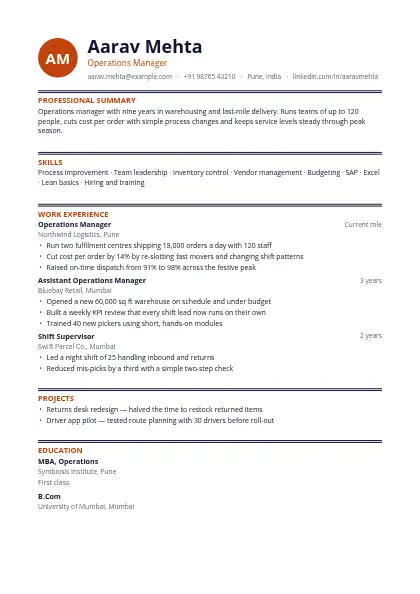
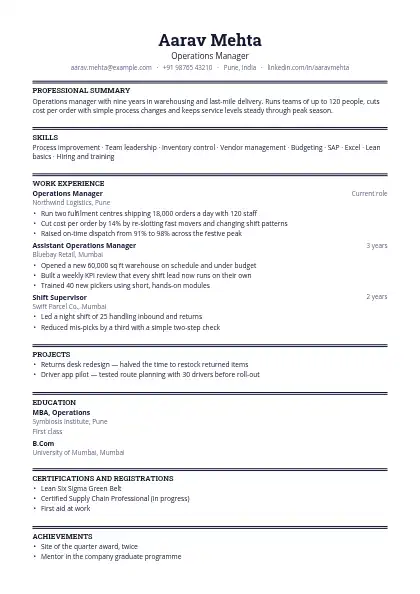
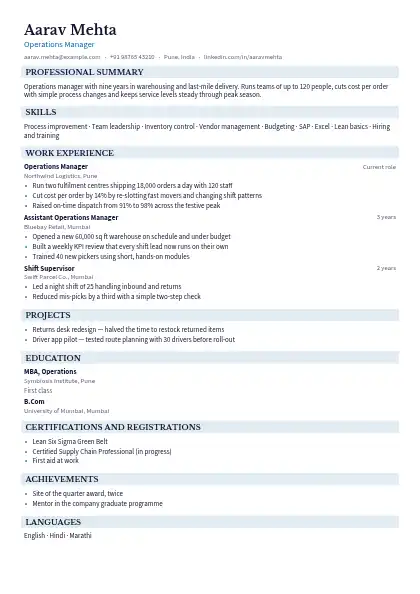
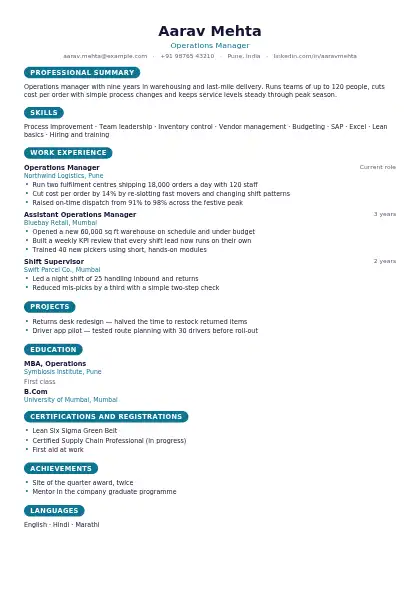
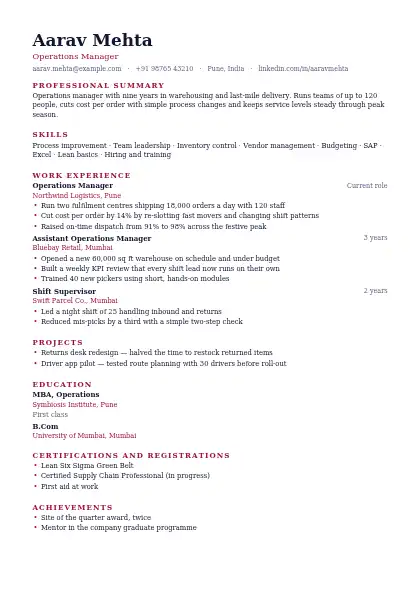
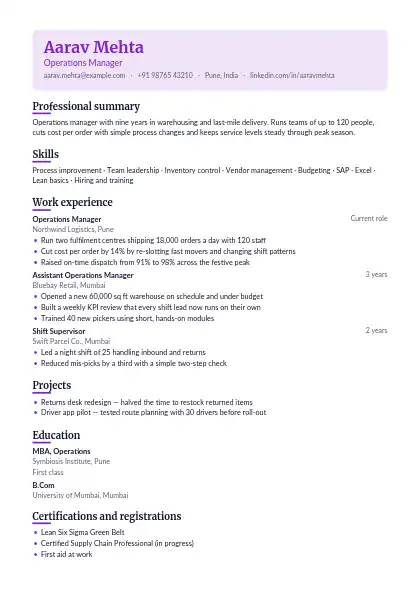
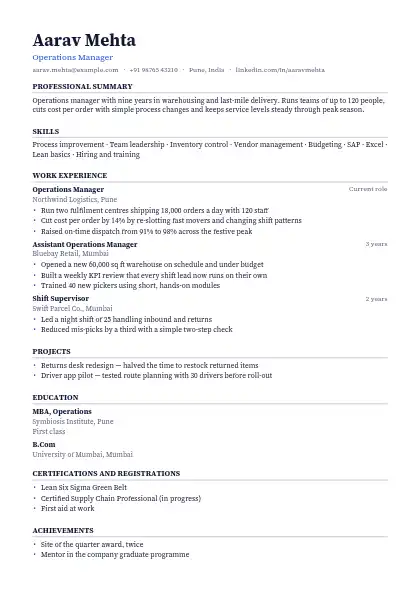
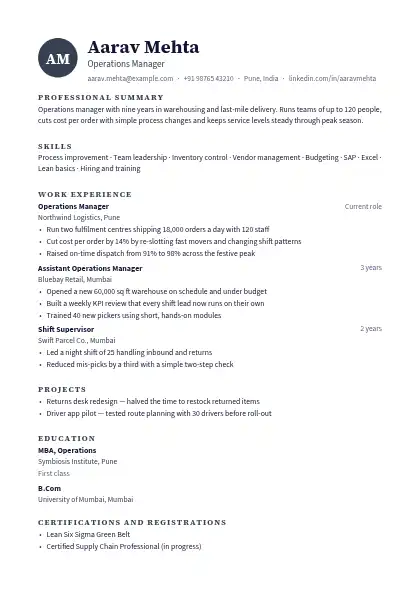
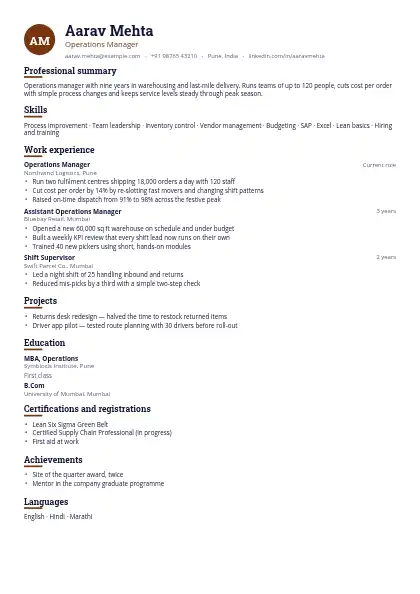
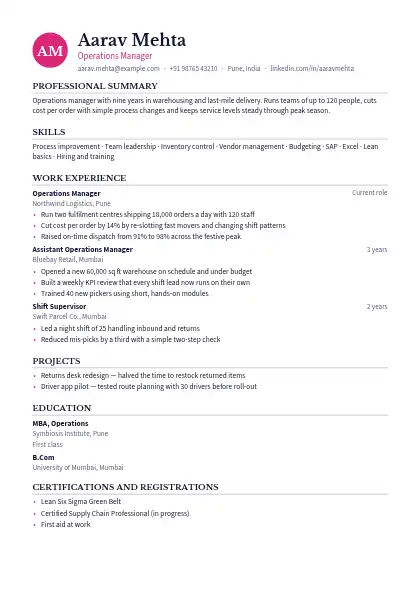
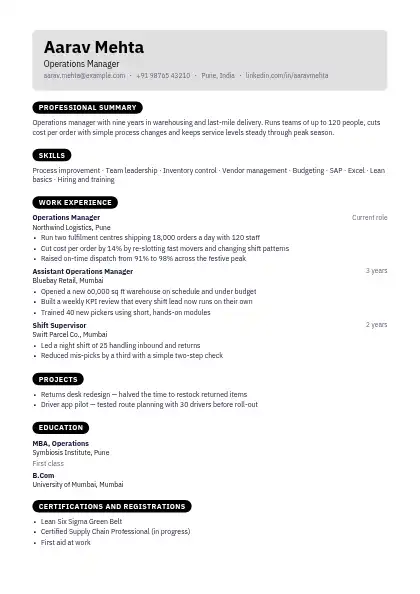
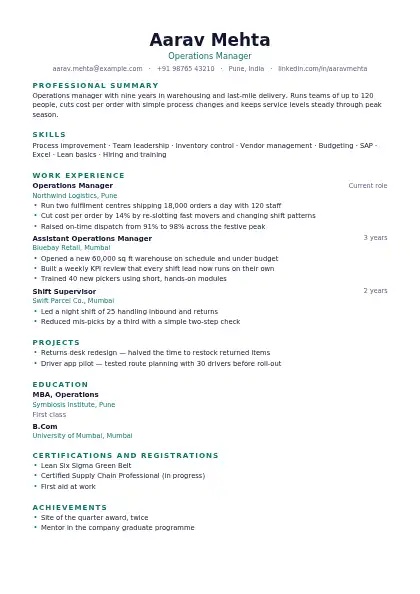
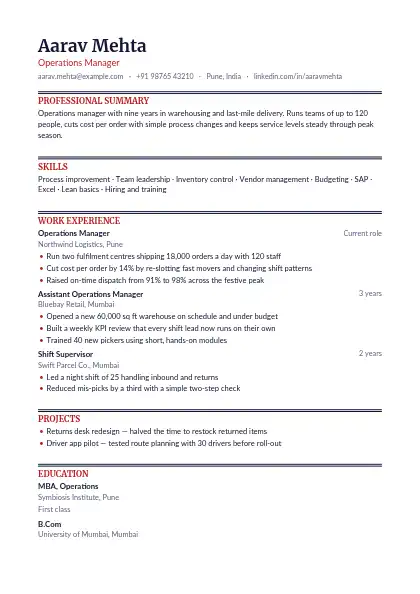
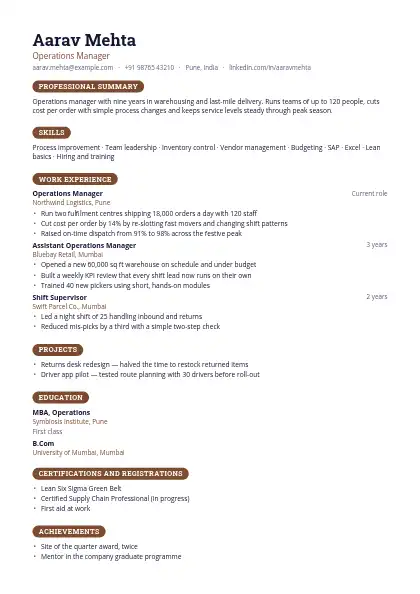
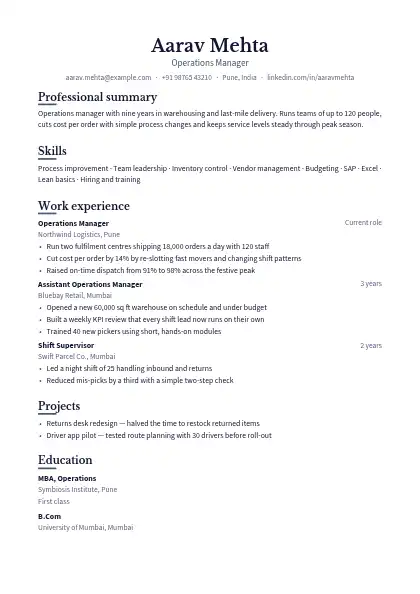
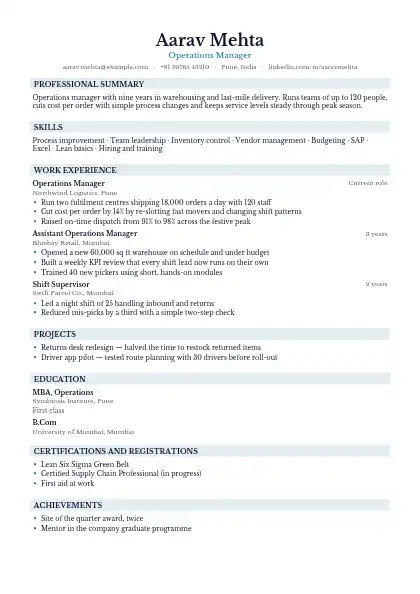
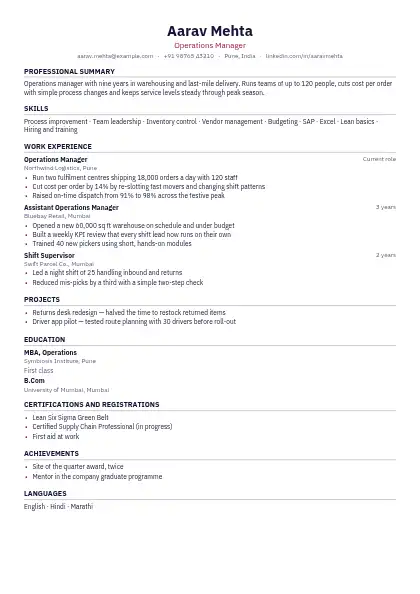
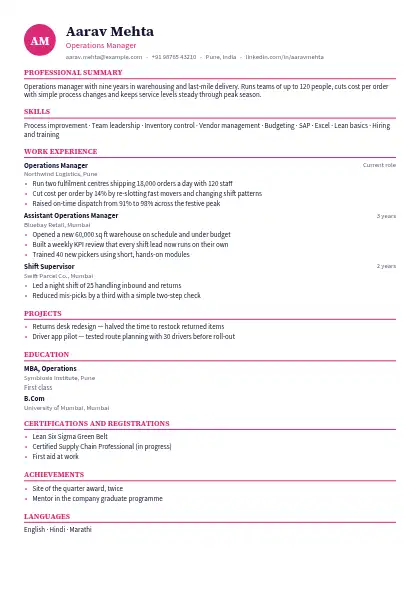
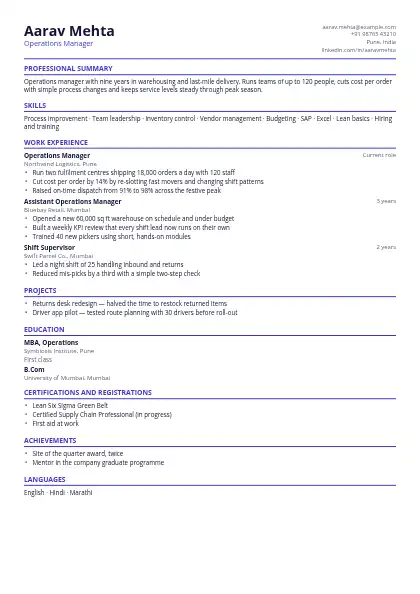
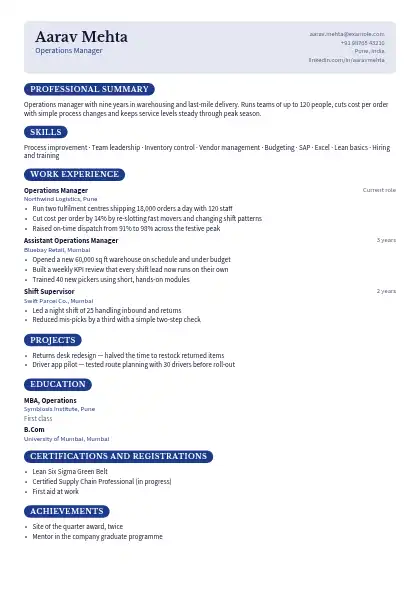
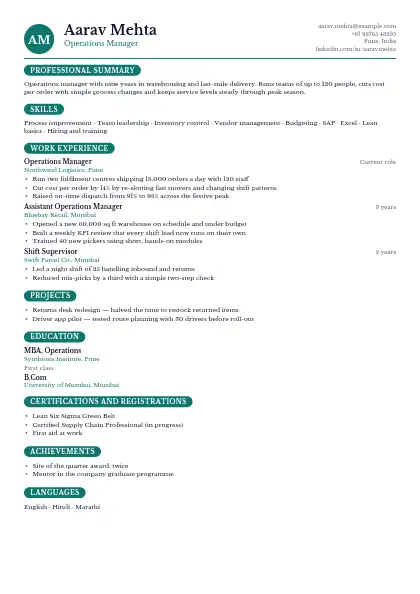
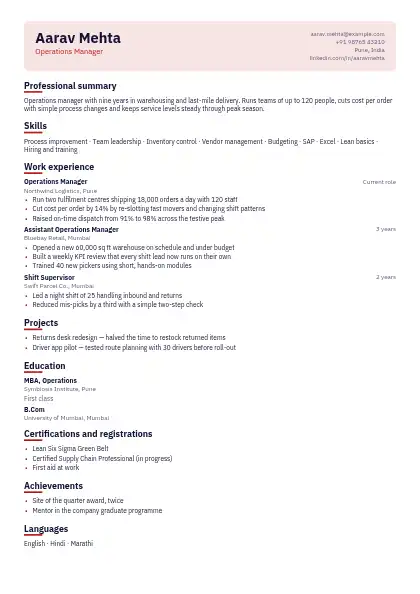
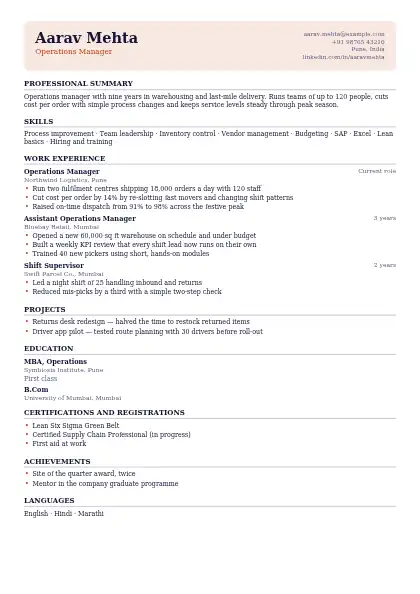
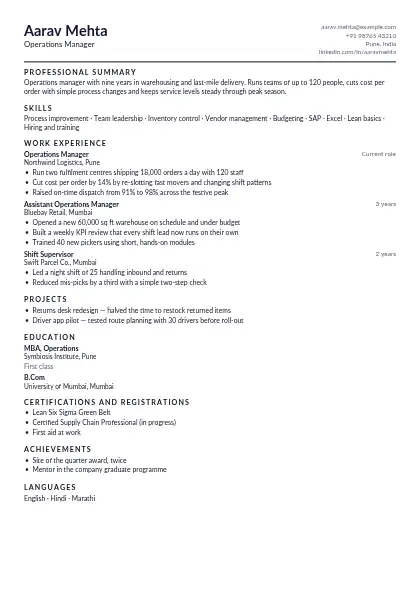
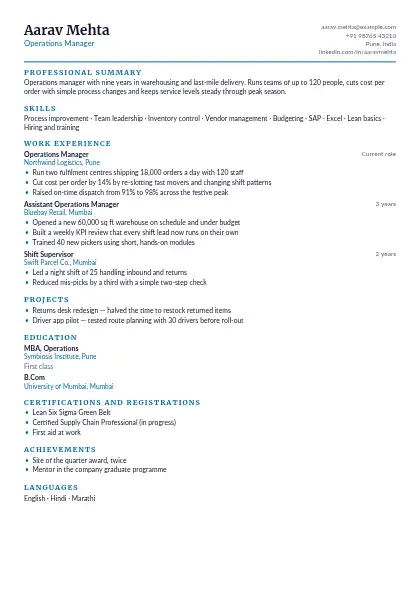
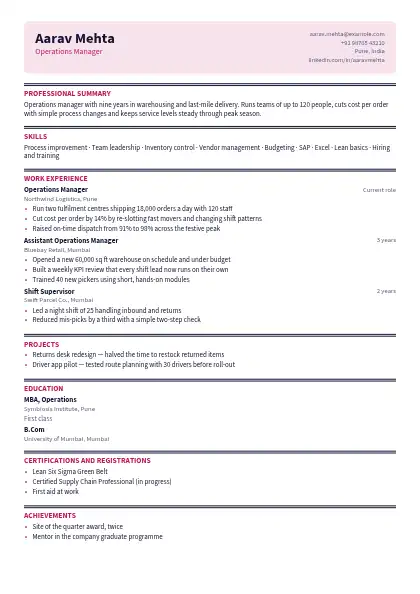
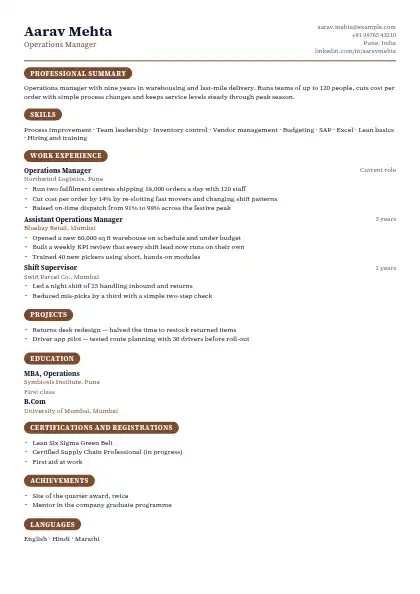
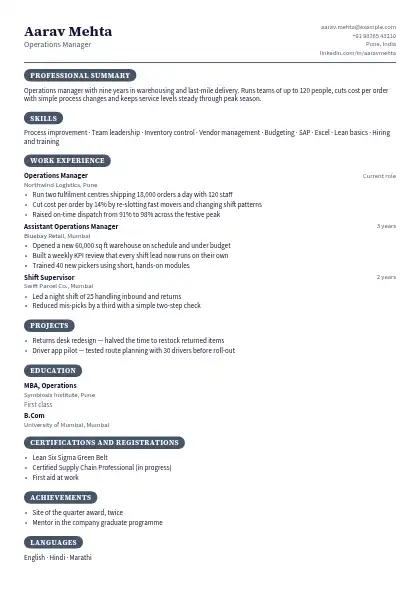
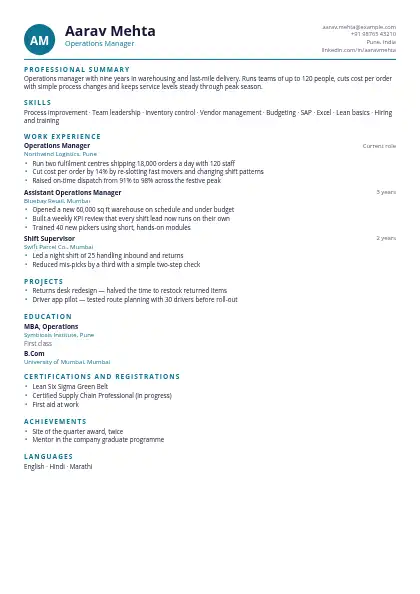
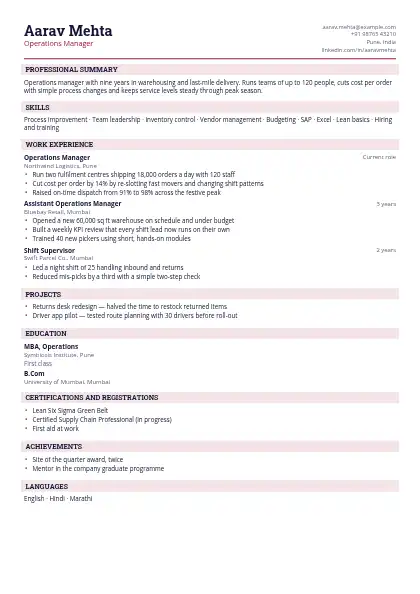
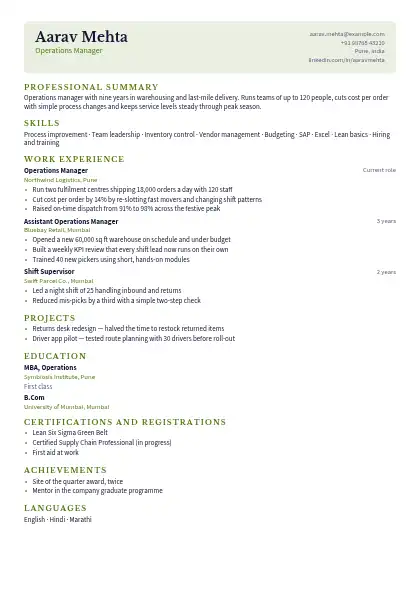
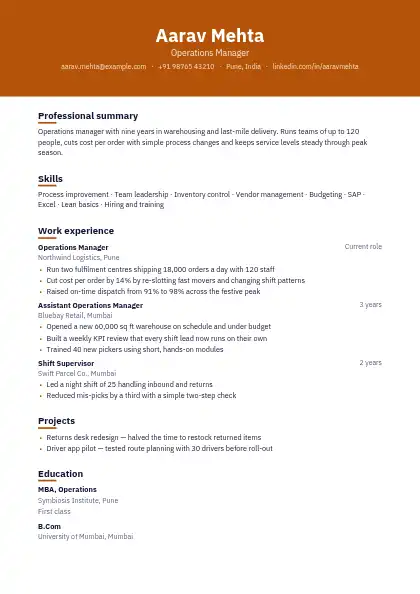
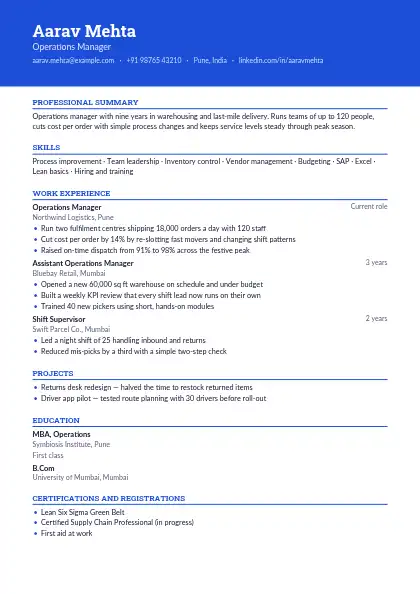
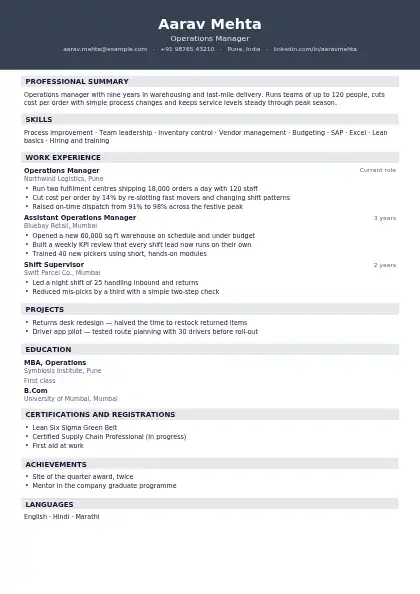
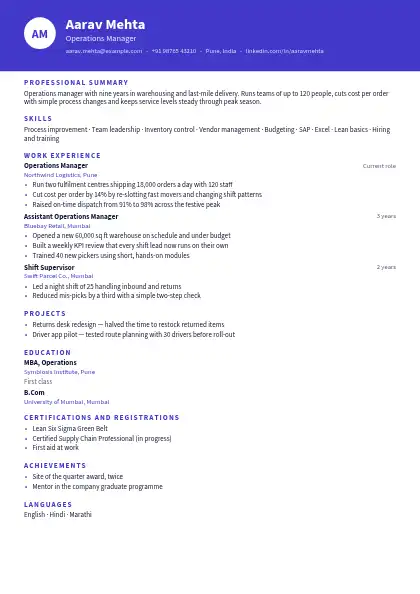
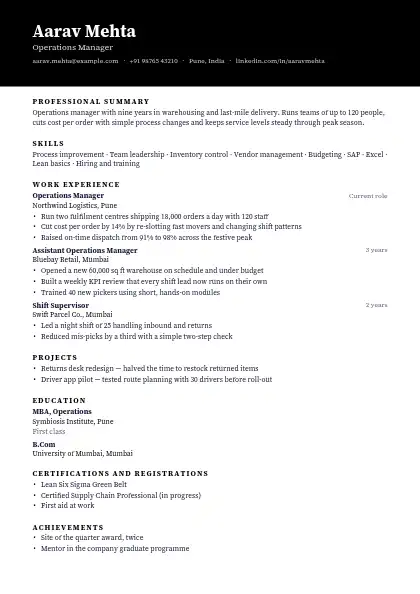
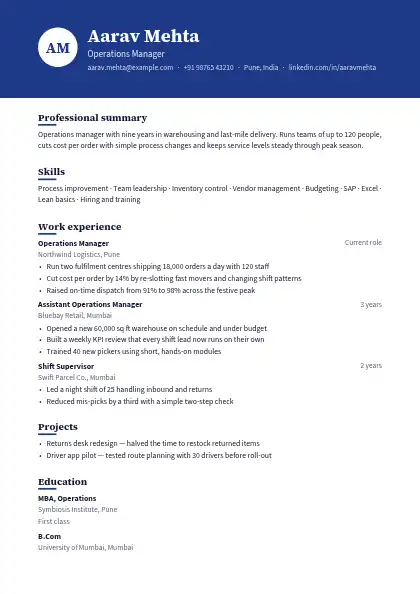
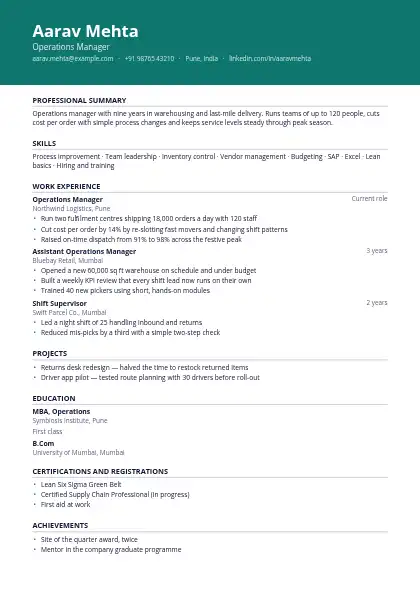
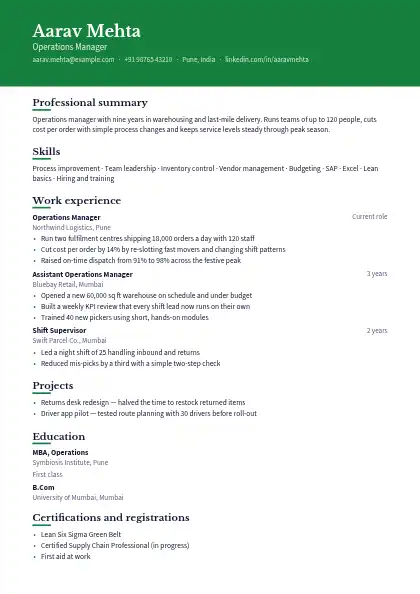
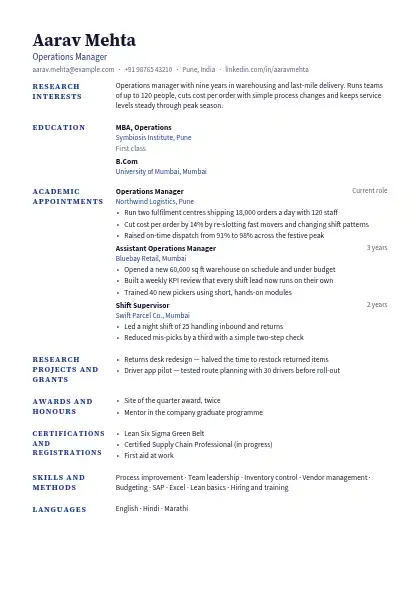
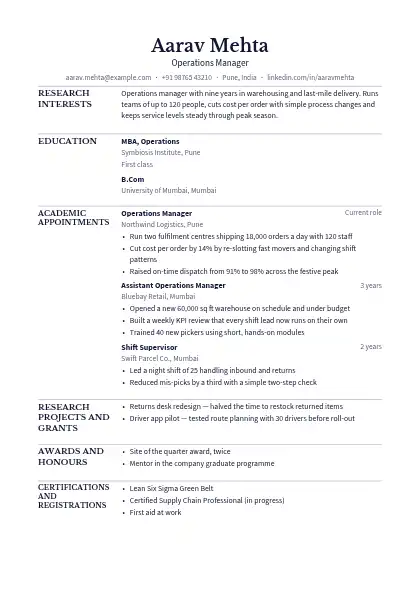
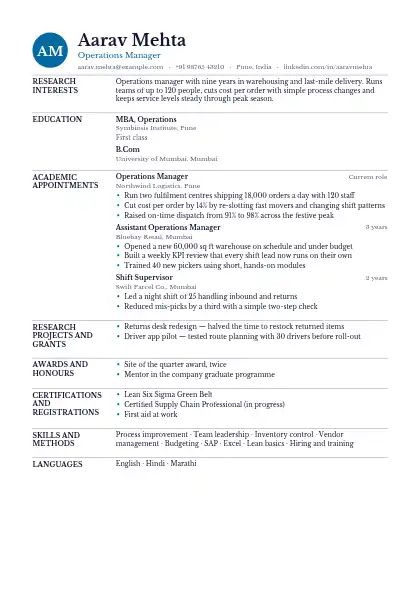
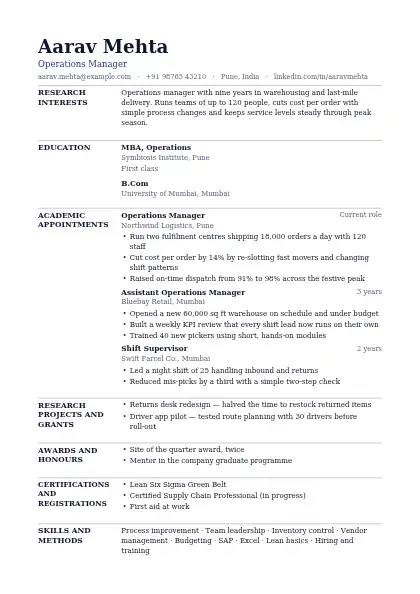
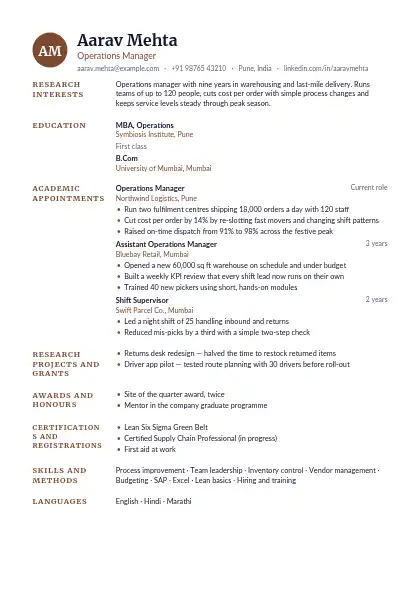
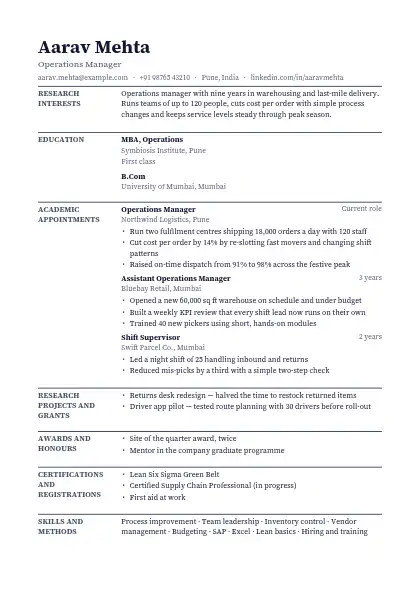
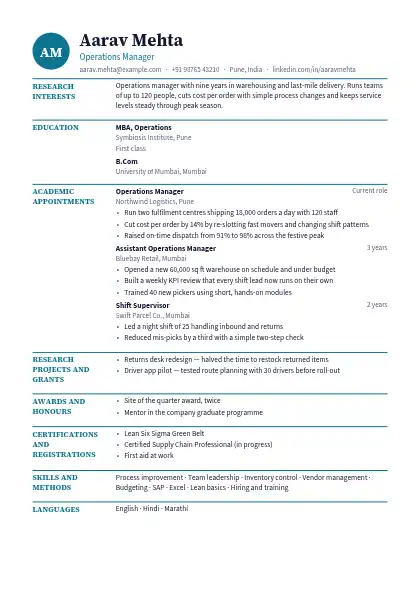
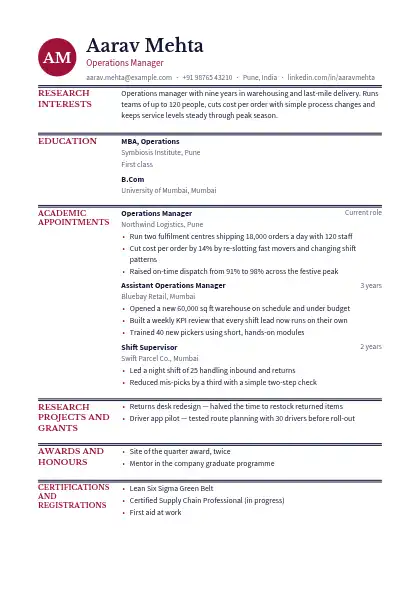
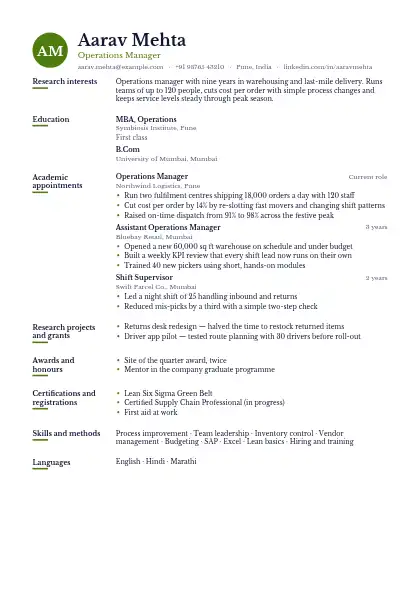
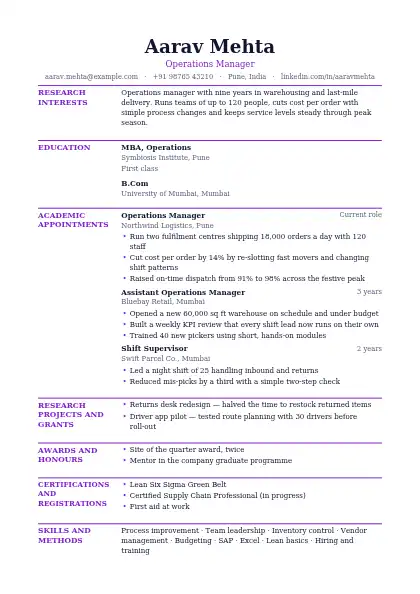
An applicant tracking system turns your resume into plain text before a recruiter searches it, so the safest layout is the one that survives that step. These templates keep everything in one column, read top to bottom, with standard headings such as Experience, Education and Skills.

Browse all 160 resume templates →

How else do these templates help with an ATS?

Text stays as real text, not images, and there are no text boxes, icons in place of words or tables holding your job history. Contact details sit in the body, not a page header that some systems skip. Keep the job title from the advert in your summary, use the same keywords the posting uses, and upload a PDF unless the portal asks for Word.

FAQ

Questions and answers

One column that reads top to bottom, standard section headings, real selectable text and no tables, text boxes or images carrying important information. Dates and job titles in a consistent format also help the system pull each role out correctly.

Not always, but they are riskier. Some older applicant tracking systems read across both columns line by line, which mixes your skills into your job history. For large company portals, a single-column design is the safer choice.

Most modern systems read a text-based PDF without trouble, and a PDF keeps your layout intact. If the portal says it prefers Word, upload the Word file instead. Both downloads from the builder contain real text, not a scanned image.

Turn your resume into a website

One link with your resume, work samples and contact details — live in about five minutes.

● Live in 5 minutes · free to start · no auto-renew

Make your own website

Pick a design, add your details and go live in minutes. 7-day free trial, no card needed.

Start free
Chat on WhatsApp