38 designs · free PDF and Word

Sidebar resume templates

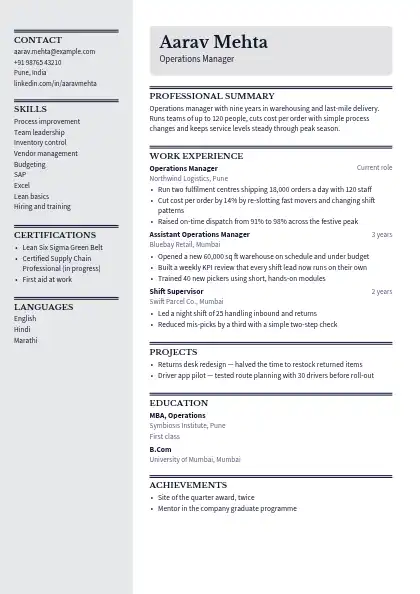
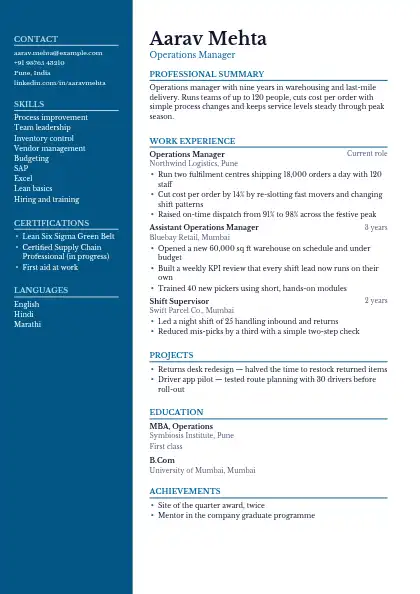
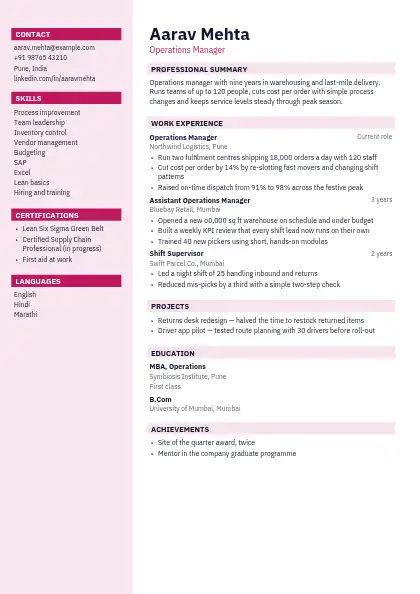
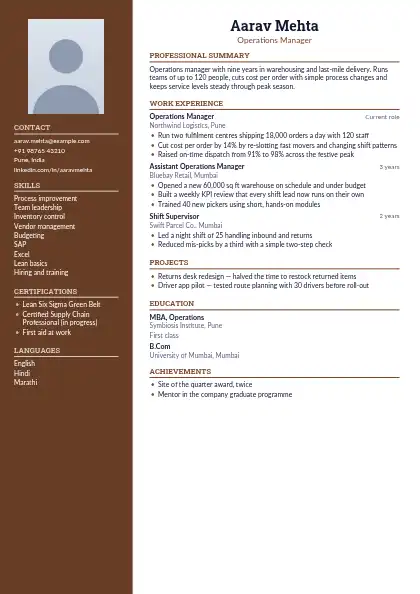
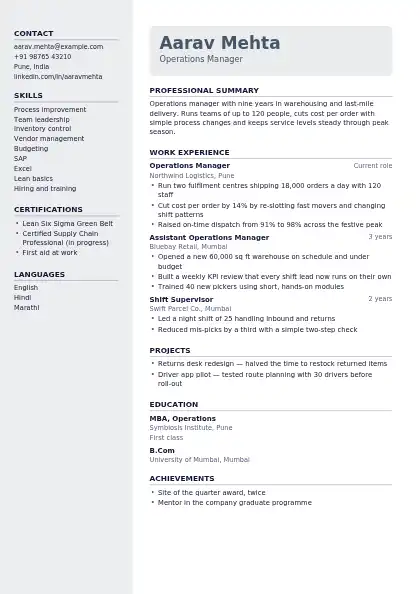
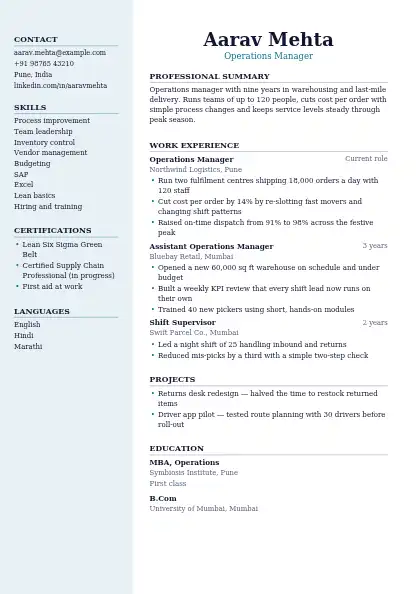
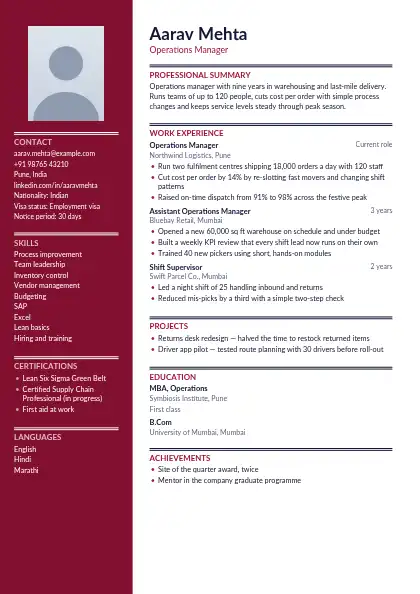
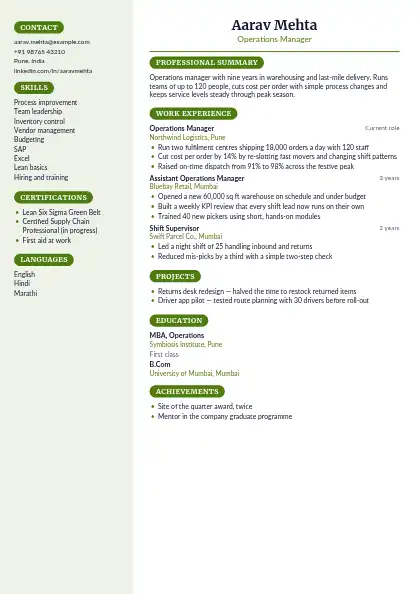
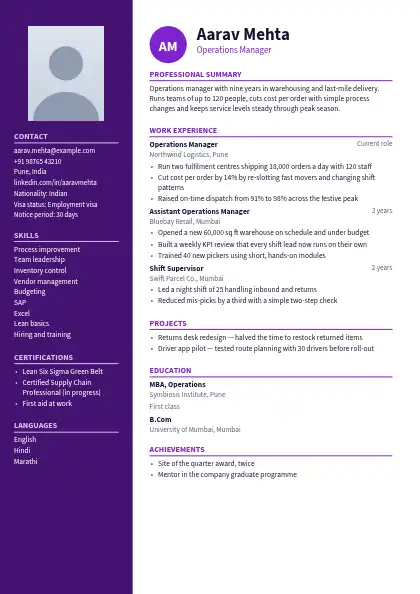
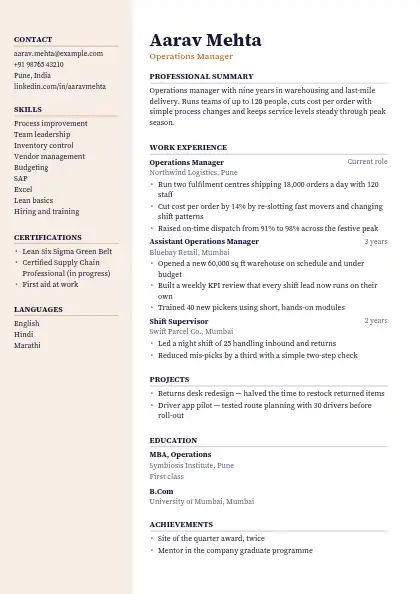
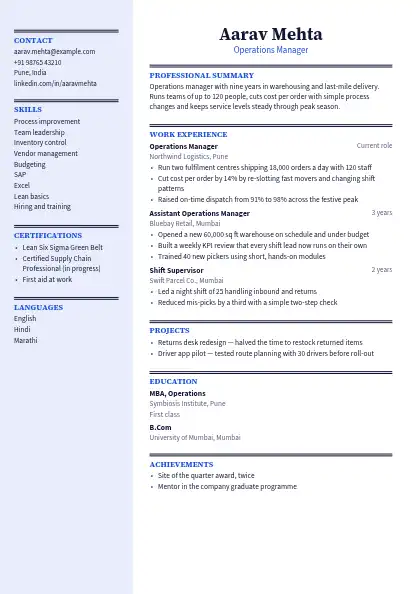
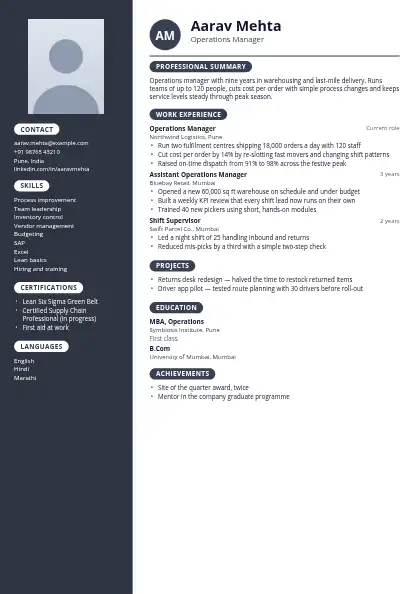
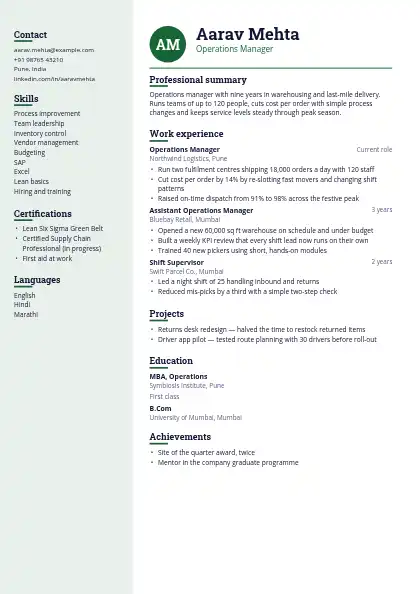
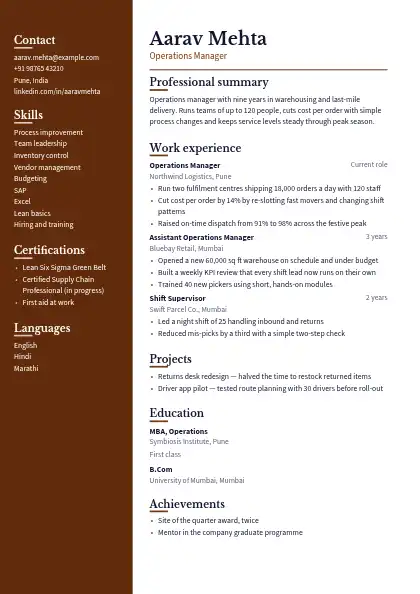
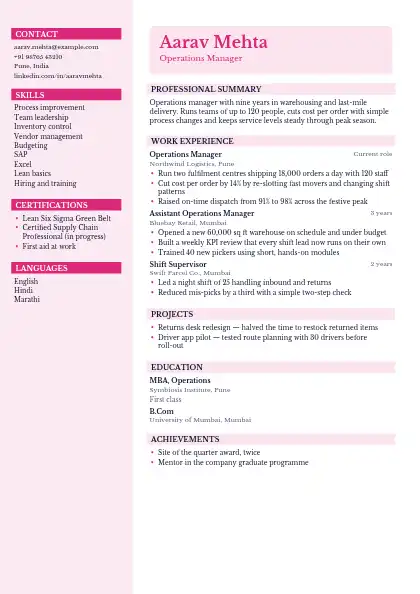
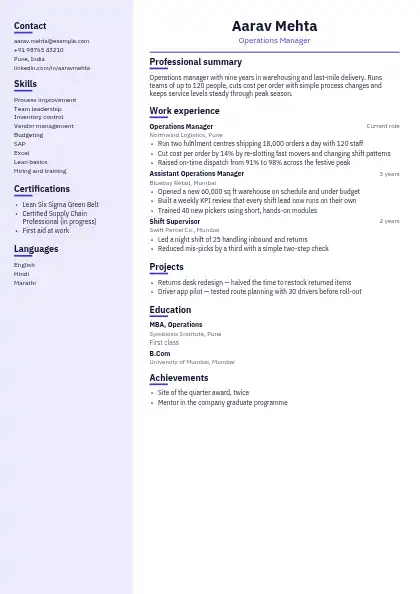
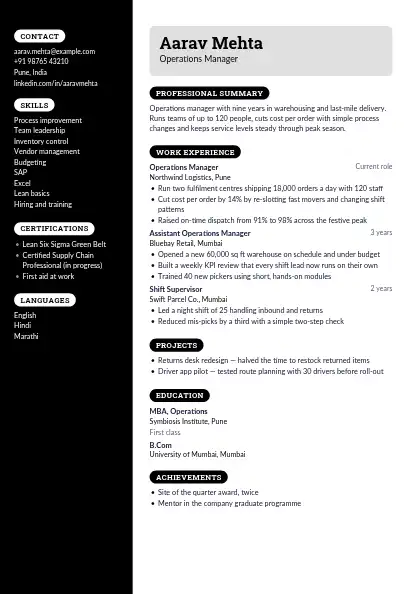
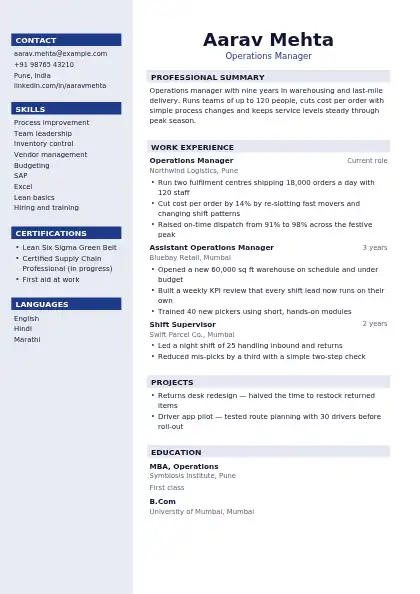
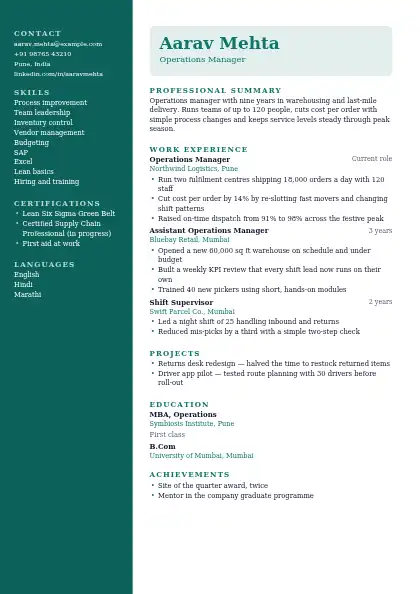
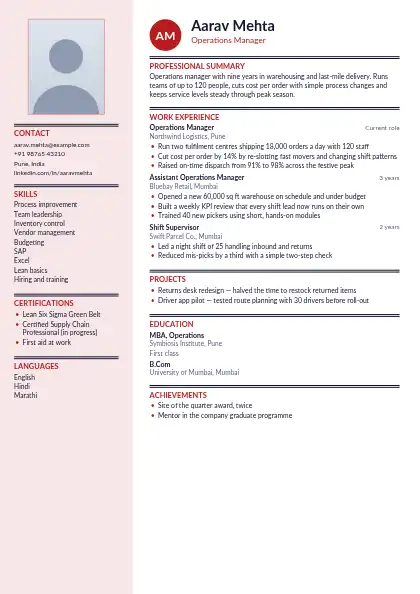
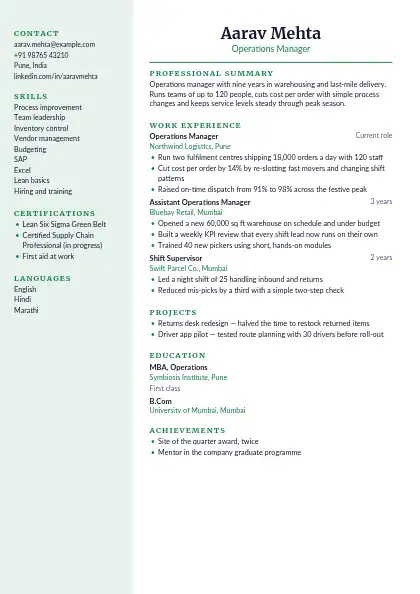
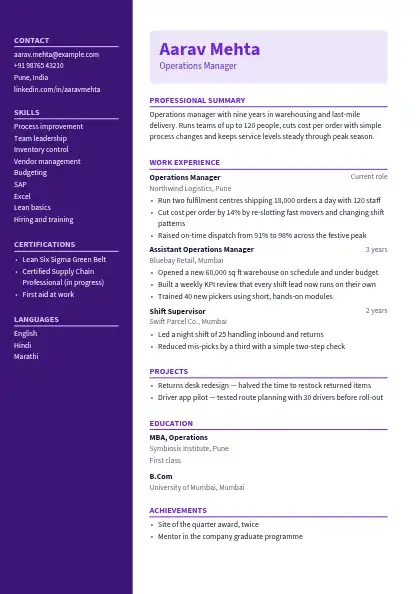
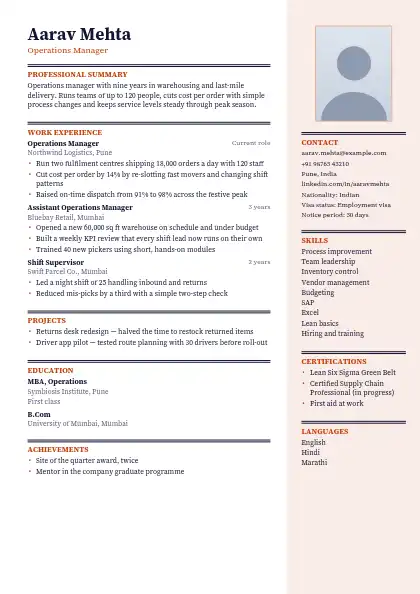
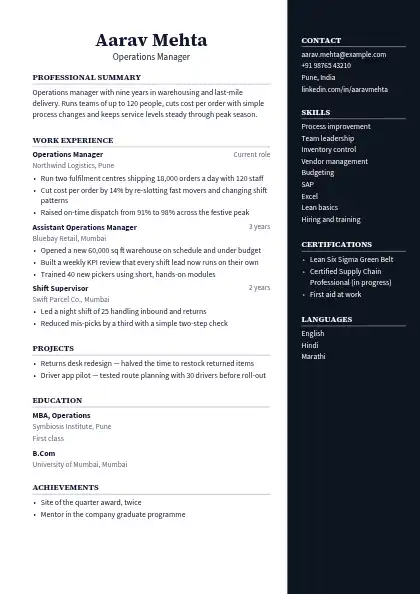
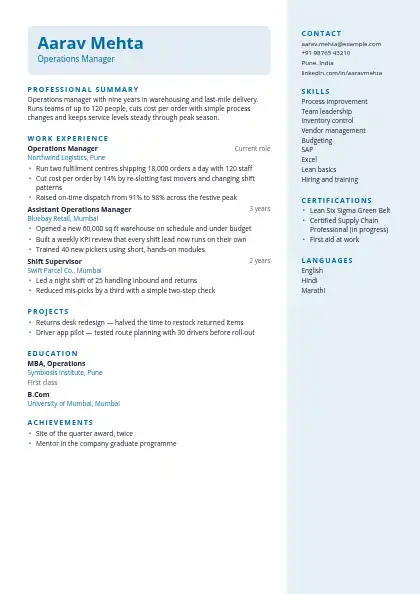
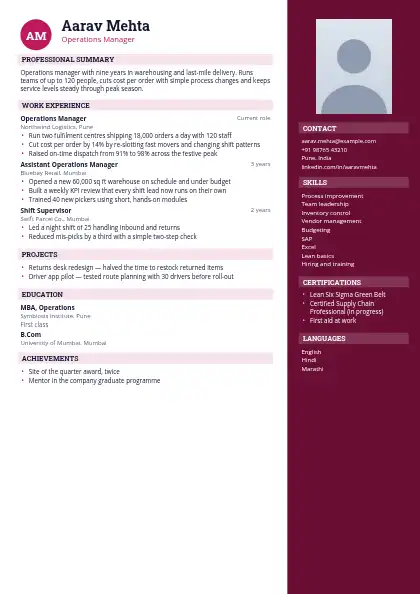
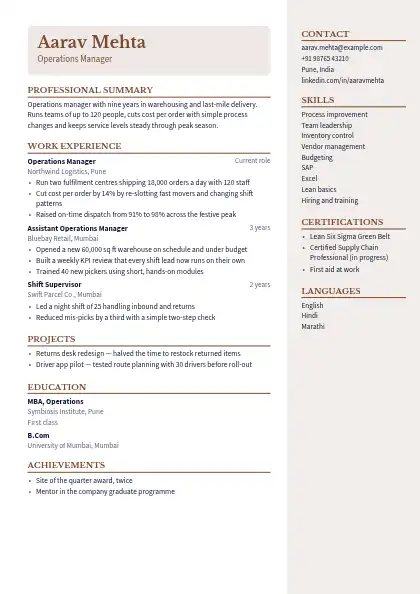
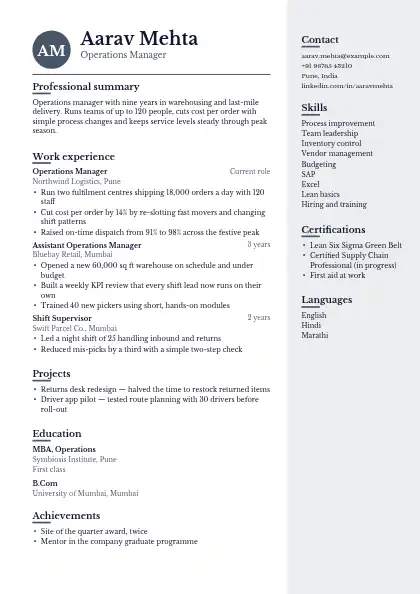
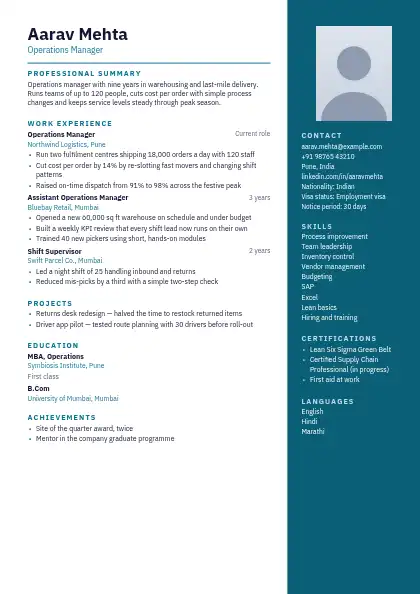
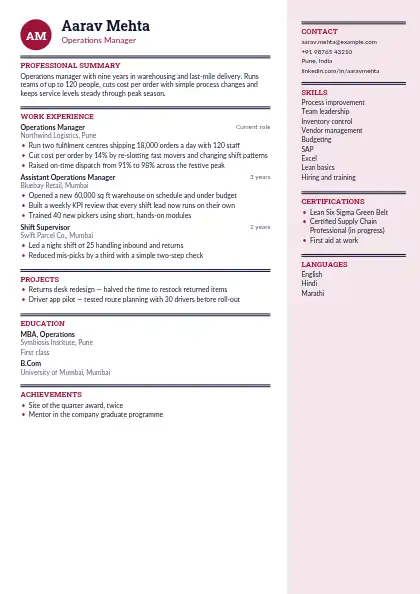
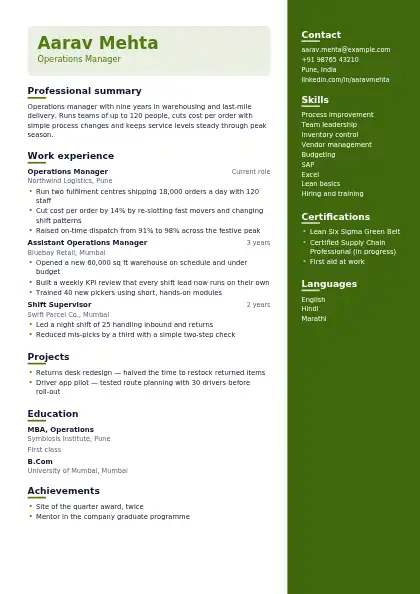
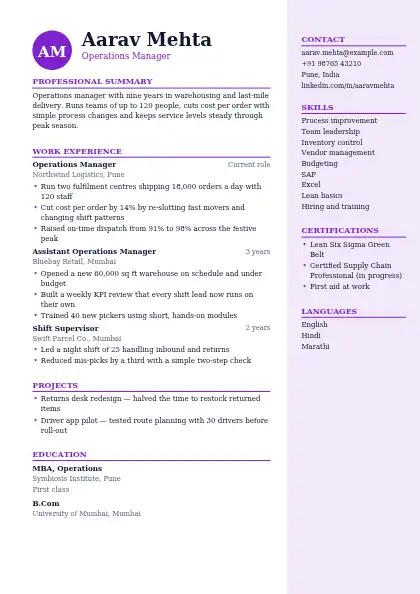
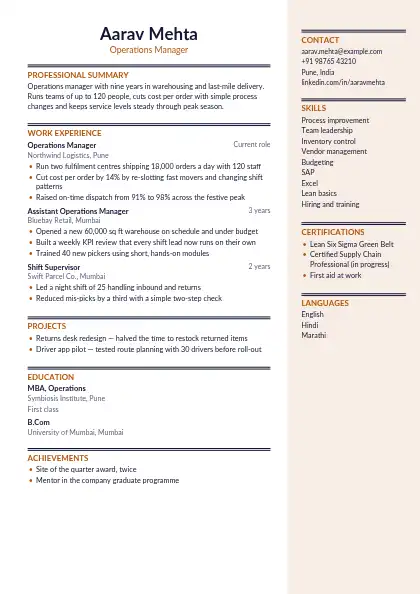
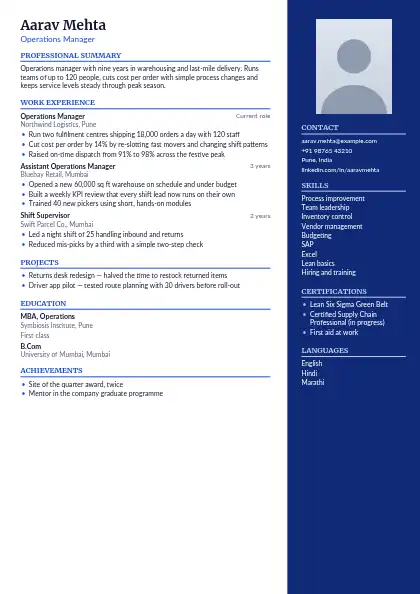
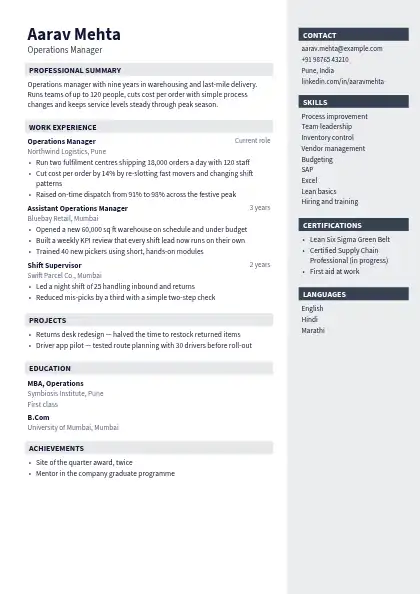
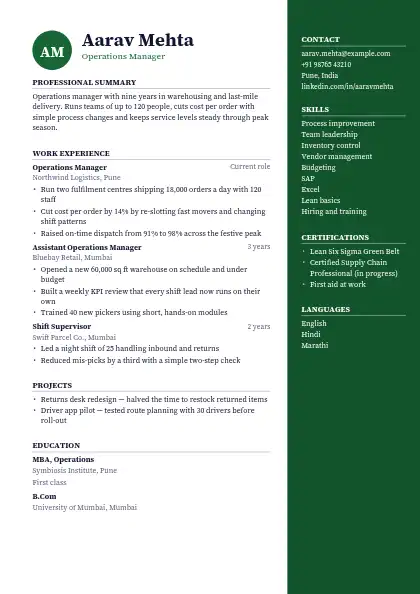
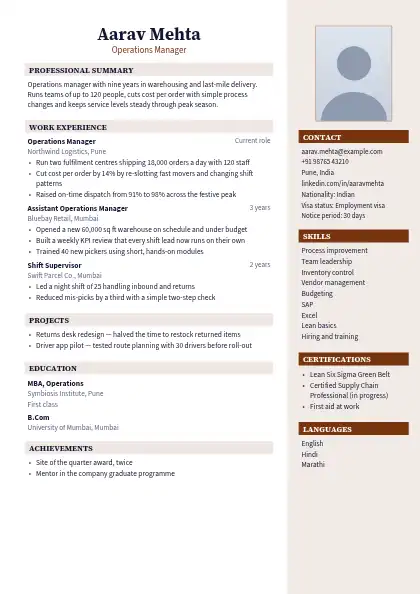
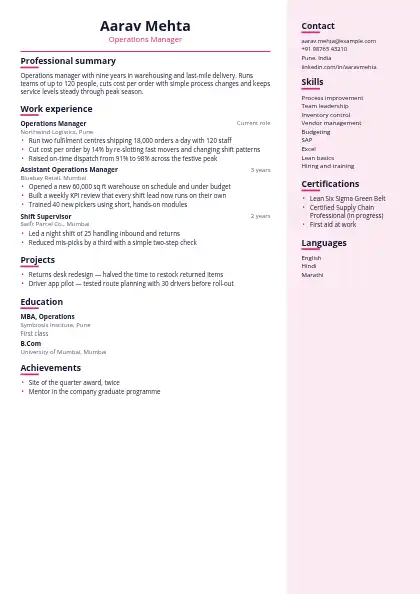
Sidebar templates give your contact details, skills, languages and certifications a panel of their own, often tinted with your accent colour, beside the main column of experience. The effect is instantly recognisable and fits a lot on one page, which suits freshers with many skills, technical roles and creative fields.

About applicant tracking systems: Some older applicant tracking systems read two columns out of order, so pick a single-column design for large company portals and use a two-column one when a person reads your resume first.

Browse all 160 resume templates →

What should you know before picking a sidebar design?

Some designs put the sidebar on the left, others on the right; a left sidebar is noticed first, a right one keeps your experience in the reading line. Like every two-column layout, they can be read out of order by some older applicant tracking systems, so use a single-column design for large company portals.

FAQ

Questions and answers

A left sidebar draws the eye first, so it suits skills-led profiles. A right sidebar keeps your experience in the natural reading line and lets the side details support it.

Contact details, skills, tools, languages, certifications and links. Keep it to short items; long text in a narrow column is hard to read.

Looks great, but some older applicant tracking systems read two columns out of order — pick a single-column design for large company portals.

Turn your resume into a website

One link with your resume, work samples and contact details — live in about five minutes.

● Live in 5 minutes · free to start · no auto-renew

Make your own website

Pick a design, add your details and go live in minutes. 7-day free trial, no card needed.

Start free
Chat on WhatsApp