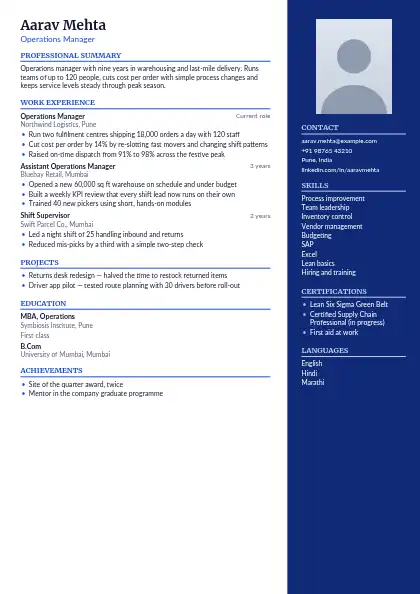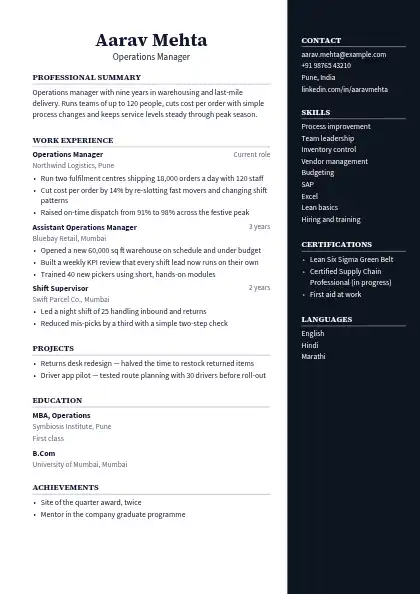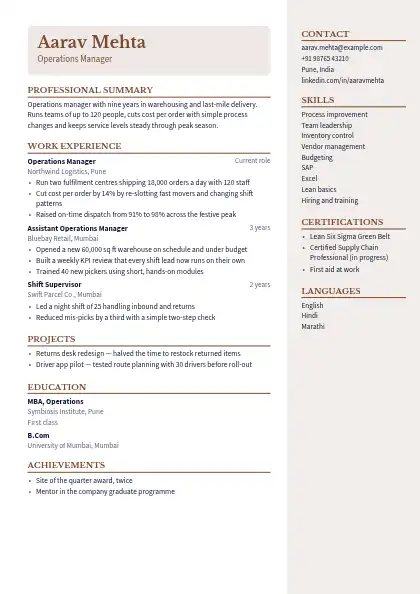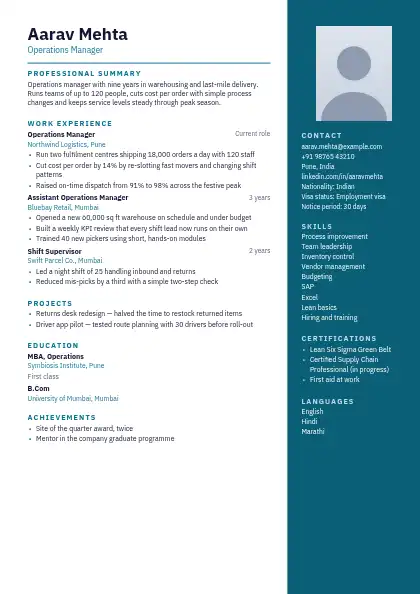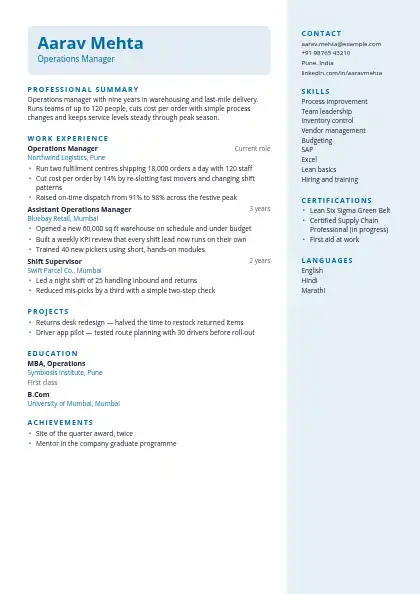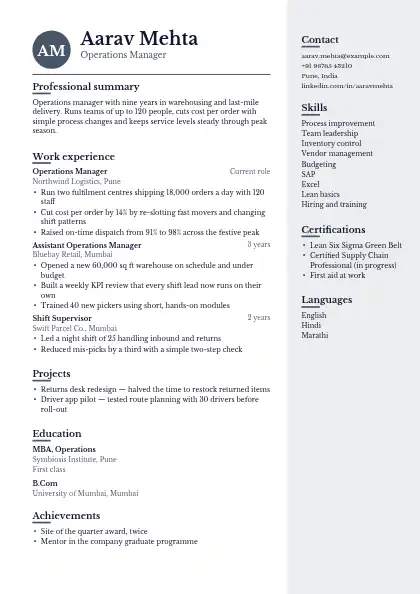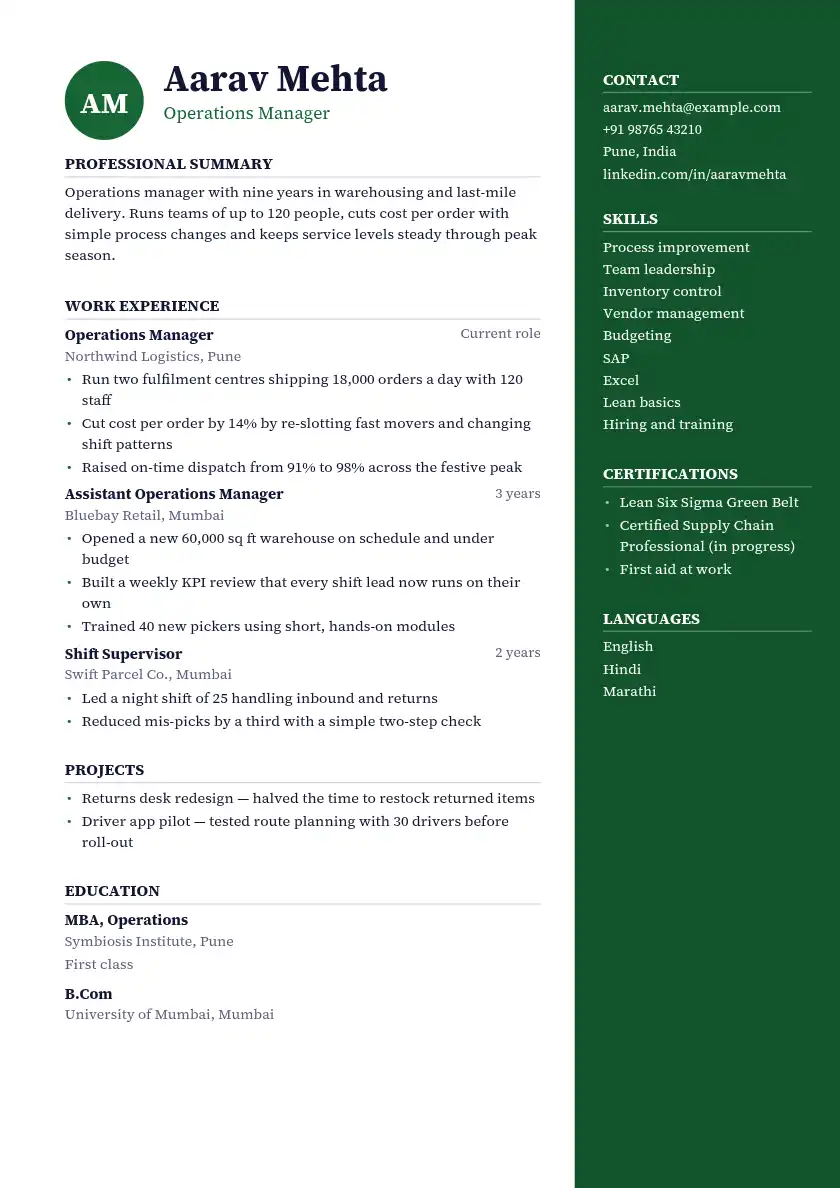
Dark Pine Right Panel resume template
Dark Pine Right Panel is a free two-column resume template with a green accent: right sidebar layout, an initials monogram and Source Serif 4. Older applicant tracking systems may read its two columns out of order, so email it to a person rather than a job portal. Download PDF and Word free, with no signup or watermark.
Dark pine right column for contact and skills, monogram initials, grey rules under headings and Source Serif 4 throughout; a measured look for chartered accountants and bankers.
Download as PDF and Word from the builder. No signup, no watermark.
- Layout
- Main column with a sidebar on the right for contact details and skills
- Header
- Your initials as a monogram beside the name
- Section headings
- Set above a thin rule
- Fonts
- Source Serif 4
- Accent colour
- Green (#166534), changeable in the builder
- Spacing
- Relaxed, with generous spacing
- Photo
- No photo space
- Length
- Runs onto a second page as your content grows
- Downloads
- PDF and Word (.docx), free, no watermark
Is the Dark Pine Right Panel template ATS-friendly?
Not always. Some older applicant tracking systems read two columns out of order, so pick a single-column design for large company portals and use a two-column one when a person reads your resume first.
Word: The Word file is made for editing: two-column designs can shift slightly once you change text in Word, so send the PDF unless an employer asks for Word.